Light and glass
Glass, glow, spotlight and beam borders · 7 lessons
Lesson 1 of 7 · Button
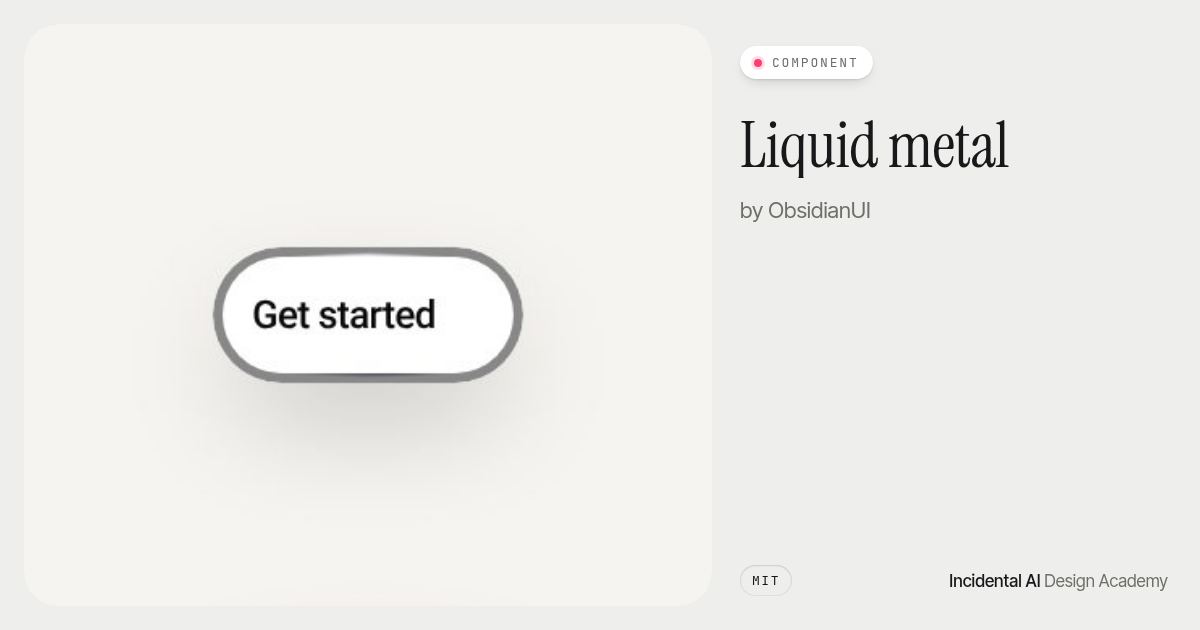
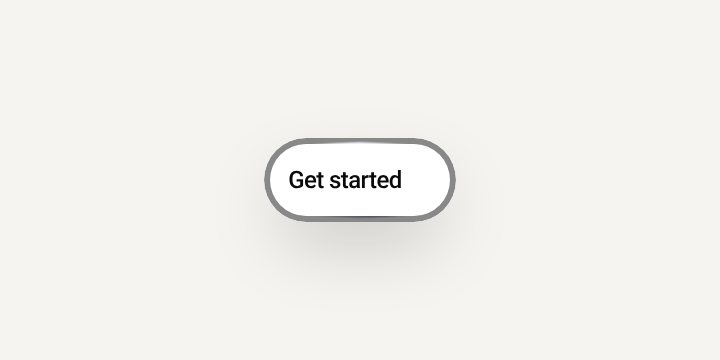
Liquid metal
A clear shape, one strong colour and a short press response make it feel physical.
When to use it: Primary actions, calls to action and toolbars.
How to tune it: Change the radius, the padding and the length of the hover transition.
Lesson 2 of 7 · Signature effect
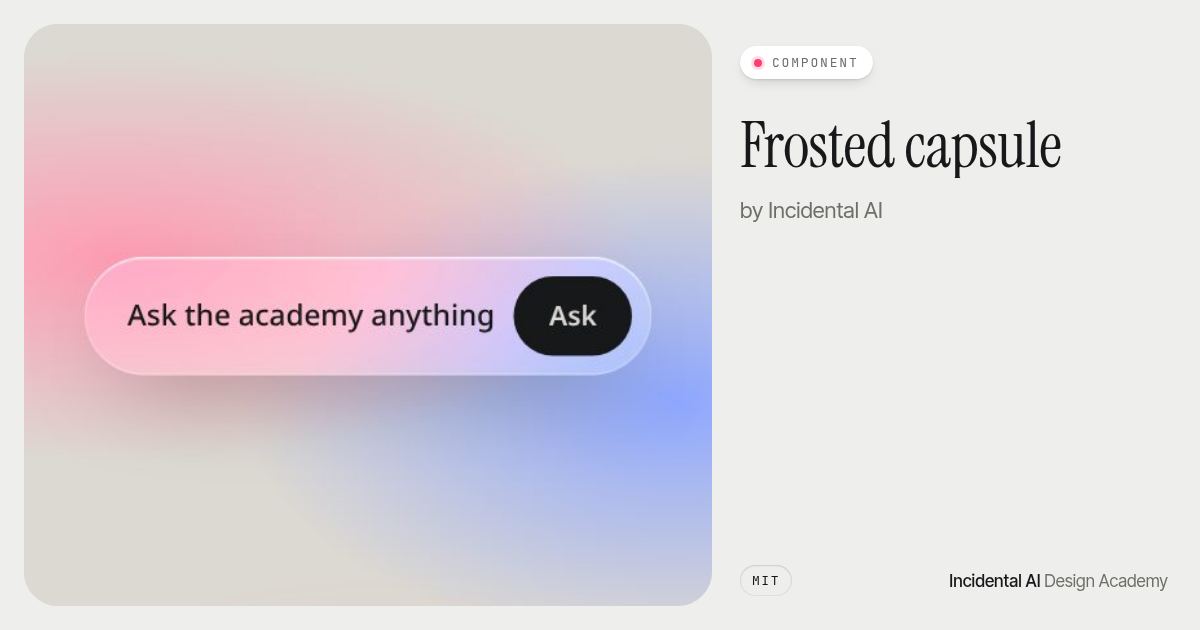
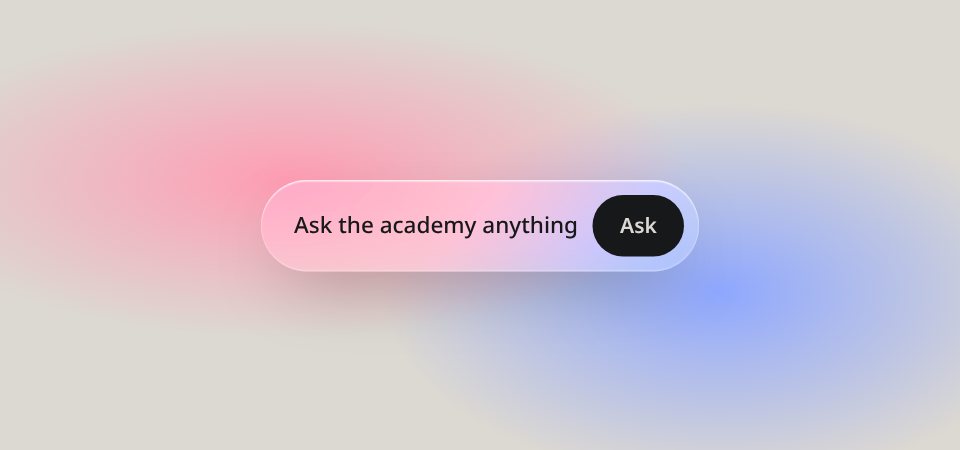
Frosted capsule
A soft highlight drifts across a frosted pill, like light moving over glass.
When to use it: Search or ask bars, newsletter fields and floating toolbars.
How to tune it: Change the highlight speed, the blur, the saturation and the background tint.
Lesson 3 of 7 · Signature effect
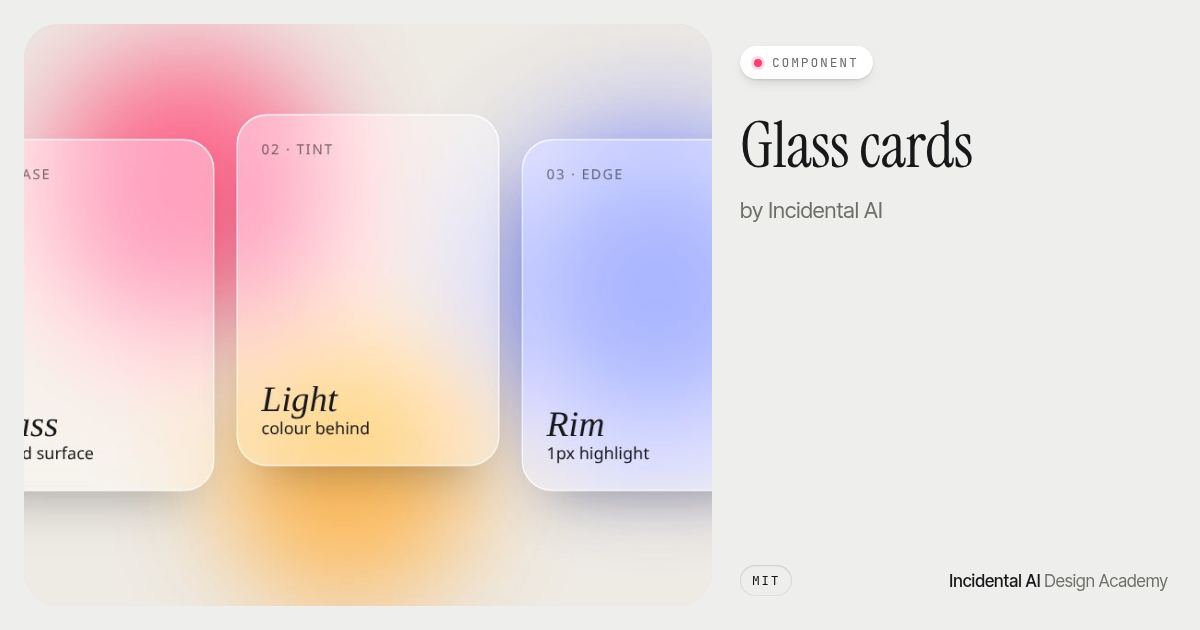
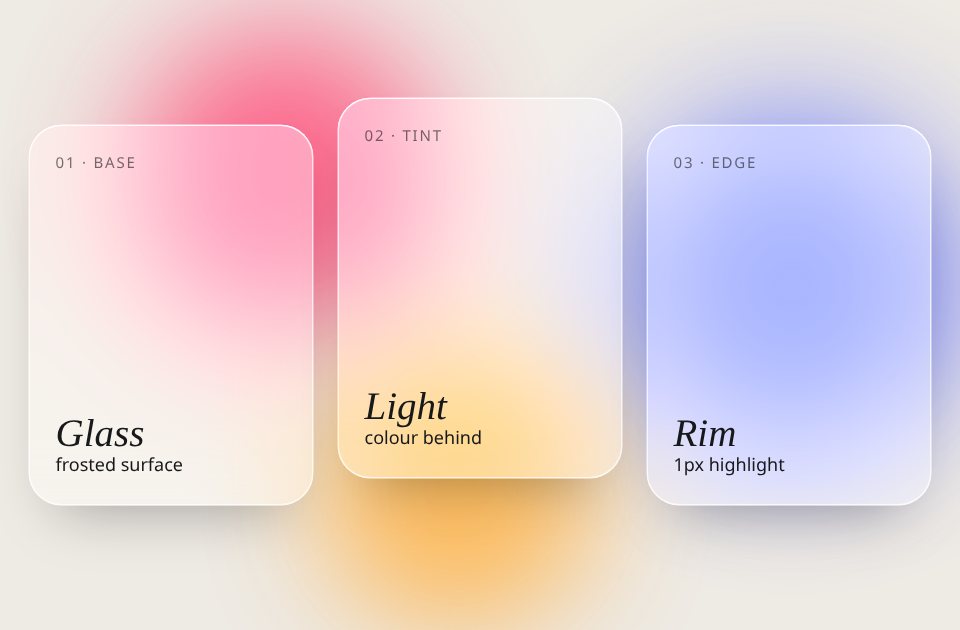
Glass cards
Blurred colour moves behind frosted cards with a 1px light rim, so the glass reads as a real material.
When to use it: Feature trios, plan cards and app widgets over a colourful background.
How to tune it: Adjust the blur amount, the glass opacity, the rim brightness and the blob colours.
Lesson 4 of 7 · Signature effect
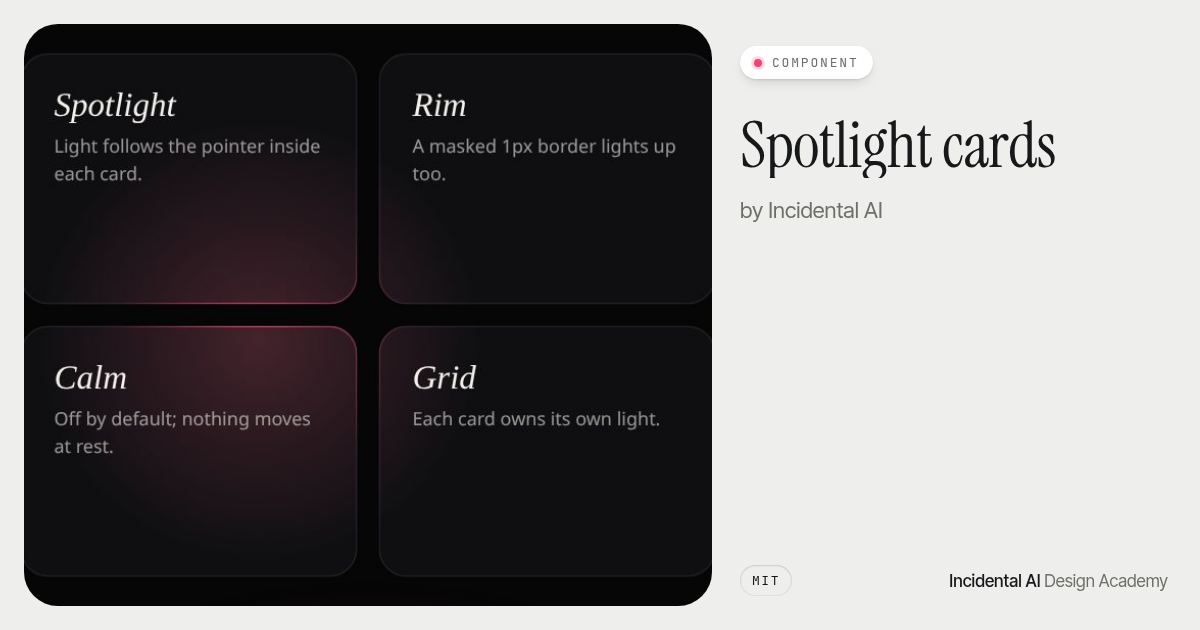
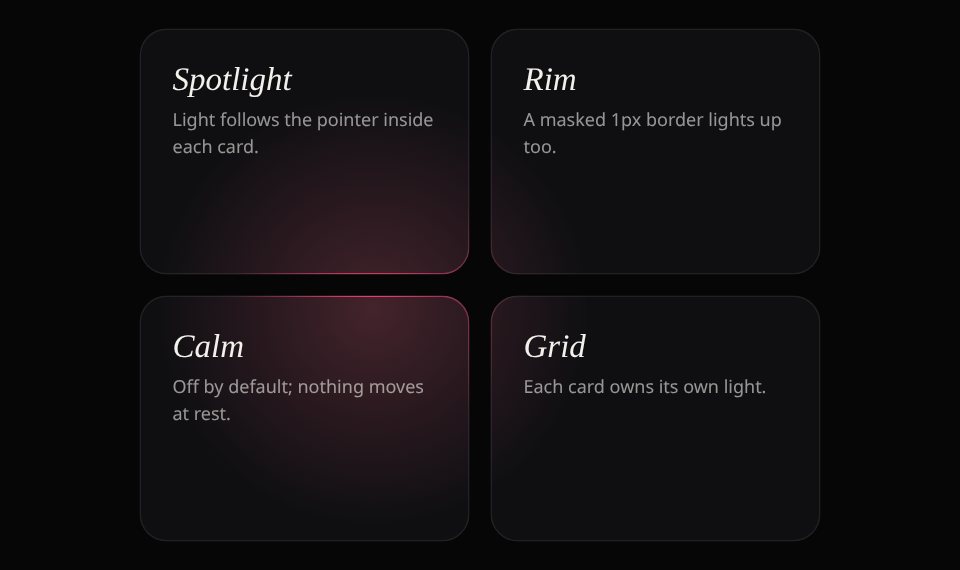
Spotlight cards
A soft light and a lit border follow the pointer inside each card, so the grid answers movement.
When to use it: Feature grids, pricing tables and link cards.
How to tune it: Adjust the spotlight size, the glow colour, the border width and the fade time.
Lesson 5 of 7 · Signature effect
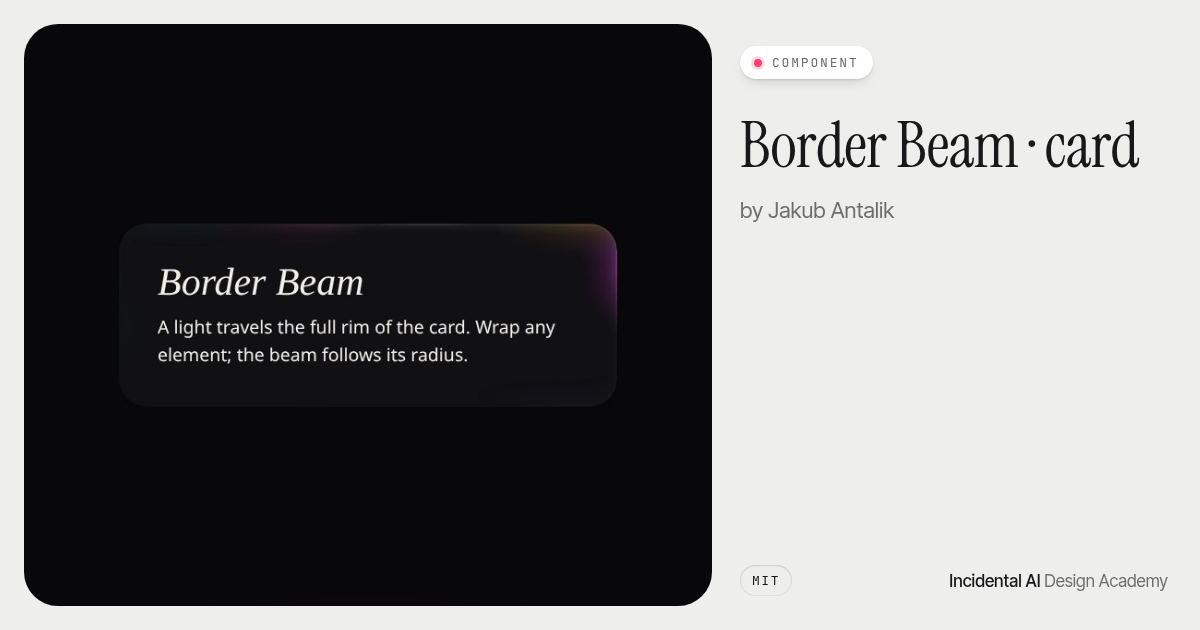
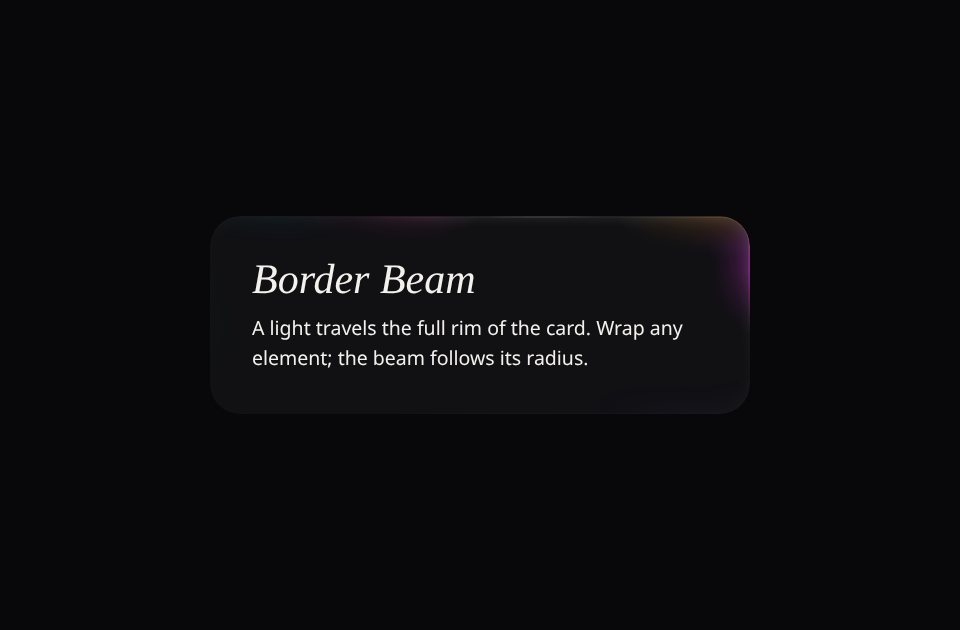
Border Beam card
A coloured light travels along the card's full rim and follows its radius.
When to use it: Featured cards, active panels and AI result cards.
How to tune it: Set size, colorVariant, duration, strength and borderRadius.
Lesson 6 of 7 · Signature effect
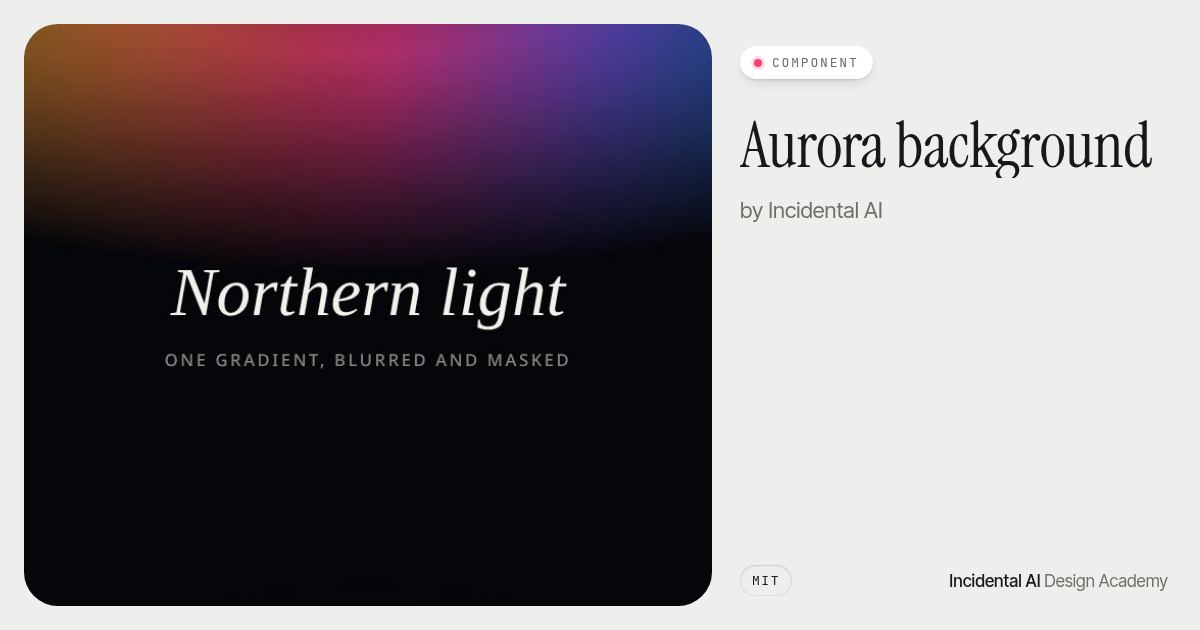
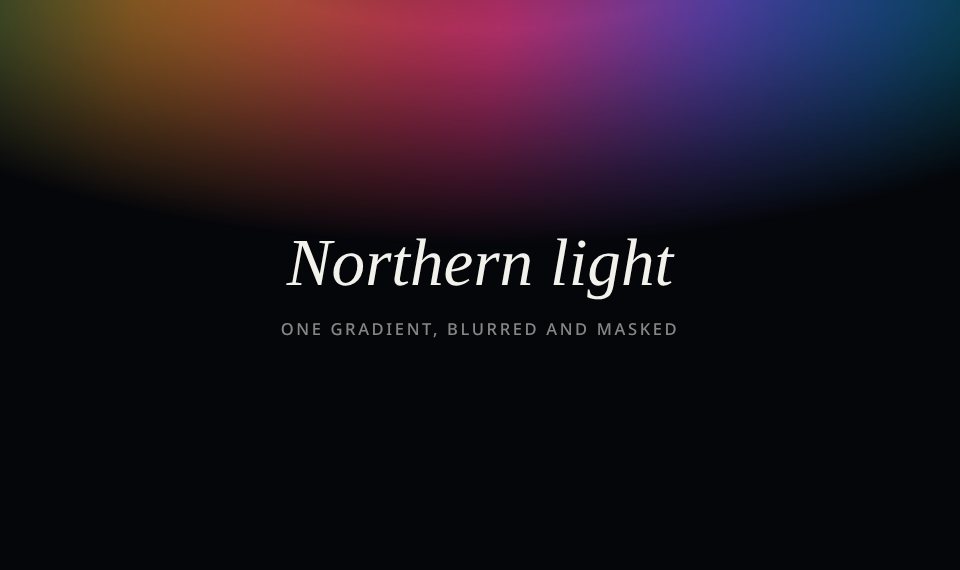
Aurora background
One wide gradient, blurred and masked to the top, drifts like northern light behind the title.
When to use it: Hero sections, sign-in pages and event announcements.
How to tune it: Adjust the colours, the blur, the mask shape and the drift duration.
Lesson 7 of 7 · Signature effect
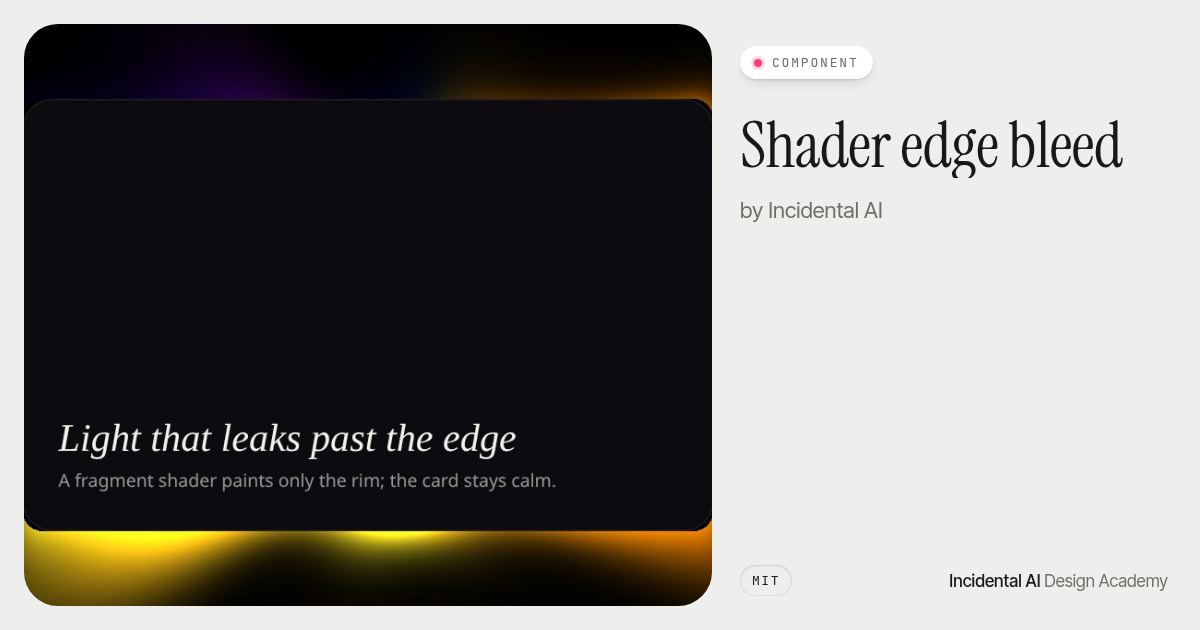
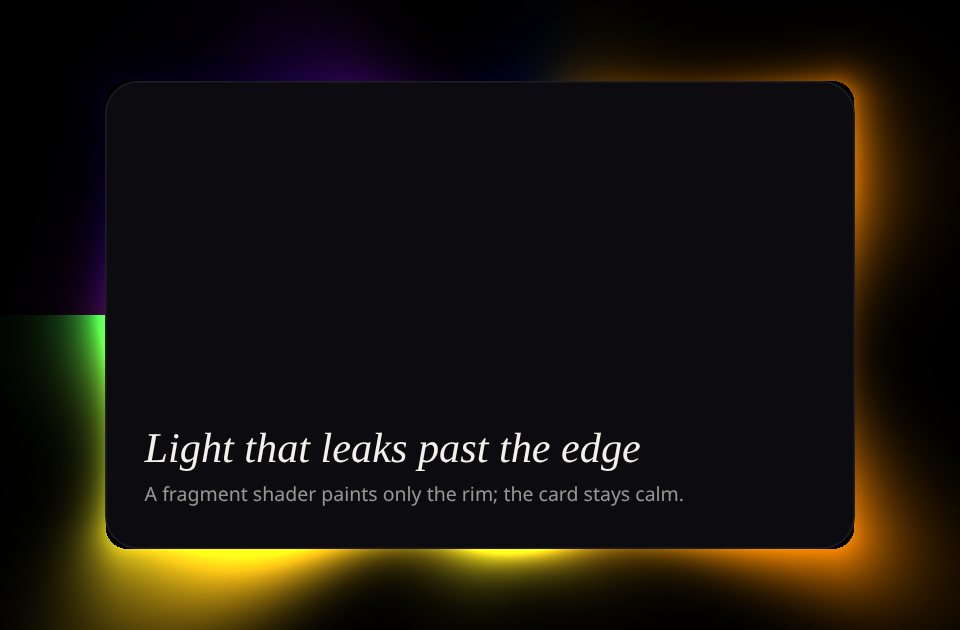
Shader edge light
The shader colours only the rim around a calm card, so light seems to leak from behind it.
When to use it: Feature cards, a pricing highlight or a product announcement.
How to tune it: Adjust the glow width, the colour palette, the wave speed and the card radius.