Signature
Shaders, particles, 3D rings and voice orbs · 7 lessons
Lesson 1 of 7 · Signature effect
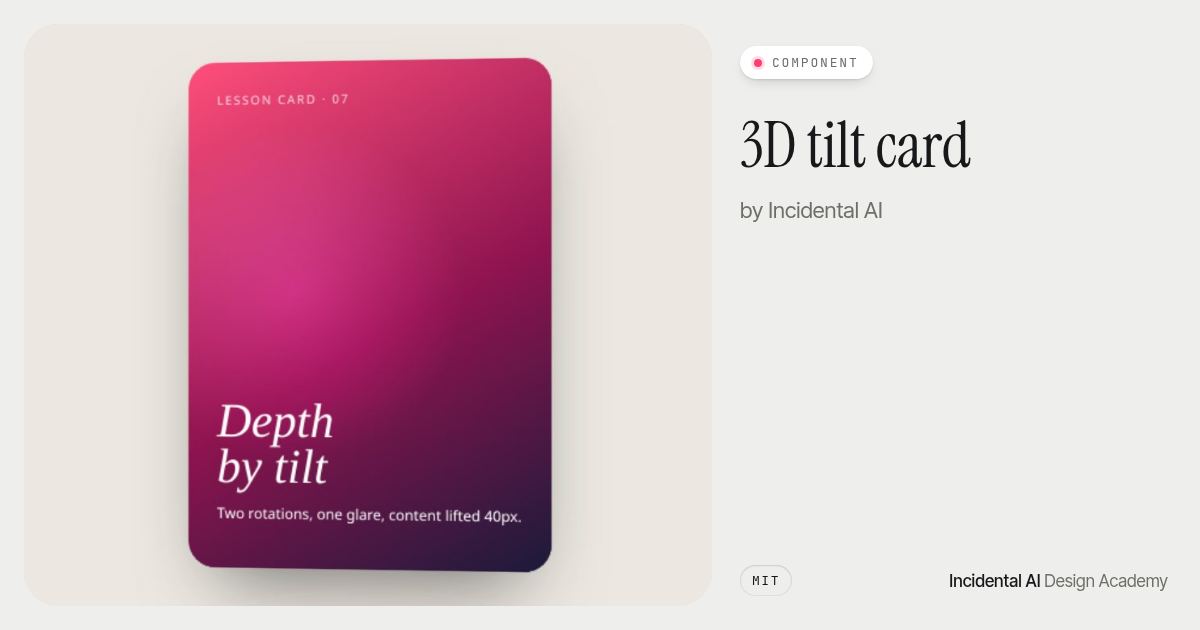
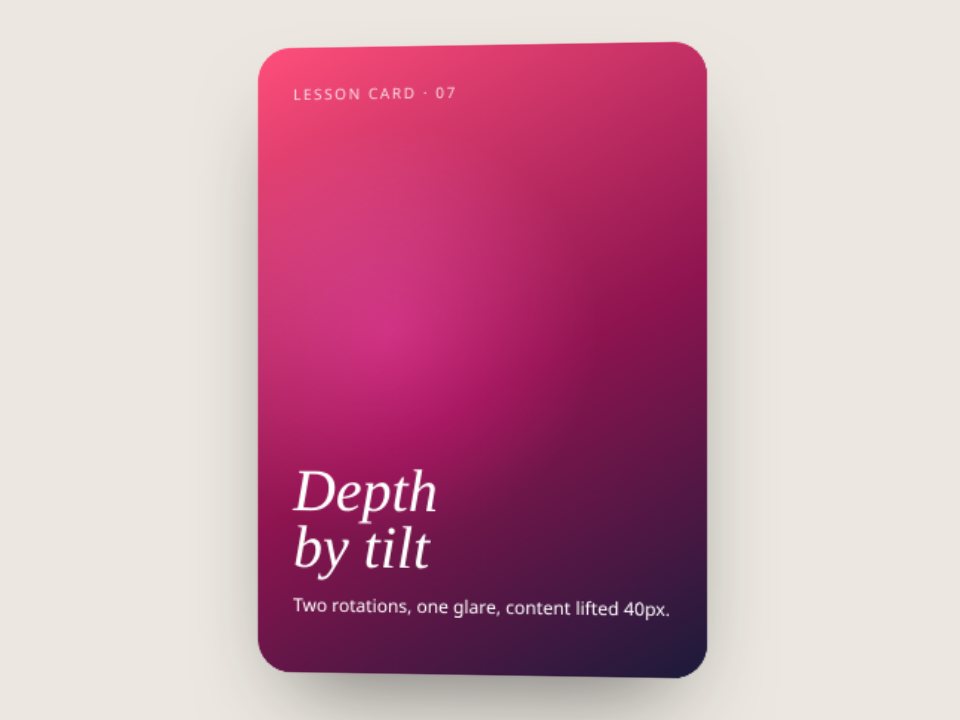
3D tilt card
Two small rotations, a moving glare and lifted content make a flat card feel like an object.
When to use it: Lesson cards, membership cards and product highlights.
How to tune it: Change the maximum tilt, the glare strength, the lift depth and the gradient.
Lesson 2 of 7 · Signature effect
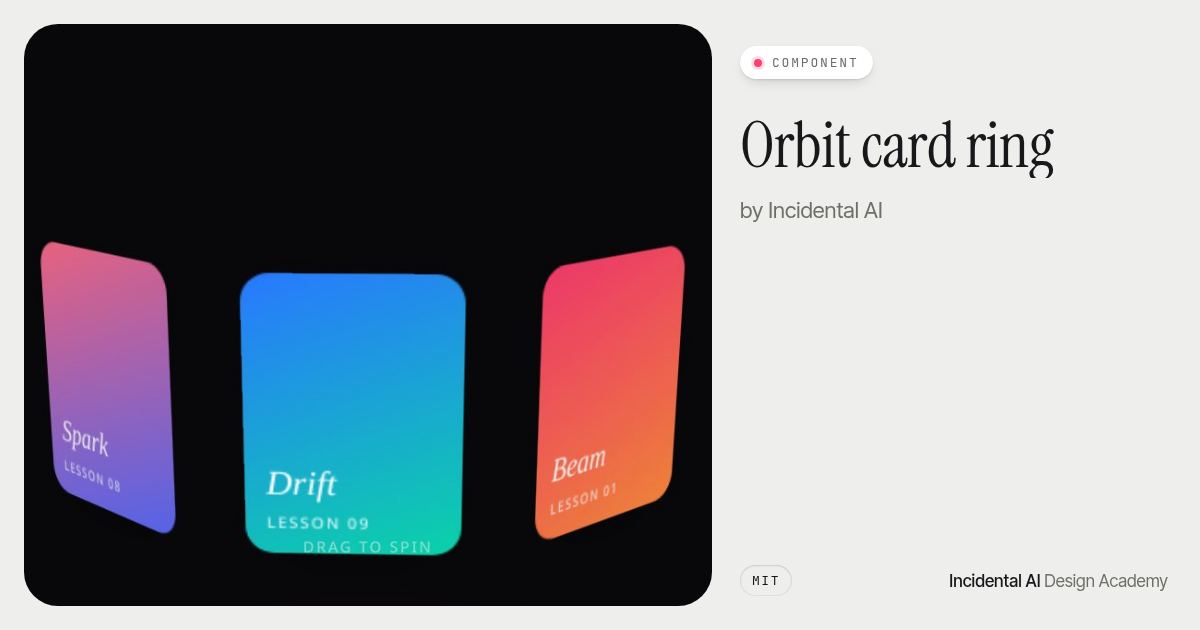
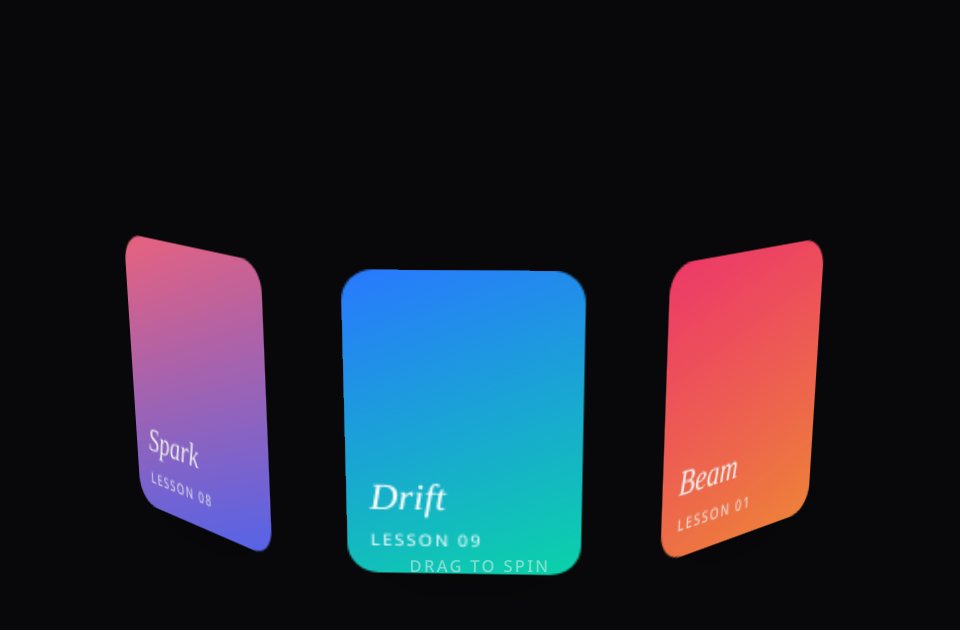
Orbit card ring
Cards travel on a tilted ring with depth blur, so the set feels like a gallery in space.
When to use it: Showcases, lesson collections and product line-ups.
How to tune it: Adjust the number of cards, the ring radius, the tilt and the spin speed.
Lesson 3 of 7 · Signature effect
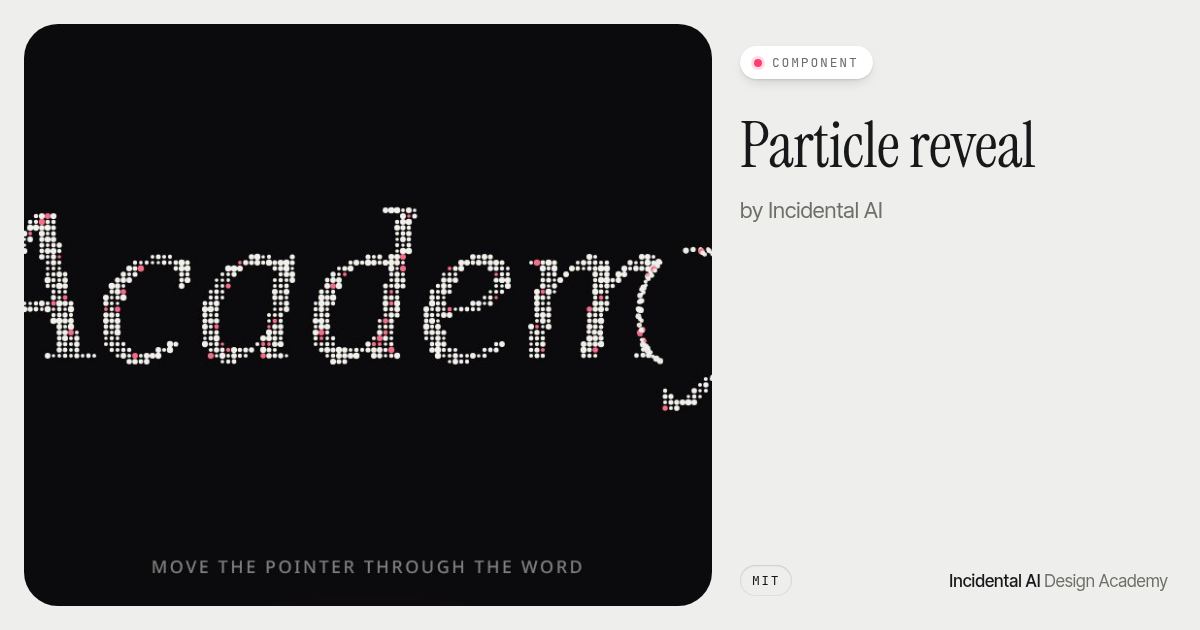
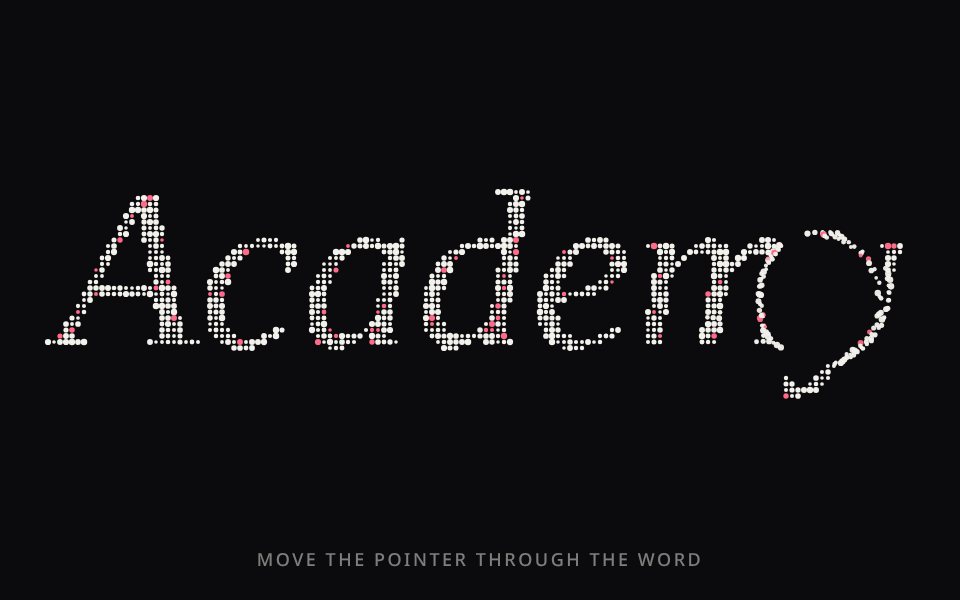
Particle reveal
The word is drawn by thousands of dots that spring back after the pointer pushes them, so the text feels alive but stays readable.
When to use it: A hero word, a brand name or a launch page headline.
How to tune it: Change the word, the dot gap, the push radius and the spring strength.
Lesson 4 of 7 · Signature effect
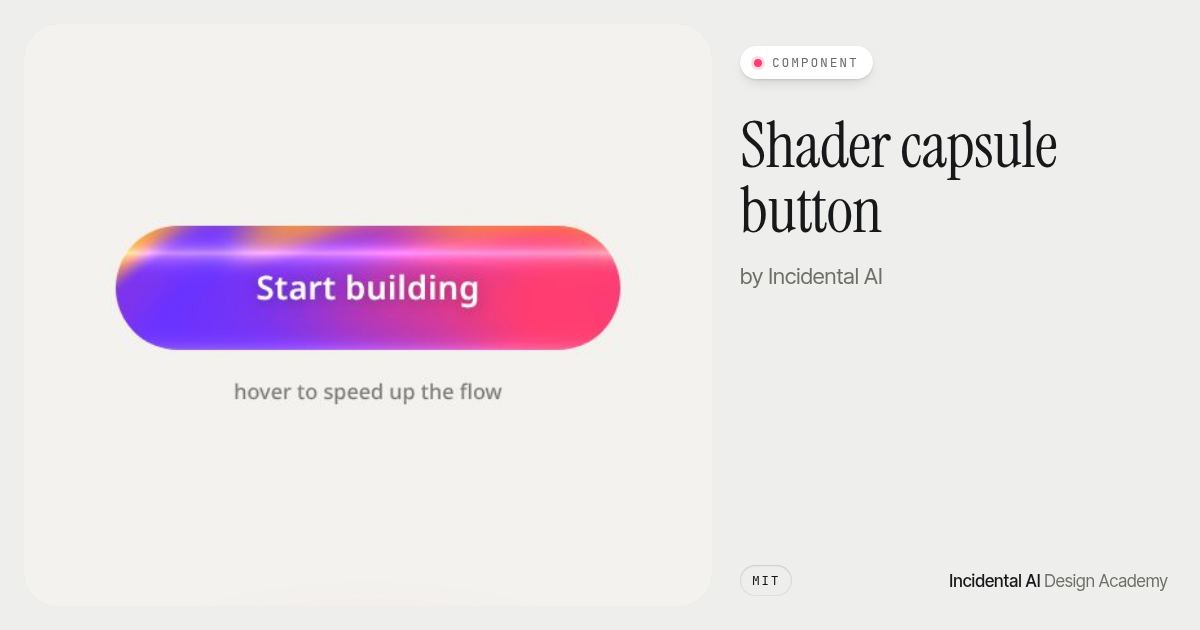
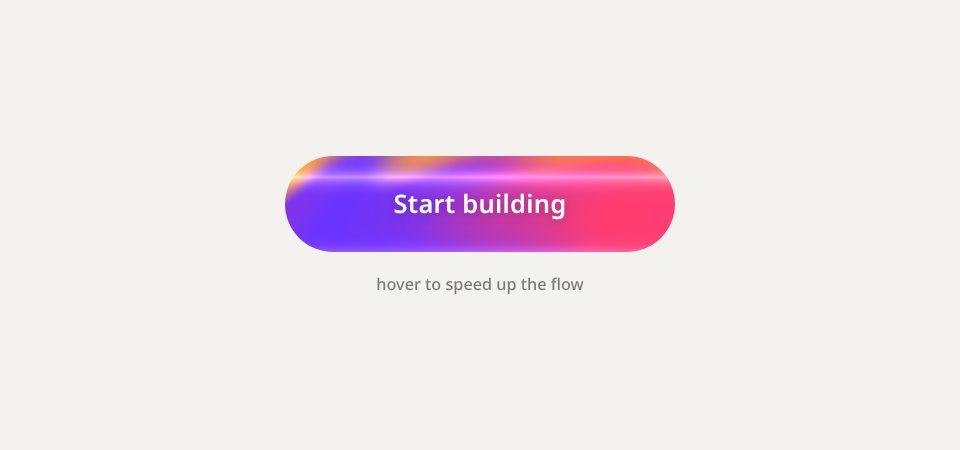
Shader capsule button
A slow liquid gradient lives inside the pill shape and speeds up on hover, so the button responds without a flash.
When to use it: The single main action of a page, like Start or Download.
How to tune it: Change the three colours, the base speed, the hover boost and the pill size.
Lesson 5 of 7 · Signature effect
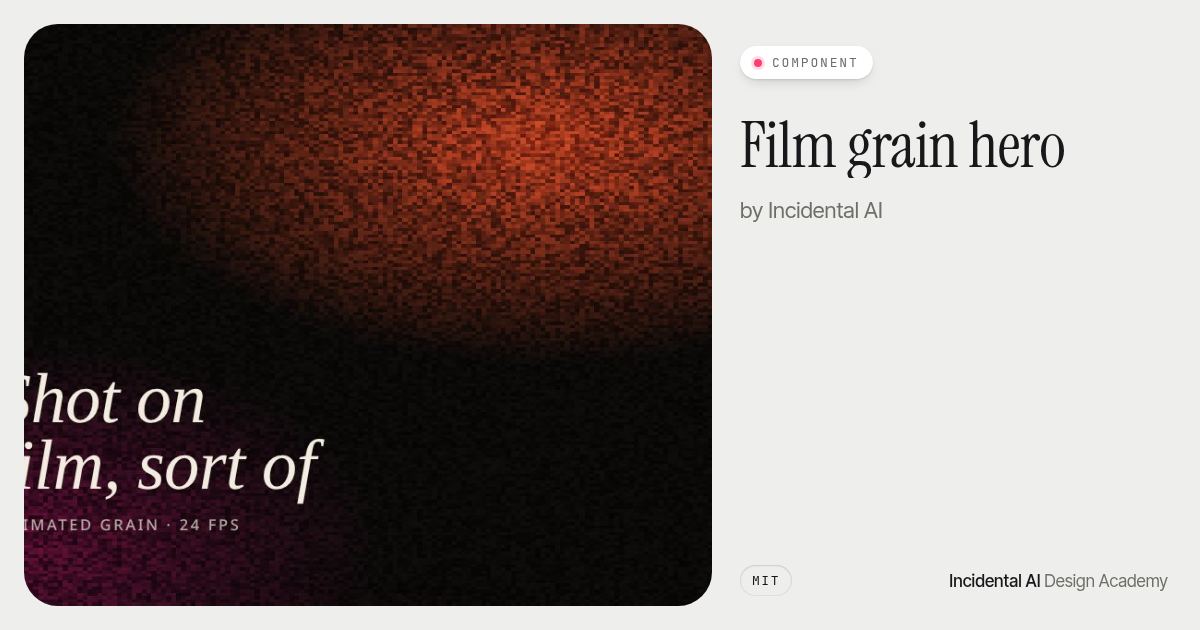
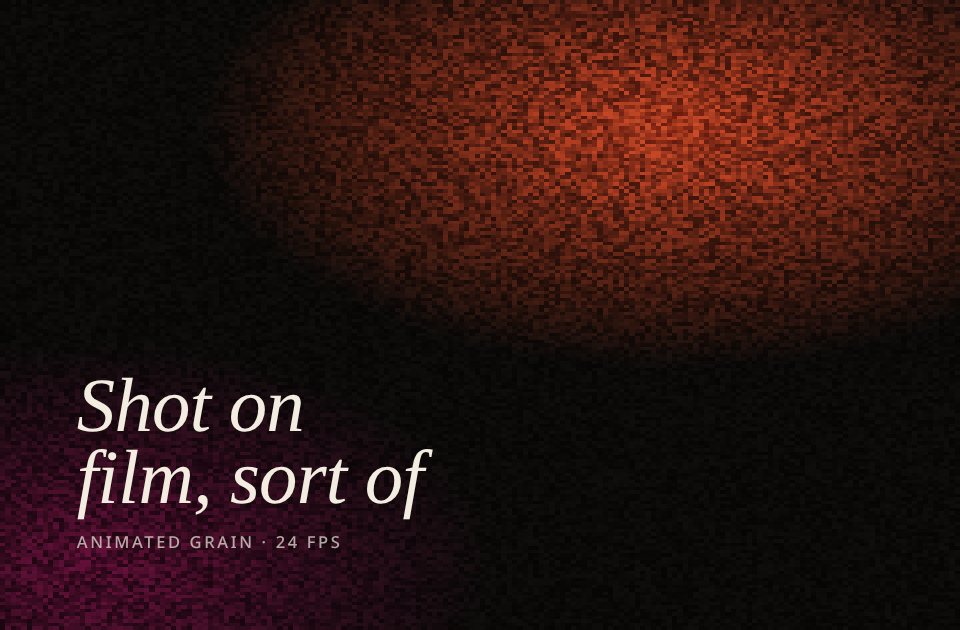
Film grain hero
Animated grain over warm gradients gives a digital page the texture of film.
When to use it: Editorial heroes, portfolios and cinematic landing pages.
How to tune it: Adjust the grain opacity, the frame rate, the blend mode and the gradient colours.
Lesson 6 of 7 · Signature effect
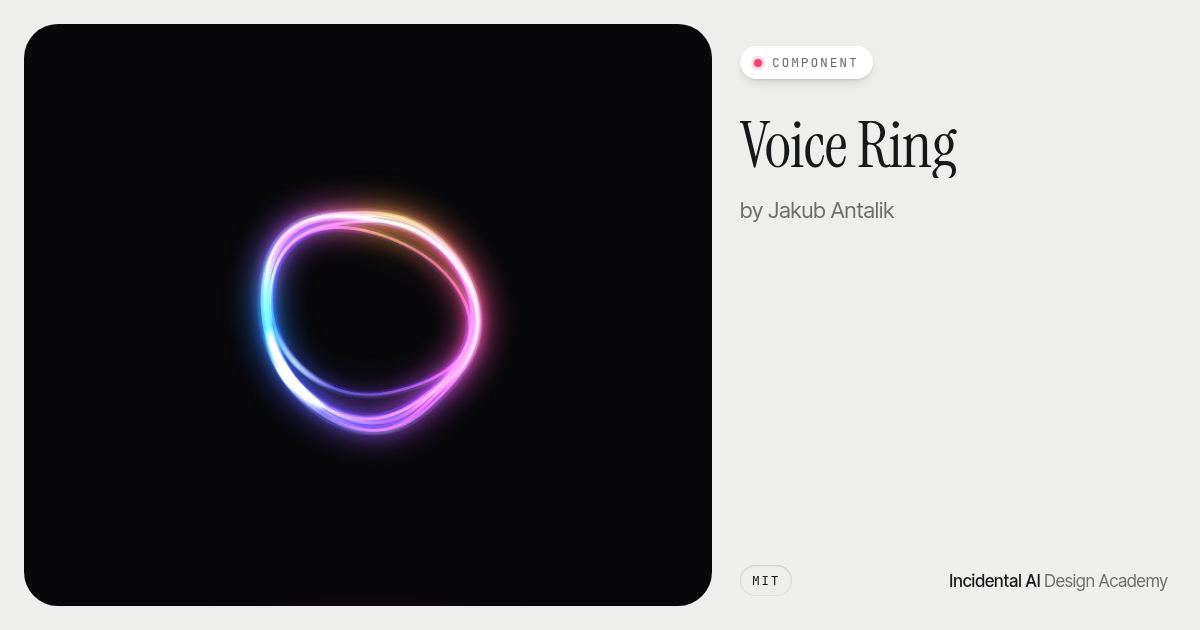
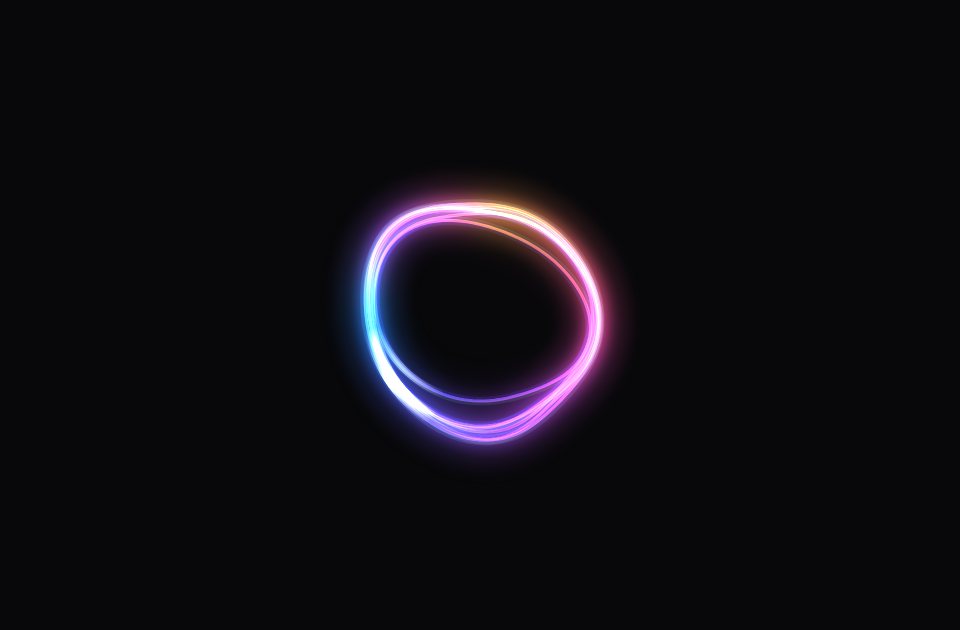
Voice Ring
A glossy ring warps and shines with the sound level.
When to use it: Voice assistant screens and call states.
How to tune it: Set size, state, level or stream and sensitivity.
Lesson 7 of 7 · Signature effect
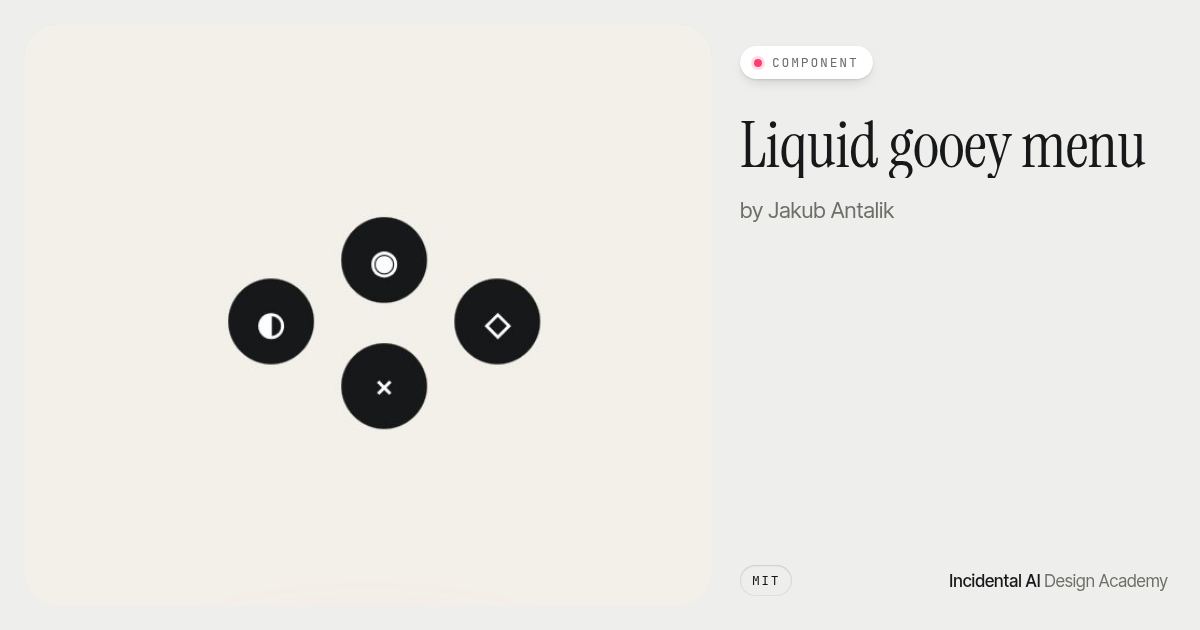
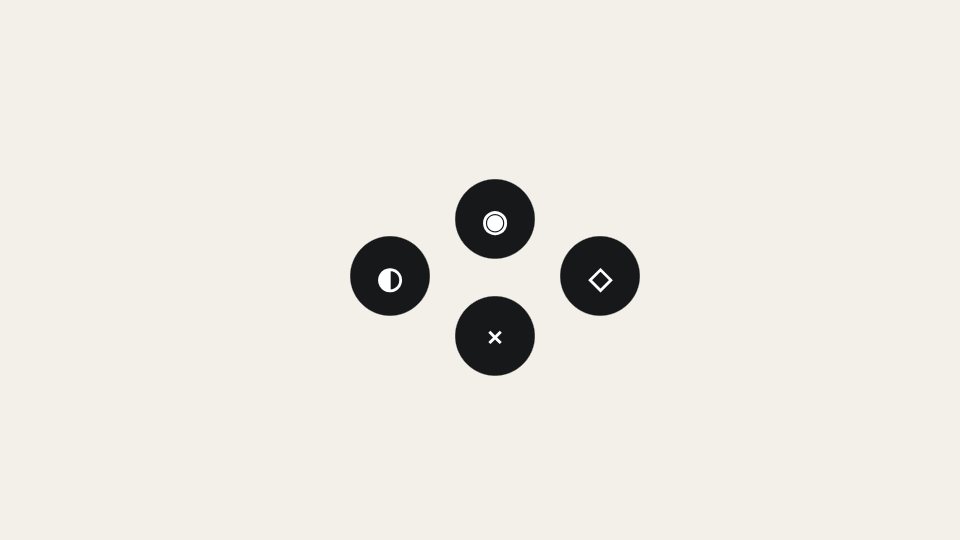
Liquid gooey menu
Buttons split from one blob like droplets and melt back together.
When to use it: Plus menus, floating action buttons and quick actions.
How to tune it: Set blur, contrast, fill, the item x and y, transition and delay.