Performance
PassFrame rate: 60 fps average, p5 59.5 · Long tasks: 0 tasks, 0 ms total, longest 0 ms · Source gzip 2.7 KB · Runtime 3.5 KB
Shader capsule buttonMITSignature effectOriginal · clean-room
Quality report
The grade and score come from automated checks run at build or test time. If a check did not run, it is marked Not tested — numbers are never invented.
Frame rate: 60 fps average, p5 59.5 · Long tasks: 0 tasks, 0 ms total, longest 0 ms · Source gzip 2.7 KB · Runtime 3.5 KB
Issues 1 · Screen reader: Pass
No continuous motion
No overflow
Frame rate and long-task figures were measured in headless Chromium with software WebGL. They are only comparable between components on this site, and do not represent real devices.
Not applicable: no visible animation at rest. Hover-triggered animation was not tested.
Checked Nov 15, 2026 · Figures come from an automated script, not from hand-written samples.
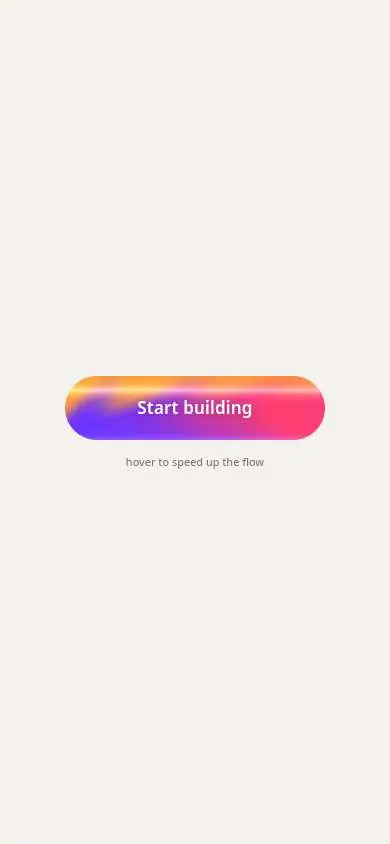
Shown at real size.
The copy starts with the licence notice. Keep it when you use the code.
<div class="sc"><button type="button"><canvas aria-hidden="true"></canvas><b>Start building</b></button><small>hover to speed up the flow</small></div>
:root{--bg:#f4f2ee;--ink:#17181a}:root[data-theme=dark]{--bg:#0a0a0c;--ink:#f3f1ec}
html,body{height:100%;margin:0;background:var(--bg)}
.sc{height:100%;display:grid;place-items:center;gap:14px;align-content:center;font:500 13px system-ui,sans-serif;color:var(--ink)}
.sc button{position:relative;border:0;padding:0;border-radius:999px;cursor:pointer;background:none;isolation:isolate}
.sc canvas{display:block;width:260px;height:64px;border-radius:999px}
.sc b{position:absolute;inset:0;display:grid;place-items:center;font:600 17px/1 system-ui,sans-serif;color:#fff;letter-spacing:.01em;text-shadow:0 1px 8px rgba(0,0,0,.25)}
.sc button:focus-visible{outline:2px solid var(--ink);outline-offset:4px}
.sc small{opacity:.55}
// fx-runtime.js (sets window.FX: theme, reduced motion, render loop)
/* Incidental AI Design Academy fx runtime (MIT). Theme from #dark/#light, reduced motion, visibility pause.
   Small 2D canvases (≤640×640 device px, by backing size or on-screen box, when the context is created) are CPU-backed via willReadFrequently: sprite-heavy
   components redraw many small canvases per frame, and GPU-backed readback/compositing of tiny canvases is the slow path. */
(function(){[window.HTMLCanvasElement,window.OffscreenCanvas].forEach(function(C){if(!C)return;var g=C.prototype.getContext;C.prototype.getContext=function(t,o){var a=this.width*this.height;if(this.isConnected&&this.getBoundingClientRect){var r=this.getBoundingClientRect(),p=window.devicePixelRatio||1;a=Math.max(a,r.width*r.height*p*p)}if(t==='2d'&&a<=409600){var x={};if(o)for(var k in o)x[k]=o[k];if(x.willReadFrequently===undefined)x.willReadFrequently=true;return g.call(this,t,x)}return g.apply(this,arguments)}})})();
(function(){var d=document.documentElement,q=function(){var h=location.hash.slice(1);if(h==='dark'||h==='light')d.dataset.theme=h;else if(!d.dataset.theme)d.dataset.theme=d.getAttribute('data-default')||'dark'};q();addEventListener('hashchange',function(){q();dispatchEvent(new Event('fx-theme'))});
var m=matchMedia('(prefers-reduced-motion: reduce)');window.FX={rm:m.matches,dark:function(){return d.dataset.theme==='dark'},loop:function(f){var on=true,t0=performance.now(),id=0;function step(t){f((t-t0)/1000);if(on&&!FX.rm)id=requestAnimationFrame(step)}if(FX.rm){f(2.2);addEventListener('fx-theme',function(){f(2.2)});return}id=requestAnimationFrame(step);document.addEventListener('visibilitychange',function(){if(document.hidden){on=false;cancelAnimationFrame(id)}else if(!on){on=true;id=requestAnimationFrame(step)}})}};
m.addEventListener&&m.addEventListener('change',function(){location.reload()})})();

// effect
(function(){var c=document.querySelector('.sc canvas'),g=c.getContext('webgl');if(!g)return;var dpr=Math.min(devicePixelRatio||1,2);c.width=260*dpr;c.height=64*dpr;
var fs='precision mediump float;uniform vec2 R;uniform float T;uniform float H;'+
'float n(vec2 p){return sin(p.x)*sin(p.y);}'+
'void main(){vec2 u=gl_FragCoord.xy/R;vec2 p=vec2(u.x*4.,u.y*1.2);float t=T*(.35+H*.9);'+
'for(int i=1;i<5;i++){float f=float(i);p+=vec2(.55/f*sin(f*p.y+t+.3*f),.45/f*cos(f*p.x+t*.8))*1.;}'+
'vec3 a=vec3(1.,.24,.44),b=vec3(.42,.2,1.),cc=vec3(1.,.62,.2);float k=.5+.5*sin(p.x+p.y);vec3 col=mix(mix(a,b,k),cc,smoothstep(.55,1.,.5+.5*sin(p.y*1.7-t)));'+
'float hl=pow(1.-abs(u.y-.78)*2.4,6.)*.35;col+=hl;gl_FragColor=vec4(col,1.);}';
function sh(t,s){var o=g.createShader(t);g.shaderSource(o,s);g.compileShader(o);return o}var pr=g.createProgram();g.attachShader(pr,sh(g.VERTEX_SHADER,'attribute vec2 p;void main(){gl_Position=vec4(p,0.,1.);}'));g.attachShader(pr,sh(g.FRAGMENT_SHADER,fs));g.linkProgram(pr);g.useProgram(pr);
var b=g.createBuffer();g.bindBuffer(g.ARRAY_BUFFER,b);g.bufferData(g.ARRAY_BUFFER,new Float32Array([-1,-1,1,-1,-1,1,1,1]),g.STATIC_DRAW);var lp=g.getAttribLocation(pr,'p');g.enableVertexAttribArray(lp);g.vertexAttribPointer(lp,2,g.FLOAT,false,0,0);
var uR=g.getUniformLocation(pr,'R'),uT=g.getUniformLocation(pr,'T'),uH=g.getUniformLocation(pr,'H'),h=0,ht=0,btn=c.parentNode;btn.addEventListener('pointerenter',function(){ht=1});btn.addEventListener('pointerleave',function(){ht=0});btn.addEventListener('focus',function(){ht=1});btn.addEventListener('blur',function(){ht=0});
var acc=0,last=0;FX.loop(function(t){h+=(ht-h)*.08;acc+=(t-last)*(1+h*2);last=t;g.viewport(0,0,c.width,c.height);g.uniform2f(uR,c.width,c.height);g.uniform1f(uT,acc);g.uniform1f(uH,h);g.drawArrays(g.TRIANGLE_STRIP,0,4)});})();
Controls · HTML · CSS · JS
Edit the code and tune it with the controls. The preview updates as you type.
This component runs from a bundled build, so its script is read-only here. Edit the HTML and CSS; the full source is in the Code tab.
Edit every component live, tune it with controls, download the full source and copy the advanced prompts.
$49 one-timePlaceholder price
Test mode: no real payment is taken.
Free: preview, copy buttons and the lesson notes.
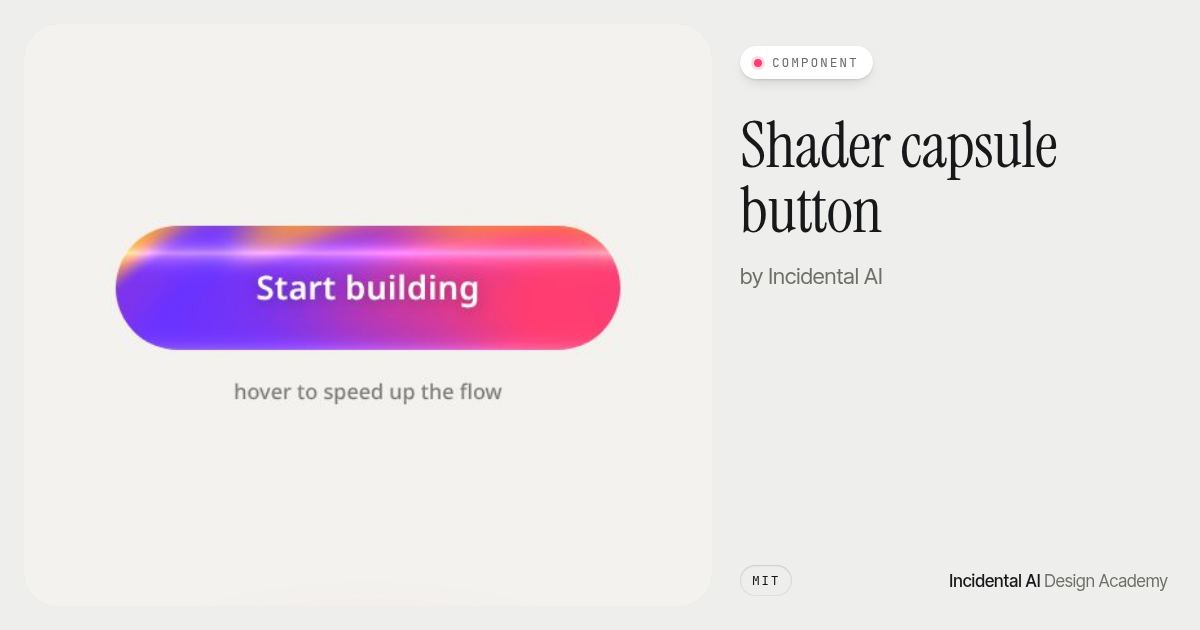
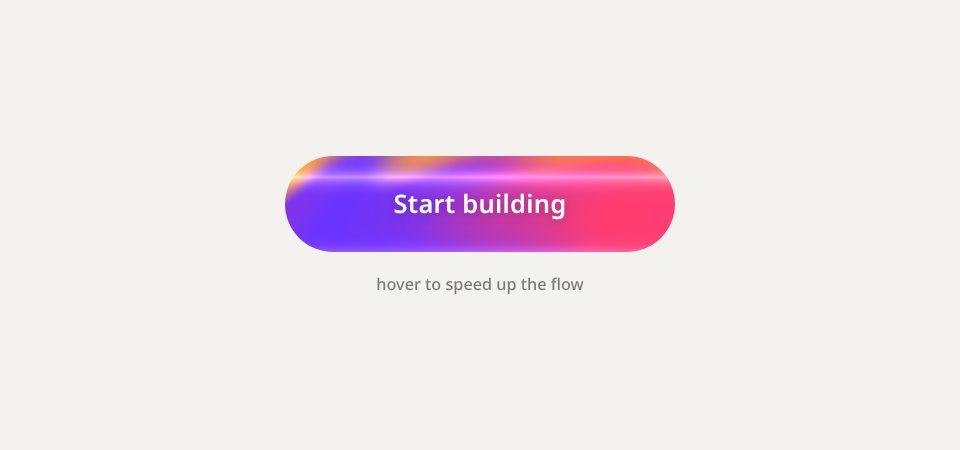
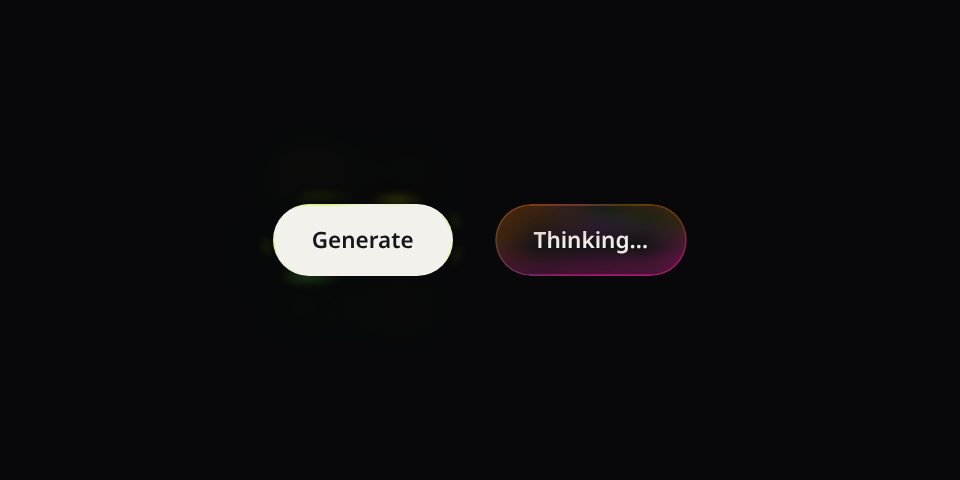
A slow liquid gradient lives inside the pill shape and speeds up on hover, so the button responds without a flash.
The single main action of a page, like Start or Download.
Change the three colours, the base speed, the hover boost and the pill size.
Build a "Shader capsule button" component in plain HTML, CSS and JavaScript (no framework). A slow liquid gradient lives inside the pill shape and speeds up on hover, so the button responds without a flash. Use it for: The single main action of a page, like Start or Download. Expose these controls: Change the three colours, the base speed, the hover boost and the pill size. Support light and dark themes, respect prefers-reduced-motion with a still frame, keep text readable and controls keyboard accessible. Write original code; do not copy from paid or restricted component libraries.
A longer prompt with tuning, accessibility and integration steps.
 Incidental AI
 Incidental AI
 Jakub Antalik
 Incidental AI
 Jakub Antalik
 Incidental AI
 Incidental AI
 Jakub Antalik