Performance
PassFrame rate: 60 fps average, p5 59.5 · Long tasks: 0 tasks, 0 ms total, longest 0 ms · Source gzip 1.3 KB · Runtime 1.1 KB
fluffy-cougar-42MITFormUiverse.io
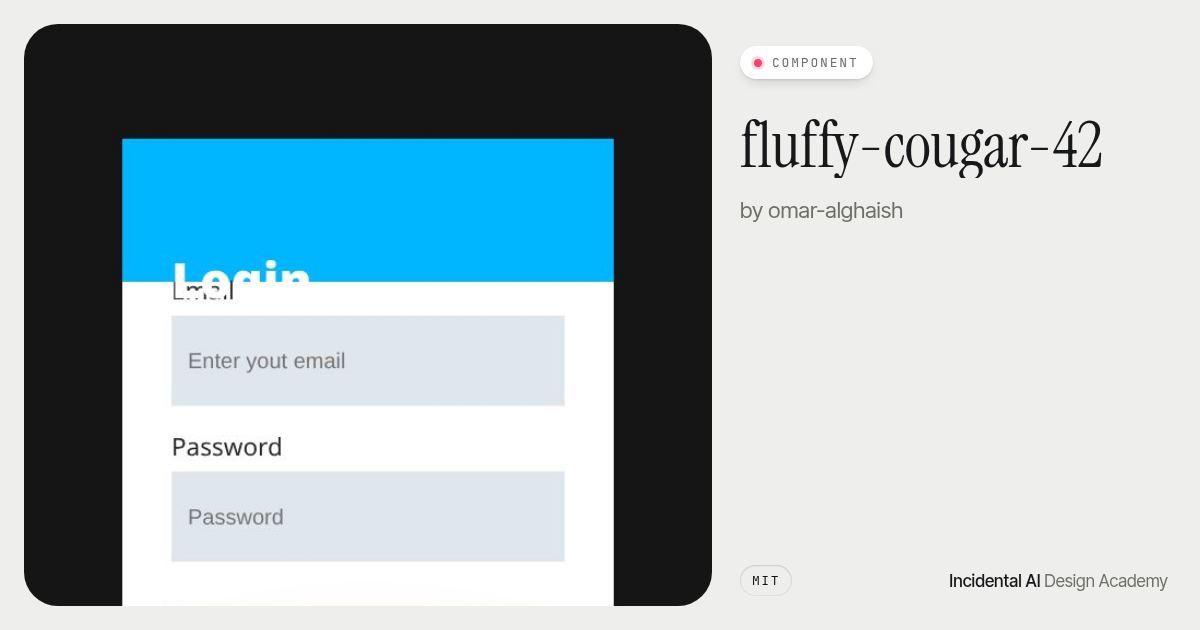
A form built with plain HTML and CSS by omar-alghaish. Collected from Uiverse.io under the MIT licence and shown here live.
Quality report
The grade and score come from automated checks run at build or test time. If a check did not run, it is marked Not tested — numbers are never invented.
Frame rate: 60 fps average, p5 59.5 · Long tasks: 0 tasks, 0 ms total, longest 0 ms · Source gzip 1.3 KB · Runtime 1.1 KB
Issues 1 · Screen reader: Pass
No continuous motion
No overflow
Frame rate and long-task figures were measured in headless Chromium with software WebGL. They are only comparable between components on this site, and do not represent real devices.
Not applicable: no visible animation at rest. Hover-triggered animation was not tested.
Checked Nov 15, 2026 · Figures come from an automated script, not from hand-written samples.
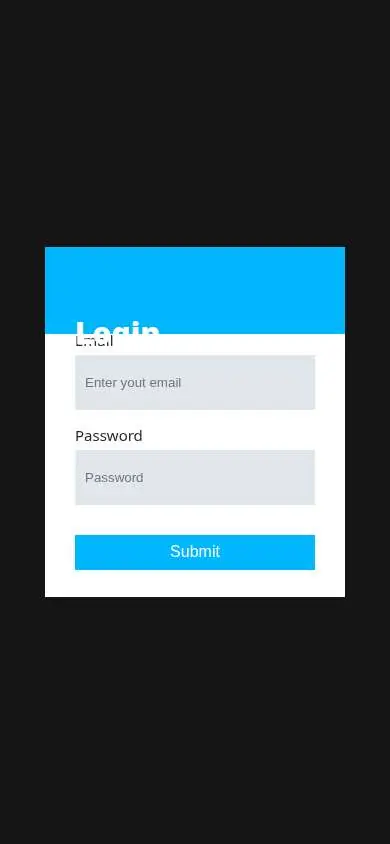
Shown at real size.
The copy starts with the licence notice. Keep it when you use the code.
<div class="form-container">
    <p>Login</p>
<form class="form">
    <label>Email</label>
    <input type="text" class="input" placeholder="Enter yout email">
    <label>Password</label>
    <input type="password" class="input" placeholder="Password">
    <button>Submit</button>
</form>
</div>/* From Uiverse.io by omar-alghaish - Tags: login, form */
.form-container {
width: 300px;
background: linear-gradient(180deg,rgb(0, 183, 255) 25%,rgb(255, 255, 255) 20%);
height: 350px;
display: flex;
flex-direction: column;
justify-content: center;
align-items: center;
position: relative;
}
.form {
width: 80%;
display: flex;
flex-direction: column;
margin-top: 40px;
}
.form-container p {
position: absolute;
top: 10%;
left: 10%;
font-size: 30px;
font-weight: 900;
color: rgb(255, 255, 255);
}
.form-container label {
color: rgb(40, 42, 44);
margin-top: 15px;
margin-bottom: 5px;
font-size: 15px;
}
.form-container .input {
padding: 10px;
height: 35px;
border: none;
background-color: rgb(224, 231, 236);
}
.form-container .input:focus {
outline: none;
}
.form-container button {
border: none;
height: 35px;
margin-top: 30px;
background-color: rgb(0, 183, 255);
color: white;
font-size: 16px;
}Controls · HTML · CSS · JS
Edit the code and tune it with the controls. The preview updates as you type.
This component runs from a bundled build, so its script is read-only here. Edit the HTML and CSS; the full source is in the Code tab.
Edit every component live, tune it with controls, download the full source and copy the advanced prompts.
$49 one-timePlaceholder price
Test mode: no real payment is taken.
Free: preview, copy buttons and the lesson notes.
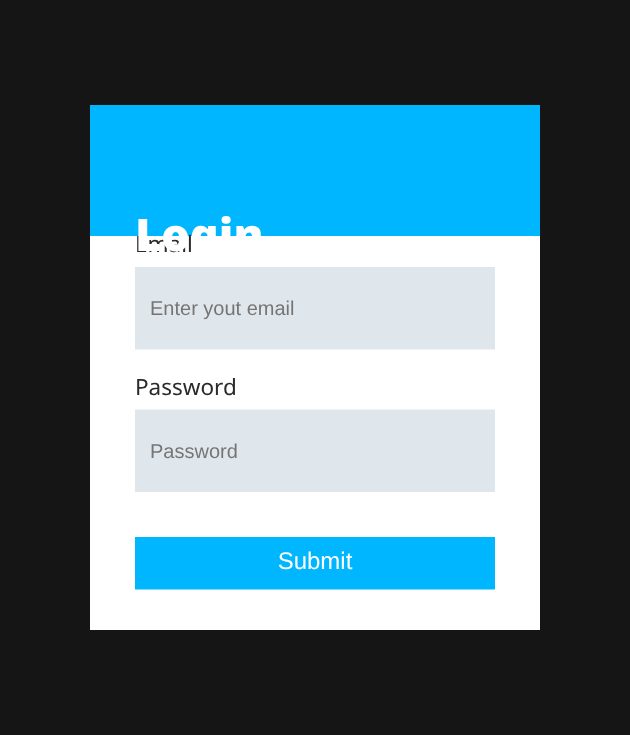
A bright blue band across the top holds a big Login title and the white form sits below, a simple two-tone layout that is friendly and clear.
Simple login, school or internal tool sign-in screens.
Change the rgb(0,183,255) blue and the 25% gradient split, the 300px by 350px size and the 30px title.
Build a "Sky blue split login form" component in plain HTML, CSS and JavaScript (no framework). A bright blue band across the top holds a big Login title and the white form sits below, a simple two-tone layout that is friendly and clear. Use it for: Simple login, school or internal tool sign-in screens. Expose these controls: Change the rgb(0,183,255) blue and the 25% gradient split, the 300px by 350px size and the 30px title. Support light and dark themes, respect prefers-reduced-motion with a still frame, keep text readable and controls keyboard accessible. Write original code; do not copy from paid or restricted component libraries.
A longer prompt with tuning, accessibility and integration steps.
 PriyanshuGupta28
 rahilansari261
 reshades
 Praashoo7
 ahmed150up
 Lorenzo Cabra
 vinodjangid07
 John-CFO