Hiệu năng
Cần chú ýTốc độ khung hình: trung bình 29.8 fps, p5 12 · Tác vụ dài: 1 tác vụ, tổng 100 ms, dài nhất 100 ms · Mã nguồn gzip 2.5 KB · Khi chạy 241 KB
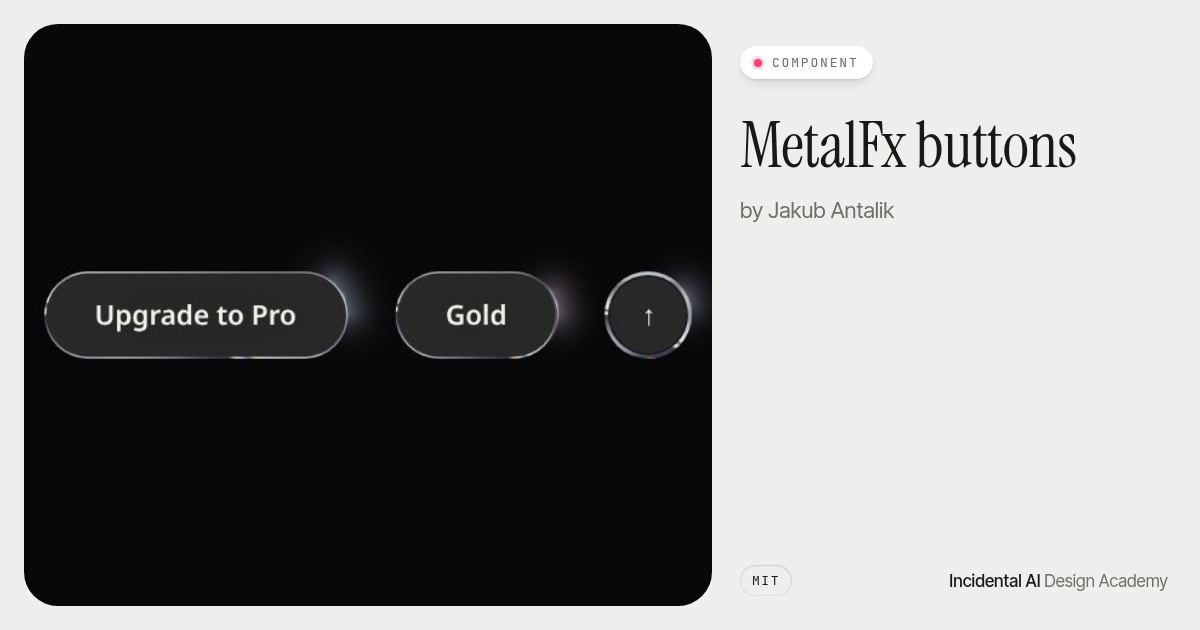
MetalFx buttonsMITHiệu ứng đặc trưngLibraries.dev · collected
Báo cáo chất lượng
Xếp loại và điểm số đến từ các kiểm tra tự động lúc dựng hoặc kiểm thử. Nếu một mục chưa chạy, nó được đánh dấu Chưa kiểm tra — không bao giờ bịa số liệu.
Tốc độ khung hình: trung bình 29.8 fps, p5 12 · Tác vụ dài: 1 tác vụ, tổng 100 ms, dài nhất 100 ms · Mã nguồn gzip 2.5 KB · Khi chạy 241 KB
Vấn đề 0 · Trình đọc màn hình: Cần chú ý
Tôn trọng giảm chuyển động
Không tràn
Số liệu tốc độ khung hình và tác vụ dài được đo trong Chromium không giao diện với WebGL phần mềm. Chúng chỉ nên được so sánh giữa các thành phần trên trang này, và không đại diện cho thiết bị thật.
Không có vi phạm axe-core.

Kiểm tra ngày 15 thg 11, 2026 · Số liệu đến từ tập lệnh tự động, không phải mẫu viết tay.
Hiển thị đúng kích thước thật.
Bản sao bắt đầu bằng thông báo giấy phép. Hãy giữ lại khi dùng mã.
<div id="root"></div>:root{--bg:#f3f0ea;--ink:#17181a}:root[data-theme=dark]{--bg:#08080a;--ink:#f3f1ec}html,body{height:100%;margin:0;background:var(--bg);color:var(--ink);overflow:hidden}body{display:grid;place-items:center}#root{display:grid;place-items:center;max-width:100%;box-sizing:border-box}button:focus-visible,input:focus-visible{outline:2px solid #fe3d70;outline-offset:4px}@media(prefers-reduced-motion:reduce){*,*::before,*::after{animation-play-state:paused!important;transition:none!important}}// fx-runtime.js: load before the demo (sets window.FX: theme, reduced motion)
/* Incidental AI Design Academy fx runtime (MIT). Theme from #dark/#light, reduced motion, visibility pause.
Small 2D canvases (≤640×640 device px, by backing size or on-screen box, when the context is created) are CPU-backed via willReadFrequently: sprite-heavy
components redraw many small canvases per frame, and GPU-backed readback/compositing of tiny canvases is the slow path. */
(function(){[window.HTMLCanvasElement,window.OffscreenCanvas].forEach(function(C){if(!C)return;var g=C.prototype.getContext;C.prototype.getContext=function(t,o){var a=this.width*this.height;if(this.isConnected&&this.getBoundingClientRect){var r=this.getBoundingClientRect(),p=window.devicePixelRatio||1;a=Math.max(a,r.width*r.height*p*p)}if(t==='2d'&&a<=409600){var x={};if(o)for(var k in o)x[k]=o[k];if(x.willReadFrequently===undefined)x.willReadFrequently=true;return g.call(this,t,x)}return g.apply(this,arguments)}})})();
(function(){var d=document.documentElement,q=function(){var h=location.hash.slice(1);if(h==='dark'||h==='light')d.dataset.theme=h;else if(!d.dataset.theme)d.dataset.theme=d.getAttribute('data-default')||'dark'};q();addEventListener('hashchange',function(){q();dispatchEvent(new Event('fx-theme'))});
var m=matchMedia('(prefers-reduced-motion: reduce)');window.FX={rm:m.matches,dark:function(){return d.dataset.theme==='dark'},loop:function(f){var on=true,t0=performance.now(),id=0;function step(t){f((t-t0)/1000);if(on&&!FX.rm)id=requestAnimationFrame(step)}if(FX.rm){f(2.2);addEventListener('fx-theme',function(){f(2.2)});return}id=requestAnimationFrame(step);document.addEventListener('visibilitychange',function(){if(document.hidden){on=false;cancelAnimationFrame(id)}else if(!on){on=true;id=requestAnimationFrame(step)}})}};
m.addEventListener&&m.addEventListener('change',function(){location.reload()})})();
// _mount.jsx
// Demo harness (MIT, Incidental AI). Mounts a demo and re-renders on theme change.
import React, { useEffect, useState } from 'react';
import { createRoot } from 'react-dom/client';
export function useTheme() { const [d, setD] = useState(window.FX.dark()); useEffect(() => { const f = () => setD(window.FX.dark()); addEventListener('fx-theme', f); return () => removeEventListener('fx-theme', f); }, []); return d ? 'dark' : 'light'; }
export function mount(App) { createRoot(document.getElementById('root')).render(<App />); }
export const rm = () => window.FX.rm;
// Reduced motion for packages without a pause prop: let them paint a few frames, then hold that still frame.
export function freezeUnderReducedMotion(ms = 700) { if (!window.FX.rm) return; const raf = window.requestAnimationFrame.bind(window), t0 = performance.now(); window.requestAnimationFrame = f => performance.now() - t0 < ms ? raf(f) : 0; }
// demo.jsx (npm i metal-fx react react-dom)
import React from 'react'; import { MetalFx } from 'metal-fx'; import { mount, useTheme, rm } from './_mount.jsx';
mount(function App() { const th = useTheme(), d = th === 'dark';
const b = { border: 0, borderRadius: 999, padding: '14px 28px', font: '600 15px system-ui,sans-serif', cursor: 'pointer', background: d ? '#101013' : '#fff', color: d ? '#f3f1ec' : '#17181a' };
return <div style={{ display: 'flex', gap: 26, alignItems: 'center', flexWrap: 'wrap', justifyContent: 'center', maxWidth: '100vw', padding: 16, boxSizing: 'border-box' }}>
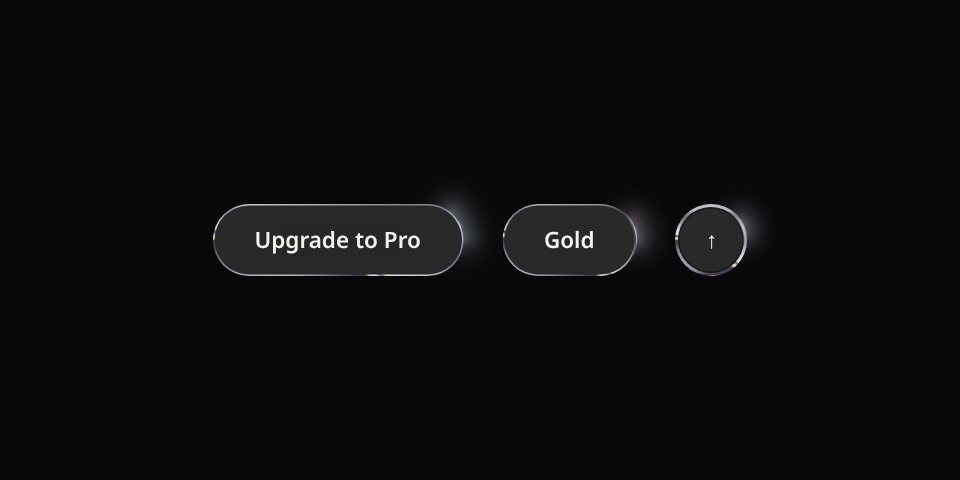
<MetalFx variant="button" preset="chromatic" theme={th} paused={rm()}><button type="button" style={b}>Upgrade to Pro</button></MetalFx>
<MetalFx variant="button" preset="gold" theme={th} paused={rm()}><button type="button" style={b}>Gold</button></MetalFx>
<MetalFx variant="circle" preset="silver" theme={th} paused={rm()}><button type="button" aria-label="Send" style={{ ...b, padding: 0, width: 48, height: 48 }}>↑</button></MetalFx>
</div>; });Điều khiển · HTML · CSS · JS
Sửa mã và tinh chỉnh bằng các nút điều khiển. Bản xem trước cập nhật khi bạn gõ.
Thành phần này chạy từ bản đóng gói nên mã script chỉ xem được ở đây. Hãy sửa HTML và CSS; mã nguồn đầy đủ nằm trong thẻ Mã.
Sửa trực tiếp mọi thành phần, tinh chỉnh bằng nút điều khiển, tải mã nguồn đầy đủ và sao chép prompt nâng cao.
$49 một lầnGiá tạm thời
Chế độ thử: không thu tiền thật.
Miễn phí: xem trước, nút sao chép và ghi chú bài học.
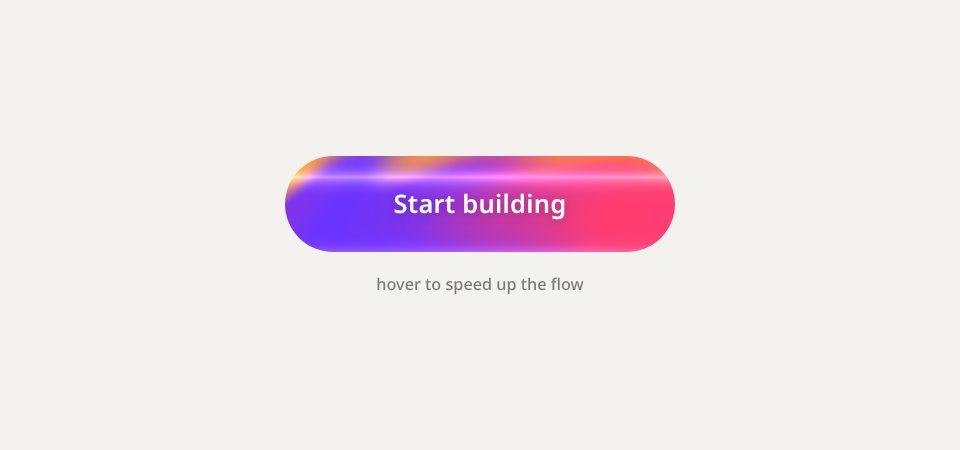
Một vòng kim loại lỏng bẻ cong ánh sáng quanh mép nút.
Nút nâng cấp, thao tác cao cấp và nút gửi.
Đặt variant, preset (chromatic, silver hoặc gold), strength và theme.
Thêm hiệu ứng "Nút MetalFx" vào ứng dụng React của tôi bằng gói npm MIT metal-fx. Một vòng kim loại lỏng bẻ cong ánh sáng quanh mép nút. Dùng cho: Nút nâng cấp, thao tác cao cấp và nút gửi. Thiết lập cần chỉnh: Đặt variant, preset (chromatic, silver hoặc gold), strength và theme. Hỗ trợ giao diện sáng và tối, tôn trọng prefers-reduced-motion và giữ thông báo giấy phép MIT của gói.
Prompt dài hơn, có các bước tinh chỉnh, trợ năng và tích hợp.
 Incidental AI
 Incidental AI
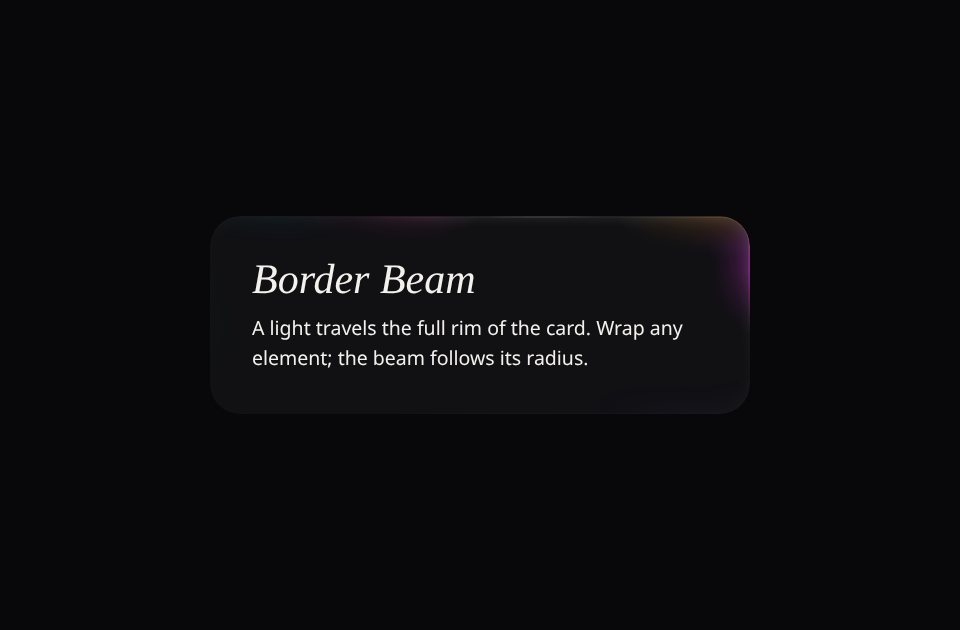 Jakub Antalik
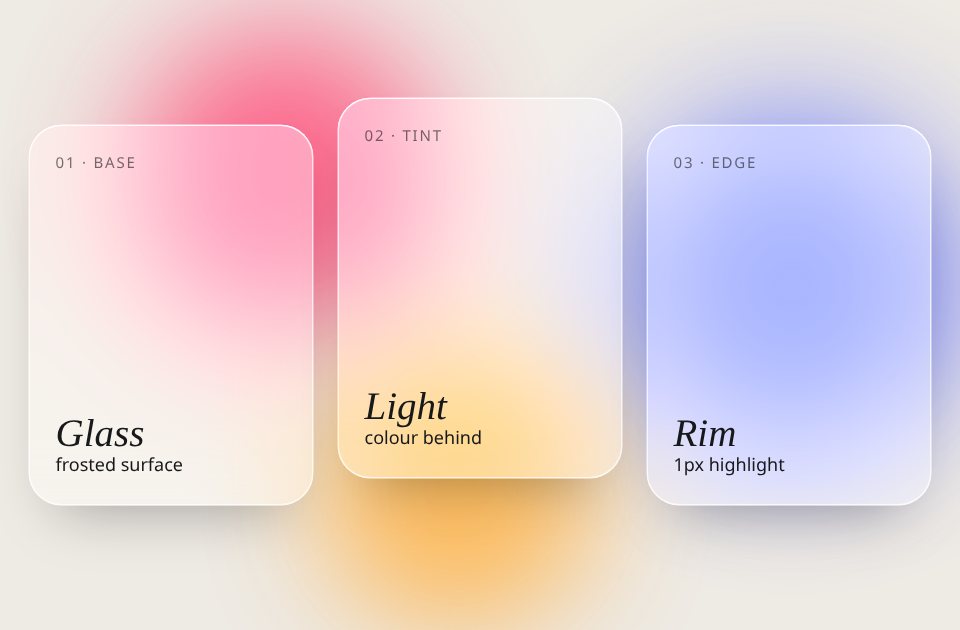
 Incidental AI
 Incidental AI
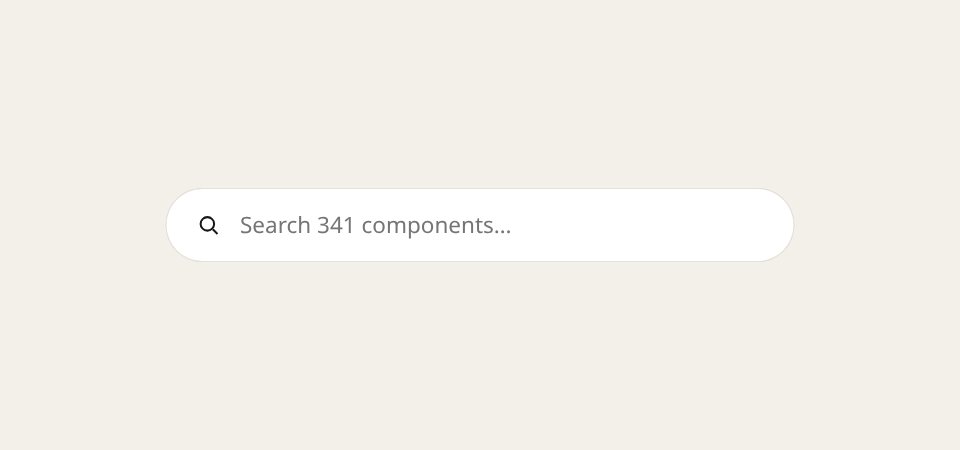 Jakub Antalik
 Incidental AI
 Incidental AI