Performance
ReussiFréquence d'images: 60 i/s en moyenne, p5 59.5 · Tâches longues: 0 tâches, 0 ms au total, plus longue 0 ms · Source gzip 2.2 KB · À l'exécution 2.0 KB
ordinary-crab-91MITCarteUiverse.io
Carte en HTML et CSS par vinodjangid07. Réuni depuis Uiverse.io sous licence MIT et présenté ici en direct.
Rapport qualite
La note et le score proviennent de contrôles automatiques lancés à la compilation ou aux tests. Si un contrôle n'a pas été exécuté, il est indiqué Non testé — aucun chiffre n'est inventé.
Fréquence d'images: 60 i/s en moyenne, p5 59.5 · Tâches longues: 0 tâches, 0 ms au total, plus longue 0 ms · Source gzip 2.2 KB · À l'exécution 2.0 KB
Problemes 0 · Lecteur d'écran: À surveiller
Pas de mouvement continu
Pas de debordement
La fréquence d'images et les tâches longues ont été mesurées dans Chromium sans interface, avec un WebGL logiciel. Elles ne sont comparables qu'entre composants de ce site, et ne représentent pas un appareil réel.
Sans objet : aucune animation visible au repos. Les animations déclenchées au survol n'ont pas été testées.
Aucune violation axe-core.
Controle le 15 nov. 2026 · Les chiffres viennent d'un script automatique, pas d'exemples ecrits a la main.
Affiché à taille réelle.
La copie commence par la notice de licence. Gardez-la lorsque vous utilisez le code.
<div class="gender-card">
  <div class="large-svg-container">
    <svg
      xmlns="http://www.w3.org/2000/svg"
      fill="none"
      viewBox="0 0 50 90"
      class="largemalesvg"
      height="90"
      width="50"
    >
      <circle stroke-width="6" stroke="#76E3FE" r="22" cy="25" cx="25"></circle>
      <path
        stroke-linecap="round"
        stroke-width="6"
        stroke="#76E3FE"
        d="M25 47L25 87"
      ></path>
      <path
        stroke-linecap="round"
        stroke-width="6"
        stroke="#76E3FE"
        d="M25 86.6958L38.6958 73"
      ></path>
      <path
        stroke-linecap="round"
        stroke-width="6"
        stroke="#76E3FE"
        d="M11 73L24.6958 86.6958"
      ></path>
    </svg>

    <svg
      xmlns="http://www.w3.org/2000/svg"
      fill="none"
      viewBox="0 0 50 90"
      class="largefemalesvg"
      height="90"
      width="50"
    >
      <circle stroke-width="6" stroke="#F57CB3" r="22" cy="25" cx="25"></circle>
      <path
        stroke-linecap="round"
        stroke-width="6"
        stroke="#F57CB3"
        d="M25 47L25 87"
      ></path>
      <path
        stroke-linecap="round"
        stroke-width="6"
        stroke="#F57CB3"
        d="M12 73H38"
      ></path>
    </svg>
  </div>
  <form action="#">
    <p class="heading">What's your gender?</p>
    <div class="radio-wrapper">
      <input
        class="gender-radio-buttons"
        id="male"
        value="male"
        name="gender"
        type="radio"
      />
      <label class="genderlabel malebutton" for="male">
        <svg
          xmlns="http://www.w3.org/2000/svg"
          fill="none"
          viewBox="0 0 50 90"
          class="smallsvg malesmallsvg"
        >
          <circle
            stroke-width="6"
            stroke="#76E3FE"
            r="22"
            cy="25"
            cx="25"
          ></circle>
          <path
            stroke-linecap="round"
            stroke-width="6"
            stroke="#76E3FE"
            d="M25 47L25 87"
          ></path>
          <path
            stroke-linecap="round"
            stroke-width="6"
            stroke="#76E3FE"
            d="M25 86.6958L38.6958 73"
          ></path>
          <path
            stroke-linecap="round"
            stroke-width="6"
            stroke="#76E3FE"
            d="M11 73L24.6958 86.6958"
          ></path></svg
        >Male
      </label>

      <input
        class="gender-radio-buttons"
        id="female"
        value="female"
        name="gender"
        type="radio"
      />
      <label class="genderlabel femalebutton" for="female">
        <svg
          xmlns="http://www.w3.org/2000/svg"
          fill="none"
          viewBox="0 0 50 90"
          class="smallsvg"
        >
          <circle
            stroke-width="6"
            stroke="#F57CB3"
            r="22"
            cy="25"
            cx="25"
          ></circle>
          <path
            stroke-linecap="round"
            stroke-width="6"
            stroke="#F57CB3"
            d="M25 47L25 87"
          ></path>
          <path
            stroke-linecap="round"
            stroke-width="6"
            stroke="#F57CB3"
            d="M12 73H38"
          ></path></svg
        >Female
      </label>

      <input
        class="gender-radio-buttons"
        id="other"
        value="other"
        name="gender"
        type="radio"
      />
      <label class="genderlabel otherbutton" for="other">
        <svg
          xmlns="http://www.w3.org/2000/svg"
          fill="none"
          viewBox="0 0 78 75"
          class="smallsvg other-gender"
        >
          <path
            stroke-linecap="round"
            stroke-width="6"
            stroke="#9B4AED"
            d="M73.4657 16.6983L48.2159 16.6984L19.9816 58.0001L2.99911 58"
          ></path>
          <path
            stroke-linecap="round"
            stroke-width="6"
            stroke="#9B4AED"
            d="M73.1641 16.698L59.4705 2.99992"
          ></path>
          <path
            stroke-linecap="round"
            stroke-width="6"
            stroke="#9B4AED"
            d="M59.4648 30.696L73.1629 17.0024"
          ></path>
          <path
            stroke-linecap="round"
            stroke-width="6"
            stroke="#9B4AED"
            d="M74.022 57.8121L51.1697 57.8121L19.9997 16.9999L3 17"
          ></path>
          <path
            stroke-linecap="round"
            stroke-width="6"
            stroke="#9B4AED"
            d="M73.748 57.8123L61.3547 71.51"
          ></path>
          <path
            stroke-linecap="round"
            stroke-width="6"
            stroke="#9B4AED"
            d="M61.3496 43.8147L73.747 57.5079"
          ></path>
        </svg>

        Other
      </label>
    </div>
  </form>
</div>/* From Uiverse.io by vinodjangid07 - Website: https://www.patreon.com/posts/animated-gender-78055964?utm_medium=clipboard_copy&utm_source=copyLink&utm_campaign=postshare_fan&utm_content=join_link - Name: Online Tutorials - Tags: form, card, hover, radio, gender, buttons */
.gender-card {
width: fit-content;
height: fit-content;
background-color: rgb(255, 255, 255);
display: flex;
align-items: center;
flex-direction: column;
justify-content: flex-start;
padding: 30px;
border-radius: 20px;
font-family: Arial, Helvetica, sans-serif;
gap: 25px;
}
.large-svg-container {
width: auto;
height: auto;
display: flex;
align-items: center;
justify-content: center;
transform: rotate(45deg);
}
.largemalesvg {
transform: rotate(180deg);
}
.heading {
color: #1d1d1d;
font-weight: 600;
font-size: 25px;
text-align: center;
}
.gender-radio-buttons {
display: none;
}
.smallsvg {
width: 10px;
}
.other-gender {
width: 15px;
}
.malesmallsvg {
transform: rotate(225deg);
}
.genderlabel {
display: flex;
align-items: center;
justify-content: center;
width: fit-content;
height: fit-content;
background-color: rgb(46, 46, 46);
border-radius: 5px;
padding: 8px 16px;
gap: 8px;
color: white;
cursor: pointer;
transition: all 0.3s ease-out;
}
.radio-wrapper {
display: flex;
align-items: center;
justify-content: center;
gap: 20px;
margin-top: 25px;
}
.femalebutton:hover {
background-color: rgb(245, 185, 195);
}
.malebutton:hover {
background-color: #569fcf;
}
.otherbutton:hover {
background-color: #4d227a;
}
#female:checked + .femalebutton {
background-color: rgb(245, 185, 195);
transform: scale(1.1);
}
#male:checked + .malebutton {
background-color: #569fcf;
transform: scale(1.1);
}
#other:checked + .otherbutton {
background-color: #4d227a;
transform: scale(1.2);
}Réglages · HTML · CSS · JS
Modifiez le code et ajustez-le avec les réglages. L'aperçu se met à jour pendant la saisie.
Ce composant tourne depuis un bundle compilé : son script est en lecture seule ici. Modifiez le HTML et le CSS ; la source complète est dans l'onglet Code.
Modifiez chaque composant en direct, ajustez-le avec des réglages, téléchargez la source complète et copiez les prompts avancés.
49 $ en une foisPrix provisoire
Mode test : aucun paiement réel.
Gratuit : aperçu, boutons de copie et notes de leçon.
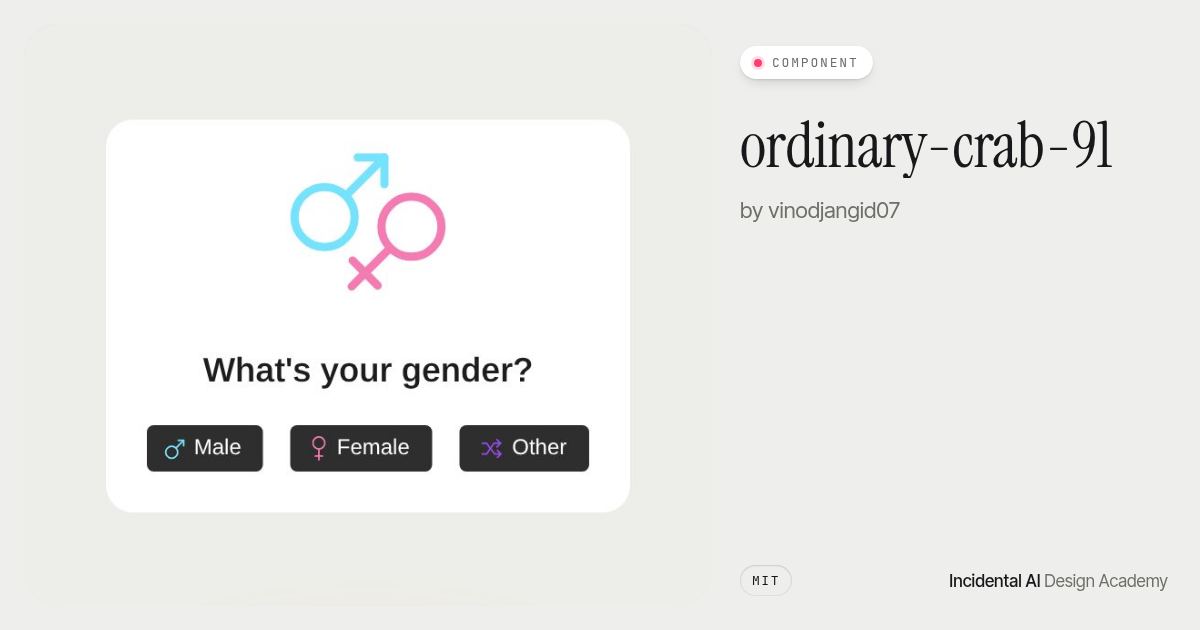
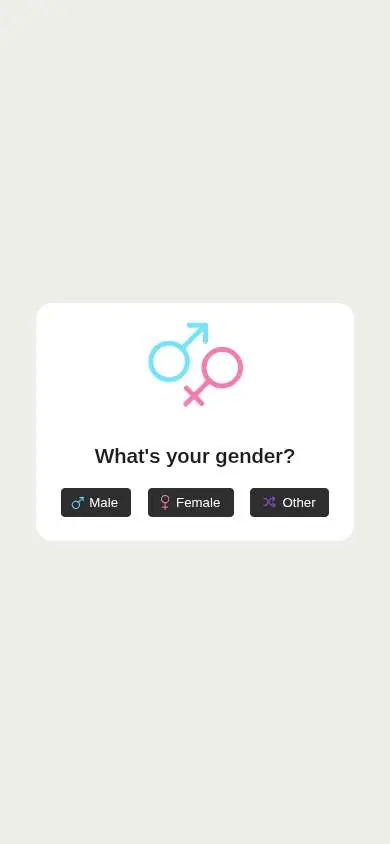
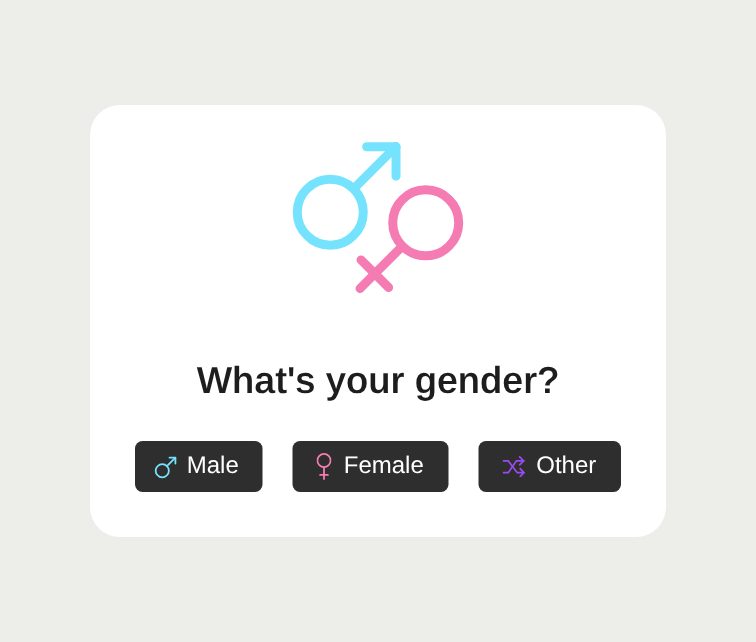
Une carte blanche arrondie avec deux grandes illustrations au-dessus d'une question et des boutons radio à icônes rendent une question personnelle conviviale.
Enquêtes d'intégration, configuration de profil et applications de fitness.
Modifiez le remplissage 30px, le rayon 20px, l'espace 25px et la couleur de l'étiquette sélectionnée.
Crée un composant « Carte de choix de genre » en HTML, CSS et JavaScript simples (sans framework). Une carte blanche arrondie avec deux grandes illustrations au-dessus d'une question et des boutons radio à icônes rendent une question personnelle conviviale. À utiliser pour : Enquêtes d'intégration, configuration de profil et applications de fitness. Expose ces réglages : Modifiez le remplissage 30px, le rayon 20px, l'espace 25px et la couleur de l'étiquette sélectionnée. Gère les thèmes clair et sombre, respecte prefers-reduced-motion avec une image fixe, garde le texte lisible et les contrôles accessibles au clavier. Écris du code original ; ne copie rien de bibliothèques payantes ou restreintes.
Un prompt plus long avec les étapes de réglage, d'accessibilité et d'intégration.
 Yaya12085
 Lucas Bassetti
 Lucas Bassetti
 Lucas Bassetti
 Lucas Bassetti
 shadowmurphy
 DellBee
 Aryan-81