パフォーマンス
合格フレームレート: 平均 60 fps、p5 59.9 · ロングタスク: 0 件、合計 0 ミリ秒、最長 0 ミリ秒 · ソース gzip 1.4 KB · 実行時 2.6 KB
massive-turtle-43MITラジオボタンUiverse.io
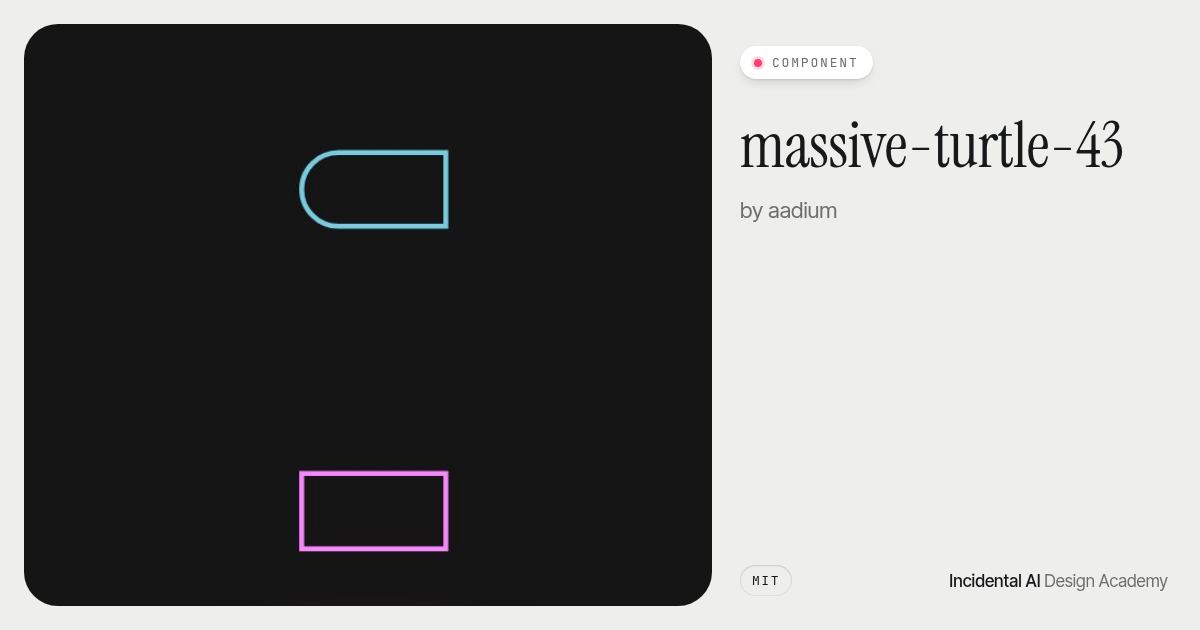
aadium が HTML と CSS だけで作ったラジオボタンです。Uiverse.io から MIT ライセンスで収録し、ここで実際に動かしています。
品質レポート
評価と点数は、ビルドまたはテスト時に実行した自動チェックの結果です。未実施の項目は「未テスト」と表示し、数字を仮置きすることはありません。
フレームレート: 平均 60 fps、p5 59.9 · ロングタスク: 0 件、合計 0 ミリ秒、最長 0 ミリ秒 · ソース gzip 1.4 KB · 実行時 2.6 KB
問題 0 · スクリーンリーダー: 合格
継続する動きはない
はみ出しなし
フレームレートとロングタスクは、ヘッドレスの Chromium 上でソフトウェア WebGL を使って測定しています。このサイト内のコンポーネント同士の比較にのみ用いてください。実機の数値ではありません。
該当なし。静止時に見えるアニメーションはありません。ホバーで始まるアニメーションは未テストです。
axe-core の違反はありません。
検査日 2026年11月15日 · 数値は自動スクリプトによるもので、手書きの見本ではありません。
実寸で表示しています。
コピーした内容の先頭にライセンス表記があります。使うときは残してください。
<label class="container" id="left">
  <input type="radio" name="my-radio-button">
  <div class="selected" id="leftradio"></div>
</label>
<label class="container" id="middle">
  <input type="radio" name="my-radio-button">
  <div class="selected" id="middleradio"></div>
</label>
<label class="container" id="right">
  <input type="radio" name="my-radio-button">
  <div class="selected" id="rightradio"></div>
</label>/* From Uiverse.io by aadium - Tags: cyberpunk, radio, futuristic */
.container input[type="radio"] {
position: absolute;
opacity: 0;
cursor: pointer;
height: 0;
width: 0;
}
.container {
display: inline-block;
position: relative;
cursor: pointer;
font-size: 17px;
width: 5em;
height: 2.5em;
user-select: none;
border: none;
}
.selected {
position: absolute;
top: 0;
left: 0;
width: 100%;
height: 100%;
}
#leftradio {
border-bottom-left-radius: 2.5em;
border-top-left-radius: 2.5em;
border-bottom-right-radius: 0;
border-top-right-radius: 0;
border: 3px solid #78cce2;
background-color: transparent;
transition: 0.2s ease-in;
}
#rightradio {
border-bottom-right-radius: 2.5em;
border-top-right-radius: 2.5em;
border-bottom-left-radius: 0;
border-top-left-radius: 0;
border: 3px solid #defe47;
background-color: transparent;
transition: 0.2s linear;
}
#middleradio {
border: 3px solid #f887ff;
background-color: transparent;
transition: 0.2s linear;
}
.selected:after {
content: '';
position: absolute;
background-color: 78cce2;
width: 100%;
height: 90%;
transform: scale(0);
transition: 0.2s ease-out;
}
#leftradio:hover {
border-bottom-left-radius: 2.5em;
border-top-left-radius: 2.5em;
border-bottom-right-radius: 0;
border-top-right-radius: 0;
border: 3px solid #78cce2;
background-color: #78cce2;
}
#leftradio::after {
top: 0%;
height: 100%;
border-bottom-left-radius: 2.5em;
border-top-left-radius: 2.5em;
border-bottom-right-radius: 0;
border-top-right-radius: 0;
border: none;
background-color: #78cce2;
box-shadow: 0em 0em 4em 0.1em #78cce2;
}
#rightradio:hover {
border-bottom-right-radius: 2.5em;
border-top-right-radius: 2.5em;
border-bottom-left-radius: 0;
border-top-left-radius: 0;
border: 3px solid #defe47;
background-color: #defe47;
}
#rightradio::after {
left: -3%;
top: -1%;
border-bottom-right-radius: 2.5em;
border-top-right-radius: 2.5em;
border-bottom-left-radius: 0;
border-top-left-radius: 0;
border: 3px solid #defe47;
background-color: #defe47;
box-shadow: 0em 0em 4em 0.1em #defe47;
}
#middleradio:hover {
border: 3px solid #f887ff;
background-color: #f887ff;
}
#middleradio::after {
left: -3%;
top: -3%;
border: 3px solid #f887ff;
background-color: #f887ff;
box-shadow: 0em 0em 4em 0.1em #f887ff;
}
.container input[type="radio"]:checked ~ .selected:after {
transform: scale(1);
}コントロール · HTML · CSS · JS
コードを編集し、コントロールで調整できます。入力に合わせてプレビューが更新されます。
すべてのコンポーネントをその場で編集し、コントロールで調整し、全ソースをダウンロードし、上級プロンプトをコピーできます。
買い切り $49仮の価格
テストモード:実際の支払いは発生しません。
無料:プレビュー、コピーボタン、レッスンの解説。
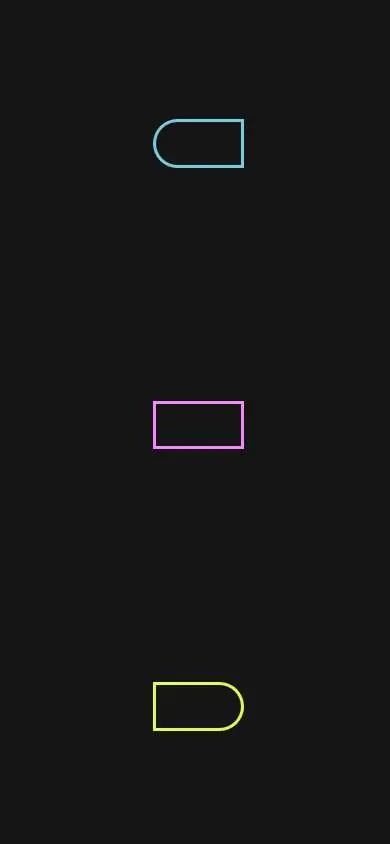
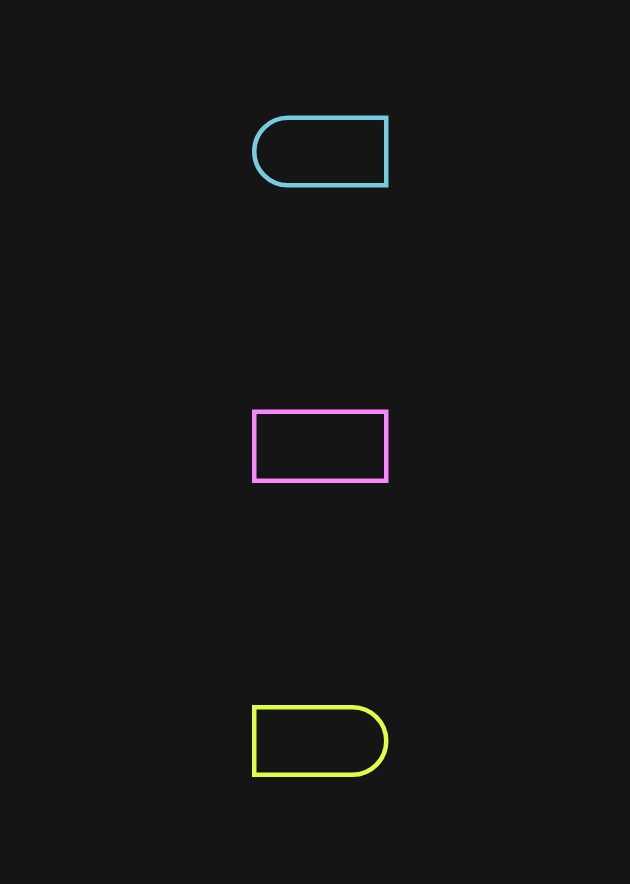
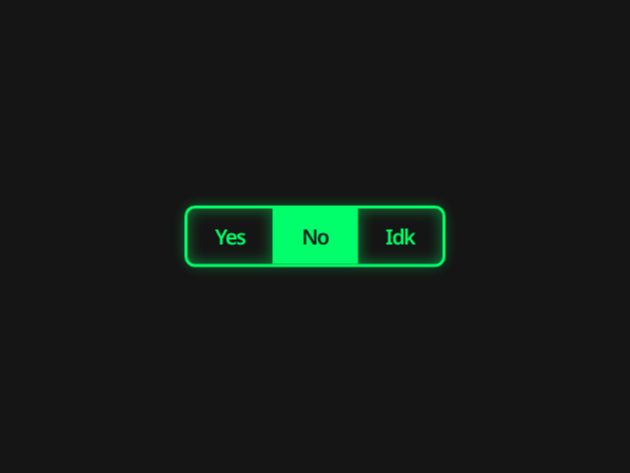
左、中央、右のセグメントは、シアン、ピンク、ライムの輪郭を持つ 1 つの丸いバーを形成し、選択した部分がその色で塗りつぶされます。
気分や評価の選択、低、中、高の選択肢と遊び心のある設定。
#78cce2、#f887ff、#defe47、5em x 2.5em のセグメント サイズ、0.2s のフィル トランジションを変更します。
素の HTML・CSS・JavaScript(フレームワークなし)で「3色セグメントラジオ」コンポーネントを作ってください。左、中央、右のセグメントは、シアン、ピンク、ライムの輪郭を持つ 1 つの丸いバーを形成し、選択した部分がその色で塗りつぶされます。 使いどころ:気分や評価の選択、低、中、高の選択肢と遊び心のある設定。 調整できる項目:#78cce2、#f887ff、#defe47、5em x 2.5em のセグメント サイズ、0.2s のフィル トランジションを変更します。 ライトとダークのテーマに対応し、prefers-reduced-motion では静止画にし、文字は読みやすく、操作はキーボードでもできるようにしてください。有料や制限付きのコンポーネントライブラリからはコピーせず、オリジナルのコードで書いてください。
調整、アクセシビリティ、組み込み手順まで含む長めのプロンプトです。
 gharsh11032000
 3bdel3ziz-T
 watchakorn-18k
 LilaRest
 NlghtM4re
 aguerquin
 Saiyed-Tanvir
 Pradeepsaranbishnoi