パフォーマンス
不合格フレームレート: 平均 20.8 fps、p5 15 · ロングタスク: 0 件、合計 0 ミリ秒、最長 0 ミリ秒 · ソース gzip 2.5 KB · 実行時 3.3 KB
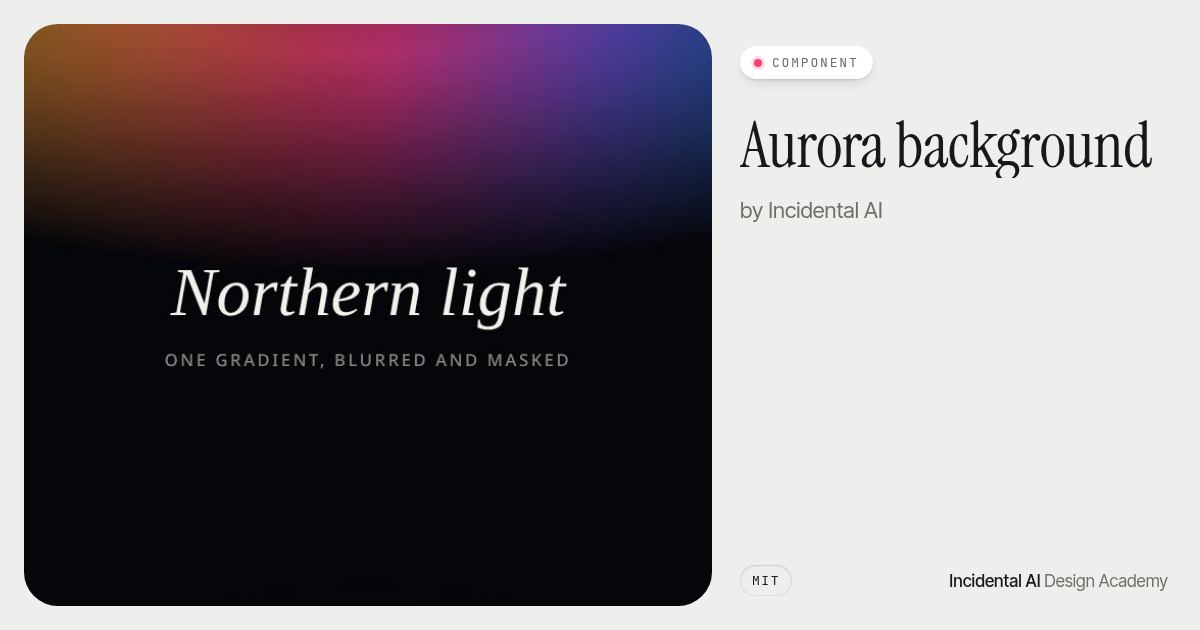
Aurora backgroundMITシグネチャーエフェクトOriginal · clean-room
品質レポート
評価と点数は、ビルドまたはテスト時に実行した自動チェックの結果です。未実施の項目は「未テスト」と表示し、数字を仮置きすることはありません。
フレームレート: 平均 20.8 fps、p5 15 · ロングタスク: 0 件、合計 0 ミリ秒、最長 0 ミリ秒 · ソース gzip 2.5 KB · 実行時 3.3 KB
問題 0 · スクリーンリーダー: 合格
視覚効果の減弱に対応済み
はみ出しなし
フレームレートとロングタスクは、ヘッドレスの Chromium 上でソフトウェア WebGL を使って測定しています。このサイト内のコンポーネント同士の比較にのみ用いてください。実機の数値ではありません。
axe-core の違反はありません。
検査日 2026年11月15日 · 数値は自動スクリプトによるもので、手書きの見本ではありません。
実寸で表示しています。
コピーした内容の先頭にライセンス表記があります。使うときは残してください。
<div class="au"><div class="sky" aria-hidden="true"></div><h2>Northern light<small>one gradient, blurred and masked</small></h2></div>
:root{--bg:#f6f3ee;--ink:#17181a}:root[data-theme=dark]{--bg:#05060a;--ink:#f3f1ec}
html,body{height:100%;margin:0;background:var(--bg);overflow:hidden}
.au{position:relative;height:100%;display:grid;place-items:center;isolation:isolate}
.au .sky{position:absolute;inset:-20%;background:repeating-linear-gradient(100deg,#fe3d70 8%,#5a6cff 16%,#0bd3a8 24%,#ffb347 32%,#fe3d70 40%);background-size:300% 100%;filter:blur(60px) saturate(1.3);opacity:.55;animation:au 22s linear infinite;-webkit-mask:radial-gradient(80% 60% at 50% 0%,#000 30%,transparent 75%);mask:radial-gradient(80% 60% at 50% 0%,#000 30%,transparent 75%);z-index:-1}
:root[data-theme=dark] .au .sky{opacity:.7;mix-blend-mode:screen}
@keyframes au{to{background-position:300% 0}}
.au h2{margin:0;color:var(--ink);font:italic 400 clamp(32px,7vw,64px)/1 Georgia,serif;text-align:center}
.au h2 small{display:block;font:500 11px system-ui,sans-serif;letter-spacing:.16em;text-transform:uppercase;opacity:.55;margin-top:14px;font-style:normal}
@media (prefers-reduced-motion:reduce){.au .sky{animation:none}}
// fx-runtime.js (sets window.FX: theme, reduced motion, render loop)
/* Incidental AI Design Academy fx runtime (MIT). Theme from #dark/#light, reduced motion, visibility pause.
   Small 2D canvases (≤640×640 device px, by backing size or on-screen box, when the context is created) are CPU-backed via willReadFrequently: sprite-heavy
   components redraw many small canvases per frame, and GPU-backed readback/compositing of tiny canvases is the slow path. */
(function(){[window.HTMLCanvasElement,window.OffscreenCanvas].forEach(function(C){if(!C)return;var g=C.prototype.getContext;C.prototype.getContext=function(t,o){var a=this.width*this.height;if(this.isConnected&&this.getBoundingClientRect){var r=this.getBoundingClientRect(),p=window.devicePixelRatio||1;a=Math.max(a,r.width*r.height*p*p)}if(t==='2d'&&a<=409600){var x={};if(o)for(var k in o)x[k]=o[k];if(x.willReadFrequently===undefined)x.willReadFrequently=true;return g.call(this,t,x)}return g.apply(this,arguments)}})})();
(function(){var d=document.documentElement,q=function(){var h=location.hash.slice(1);if(h==='dark'||h==='light')d.dataset.theme=h;else if(!d.dataset.theme)d.dataset.theme=d.getAttribute('data-default')||'dark'};q();addEventListener('hashchange',function(){q();dispatchEvent(new Event('fx-theme'))});
var m=matchMedia('(prefers-reduced-motion: reduce)');window.FX={rm:m.matches,dark:function(){return d.dataset.theme==='dark'},loop:function(f){var on=true,t0=performance.now(),id=0;function step(t){f((t-t0)/1000);if(on&&!FX.rm)id=requestAnimationFrame(step)}if(FX.rm){f(2.2);addEventListener('fx-theme',function(){f(2.2)});return}id=requestAnimationFrame(step);document.addEventListener('visibilitychange',function(){if(document.hidden){on=false;cancelAnimationFrame(id)}else if(!on){on=true;id=requestAnimationFrame(step)}})}};
m.addEventListener&&m.addEventListener('change',function(){location.reload()})})();

// effect
コントロール · HTML · CSS · JS
コードを編集し、コントロールで調整できます。入力に合わせてプレビューが更新されます。
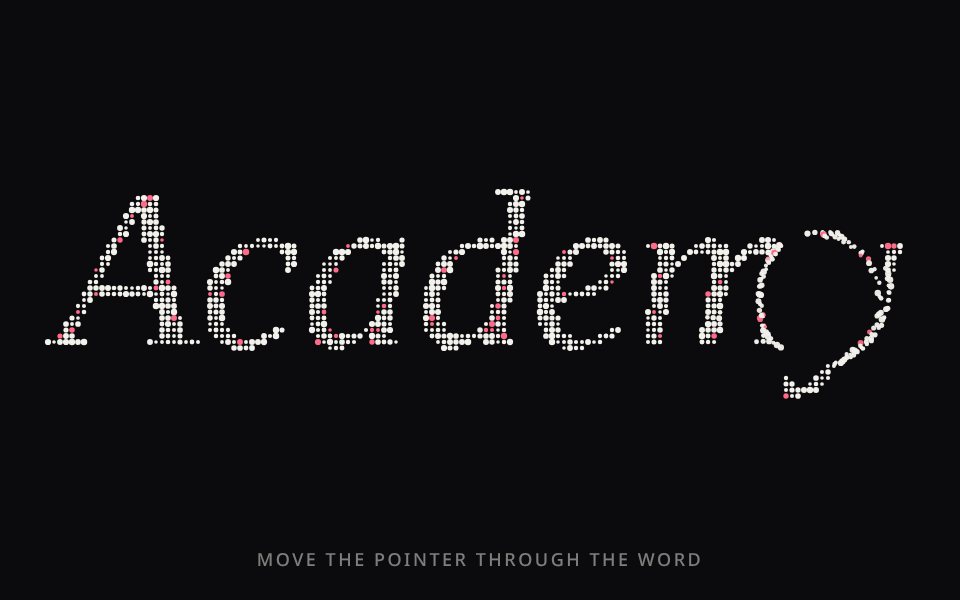
すべてのコンポーネントをその場で編集し、コントロールで調整し、全ソースをダウンロードし、上級プロンプトをコピーできます。
買い切り $49仮の価格
テストモード:実際の支払いは発生しません。
無料:プレビュー、コピーボタン、レッスンの解説。
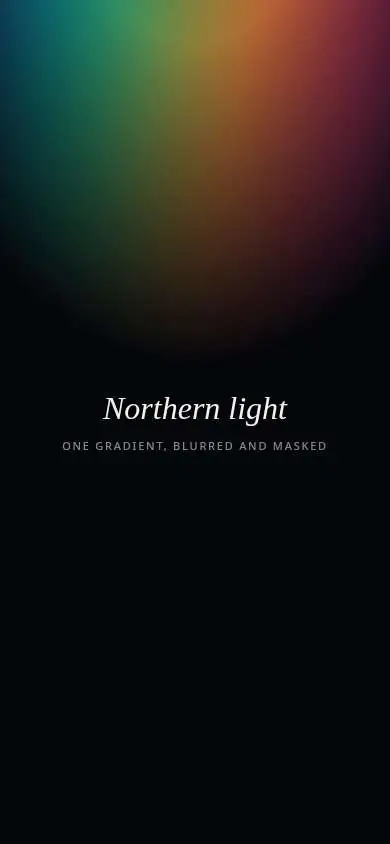
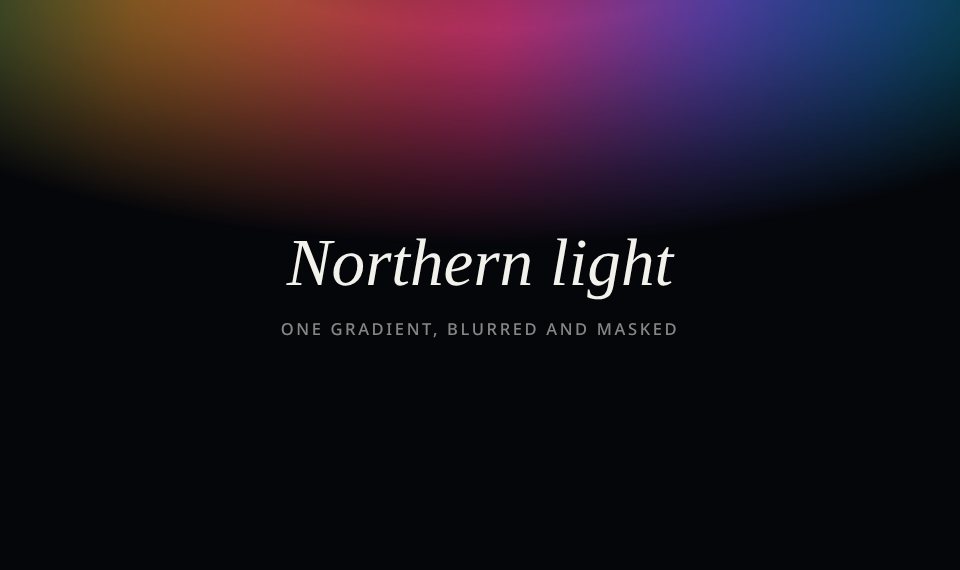
幅の広いグラデーションをぼかして上部にマスクし、オーロラのように見出しの奥で漂わせます。
ヒーロー、ログイン画面、イベントの告知。
色、ぼかし、マスクの形、漂う長さを調整します。
素の HTML・CSS・JavaScript(フレームワークなし)で「オーロラの背景」コンポーネントを作ってください。幅の広いグラデーションをぼかして上部にマスクし、オーロラのように見出しの奥で漂わせます。 使いどころ:ヒーロー、ログイン画面、イベントの告知。 調整できる項目:色、ぼかし、マスクの形、漂う長さを調整します。 ライトとダークのテーマに対応し、prefers-reduced-motion では静止画にし、文字は読みやすく、操作はキーボードでもできるようにしてください。有料や制限付きのコンポーネントライブラリからはコピーせず、オリジナルのコードで書いてください。
調整、アクセシビリティ、組み込み手順まで含む長めのプロンプトです。
 Incidental AI
 Incidental AI
 Jakub Antalik
 Incidental AI
 Incidental AI
 Jakub Antalik
 Incidental AI
 Incidental AI