パフォーマンス
注意フレームレート: 平均 60 fps、p5 59.5 · ロングタスク: 0 件、合計 0 ミリ秒、最長 0 ミリ秒 · ソース gzip 3.0 KB · 実行時 169 KB
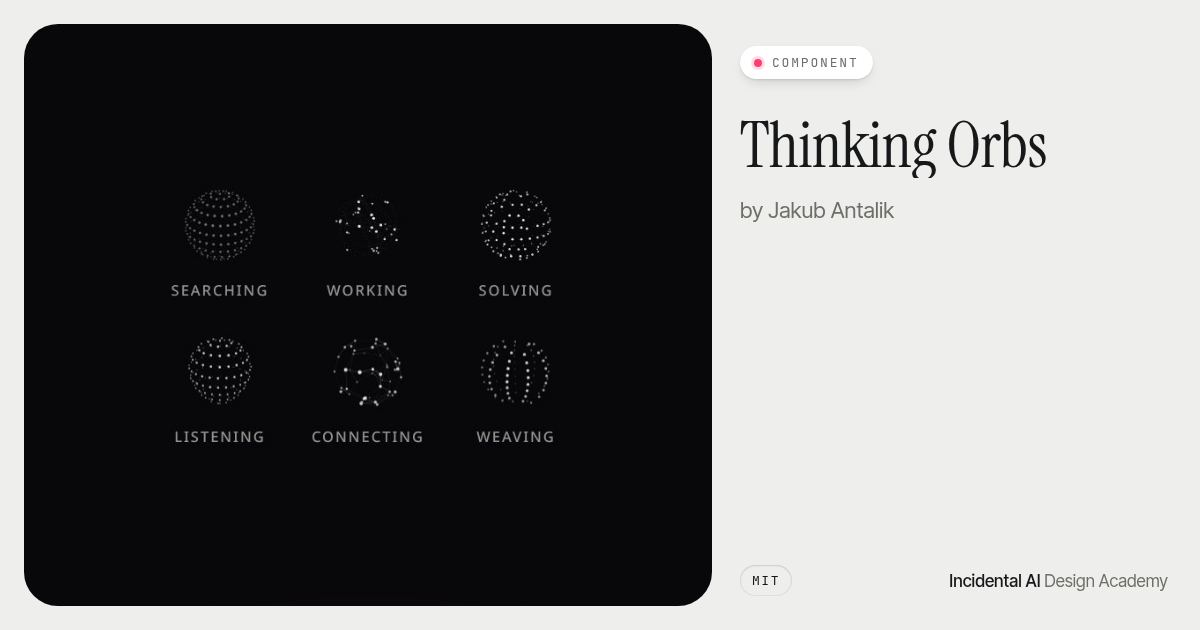
Thinking OrbsMITシグネチャーエフェクトLibraries.dev · collected
品質レポート
評価と点数は、ビルドまたはテスト時に実行した自動チェックの結果です。未実施の項目は「未テスト」と表示し、数字を仮置きすることはありません。
フレームレート: 平均 60 fps、p5 59.5 · ロングタスク: 0 件、合計 0 ミリ秒、最長 0 ミリ秒 · ソース gzip 3.0 KB · 実行時 169 KB
問題 0 · スクリーンリーダー: 注意
継続する動きはない
はみ出しなし
フレームレートとロングタスクは、ヘッドレスの Chromium 上でソフトウェア WebGL を使って測定しています。このサイト内のコンポーネント同士の比較にのみ用いてください。実機の数値ではありません。
該当なし。静止時に見えるアニメーションはありません。ホバーで始まるアニメーションは未テストです。
axe-core の違反はありません。
検査日 2026年11月15日 · 数値は自動スクリプトによるもので、手書きの見本ではありません。
実寸で表示しています。
コピーした内容の先頭にライセンス表記があります。使うときは残してください。
<div id="root"></div>:root{--bg:#f3f0ea;--ink:#17181a}:root[data-theme=dark]{--bg:#08080a;--ink:#f3f1ec}html,body{height:100%;margin:0;background:var(--bg);color:var(--ink);overflow:hidden}body{display:grid;place-items:center}#root{display:grid;place-items:center;max-width:100%;box-sizing:border-box}button:focus-visible,input:focus-visible{outline:2px solid #fe3d70;outline-offset:4px}@media(prefers-reduced-motion:reduce){*,*::before,*::after{animation-play-state:paused!important;transition:none!important}}// fx-runtime.js: load before the demo (sets window.FX: theme, reduced motion)
/* Incidental AI Design Academy fx runtime (MIT). Theme from #dark/#light, reduced motion, visibility pause.
Small 2D canvases (≤640×640 device px, by backing size or on-screen box, when the context is created) are CPU-backed via willReadFrequently: sprite-heavy
components redraw many small canvases per frame, and GPU-backed readback/compositing of tiny canvases is the slow path. */
(function(){[window.HTMLCanvasElement,window.OffscreenCanvas].forEach(function(C){if(!C)return;var g=C.prototype.getContext;C.prototype.getContext=function(t,o){var a=this.width*this.height;if(this.isConnected&&this.getBoundingClientRect){var r=this.getBoundingClientRect(),p=window.devicePixelRatio||1;a=Math.max(a,r.width*r.height*p*p)}if(t==='2d'&&a<=409600){var x={};if(o)for(var k in o)x[k]=o[k];if(x.willReadFrequently===undefined)x.willReadFrequently=true;return g.call(this,t,x)}return g.apply(this,arguments)}})})();
(function(){var d=document.documentElement,q=function(){var h=location.hash.slice(1);if(h==='dark'||h==='light')d.dataset.theme=h;else if(!d.dataset.theme)d.dataset.theme=d.getAttribute('data-default')||'dark'};q();addEventListener('hashchange',function(){q();dispatchEvent(new Event('fx-theme'))});
var m=matchMedia('(prefers-reduced-motion: reduce)');window.FX={rm:m.matches,dark:function(){return d.dataset.theme==='dark'},loop:function(f){var on=true,t0=performance.now(),id=0;function step(t){f((t-t0)/1000);if(on&&!FX.rm)id=requestAnimationFrame(step)}if(FX.rm){f(2.2);addEventListener('fx-theme',function(){f(2.2)});return}id=requestAnimationFrame(step);document.addEventListener('visibilitychange',function(){if(document.hidden){on=false;cancelAnimationFrame(id)}else if(!on){on=true;id=requestAnimationFrame(step)}})}};
m.addEventListener&&m.addEventListener('change',function(){location.reload()})})();
// _mount.jsx
// Demo harness (MIT, Incidental AI). Mounts a demo and re-renders on theme change.
import React, { useEffect, useState } from 'react';
import { createRoot } from 'react-dom/client';
export function useTheme() { const [d, setD] = useState(window.FX.dark()); useEffect(() => { const f = () => setD(window.FX.dark()); addEventListener('fx-theme', f); return () => removeEventListener('fx-theme', f); }, []); return d ? 'dark' : 'light'; }
export function mount(App) { createRoot(document.getElementById('root')).render(<App />); }
export const rm = () => window.FX.rm;
// Reduced motion for packages without a pause prop: let them paint a few frames, then hold that still frame.
export function freezeUnderReducedMotion(ms = 700) { if (!window.FX.rm) return; const raf = window.requestAnimationFrame.bind(window), t0 = performance.now(); window.requestAnimationFrame = f => performance.now() - t0 < ms ? raf(f) : 0; }
// demo.jsx (npm i thinking-orbs react react-dom)
import React from 'react'; import { ThinkingOrb } from 'thinking-orbs'; import { mount, useTheme, rm } from './_mount.jsx';
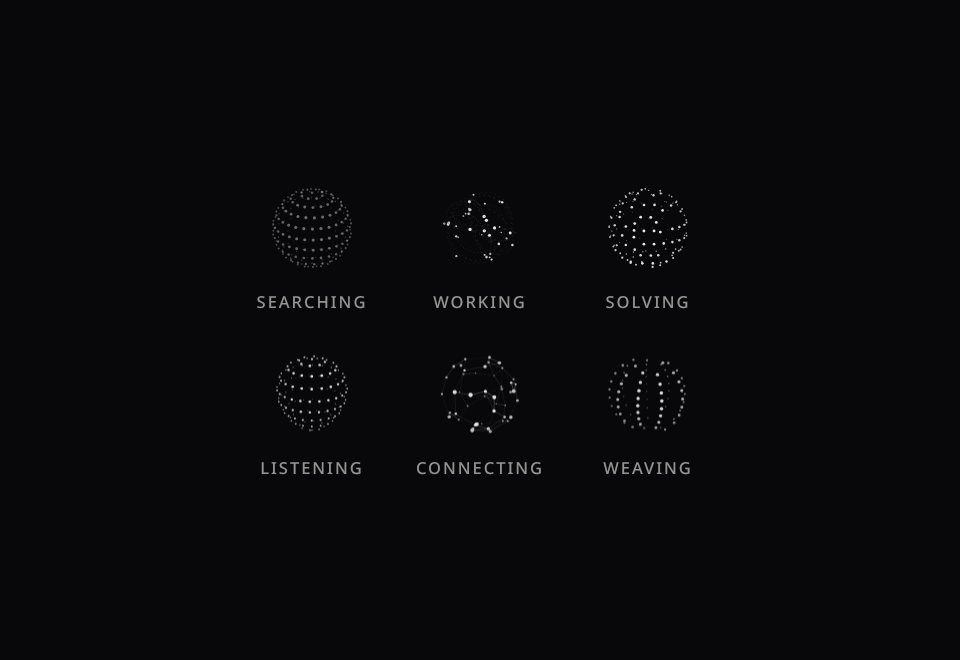
const S = ['searching', 'working', 'solving', 'listening', 'connecting', 'weaving'];
mount(function App() { const th = useTheme(), d = th === 'dark';
return <div style={{ display: 'grid', gridTemplateColumns: 'repeat(3, minmax(90px, 1fr))', gap: 22, color: d ? '#f3f1ec' : '#17181a', font: '500 11px system-ui,sans-serif', letterSpacing: '.12em', textTransform: 'uppercase', textAlign: 'center' }}>
{S.map(s => <div key={s} style={{ display: 'grid', justifyItems: 'center', gap: 10 }}><ThinkingOrb state={s} size={64} theme={th} paused={rm()} /><span style={{ opacity: .6 }}>{s}</span></div>)}
</div>; });コントロール · HTML · CSS · JS
コードを編集し、コントロールで調整できます。入力に合わせてプレビューが更新されます。
すべてのコンポーネントをその場で編集し、コントロールで調整し、全ソースをダウンロードし、上級プロンプトをコピーできます。
買い切り $49仮の価格
テストモード:実際の支払いは発生しません。
無料:プレビュー、コピーボタン、レッスンの解説。
点でできた小さな球が、考え方の種類ごとに違う動きを見せます。
AI の検索中、作業中、解決中、聞き取り中の表示。
state、size、speed、theme、paused を設定します。
MIT ライセンスの npm パッケージ thinking-orbs を使って、React アプリに「シンキングオーブ」エフェクトを追加してください。点でできた小さな球が、考え方の種類ごとに違う動きを見せます。 使いどころ:AI の検索中、作業中、解決中、聞き取り中の表示。 調整する設定:state、size、speed、theme、paused を設定します。 ライトとダークのテーマに対応し、prefers-reduced-motion を尊重し、パッケージの MIT ライセンス表記を残してください。
調整、アクセシビリティ、組み込み手順まで含む長めのプロンプトです。
 Incidental AI
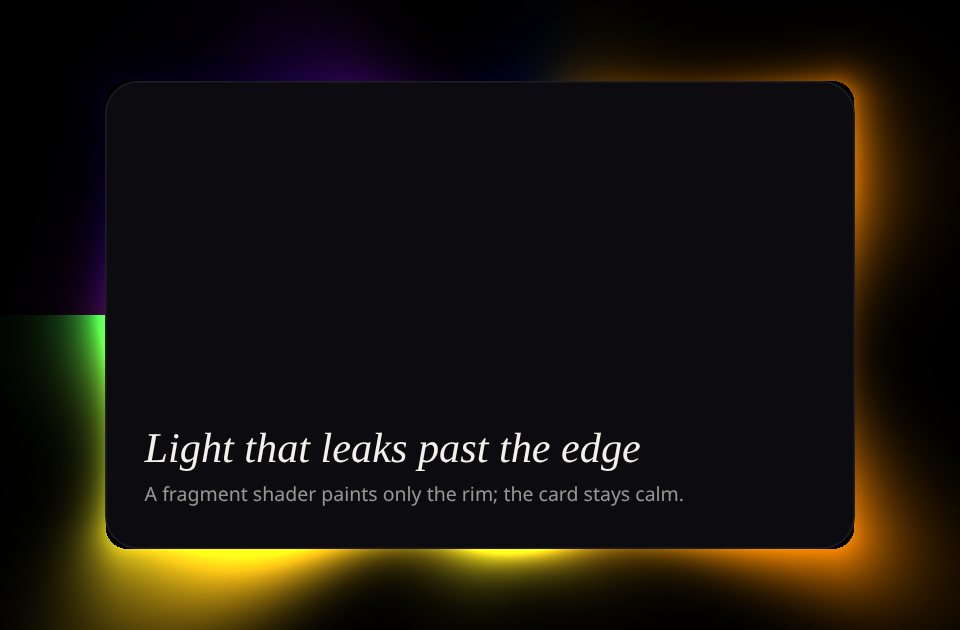 Incidental AI
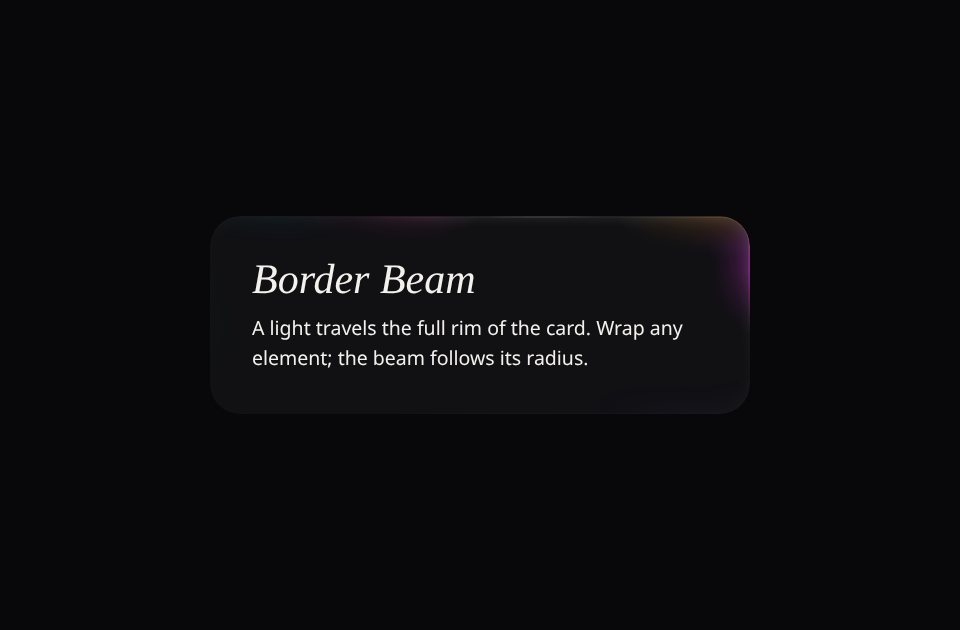 Jakub Antalik
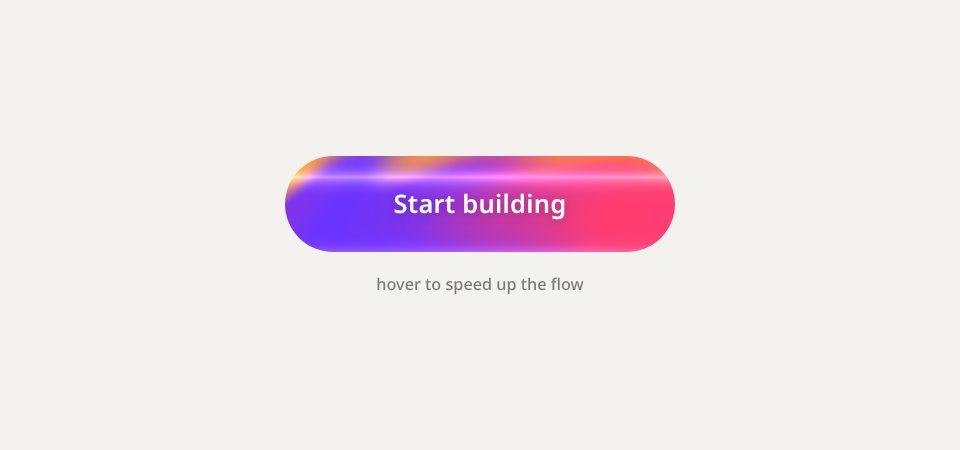 Incidental AI
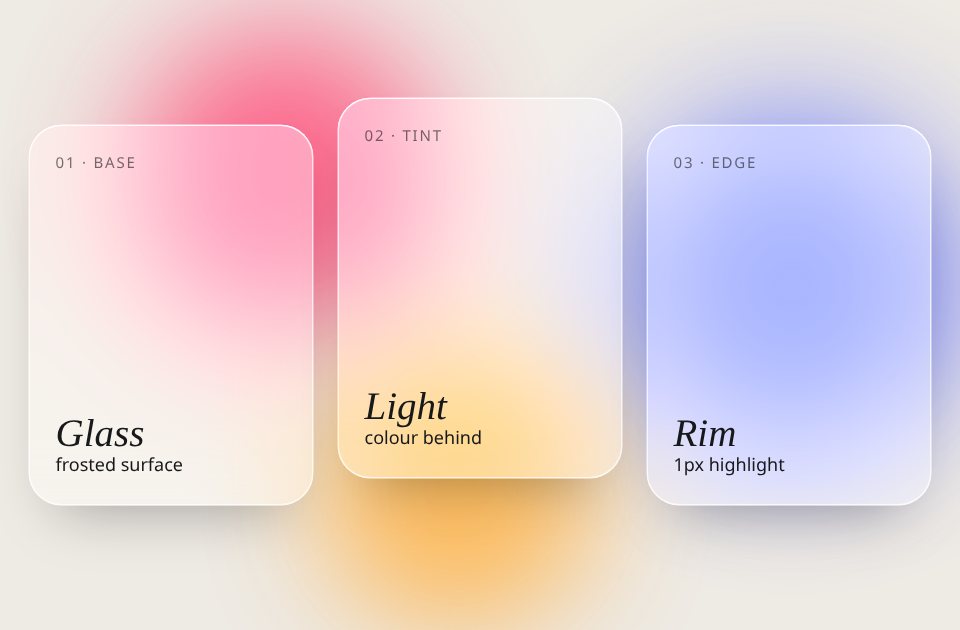 Incidental AI
 Jakub Antalik
 Incidental AI
 Incidental AI