성능
주의프레임 속도: 평균 53.1 fps, p5 59.5 · 긴 작업: 0개, 총 0 ms, 최장 0 ms · 소스 gzip 2.8 KB · 런타임 191 KB
Liquid gooey menuMIT시그니처 효과Libraries.dev · collected
품질 보고
등급과 점수는 빌드 또는 테스트 때 실행한 자동 검사에서 나옵니다. 실행하지 않은 항목은 '미검사'로 표시하며, 숫자를 지어내지 않습니다.
프레임 속도: 평균 53.1 fps, p5 59.5 · 긴 작업: 0개, 총 0 ms, 최장 0 ms · 소스 gzip 2.8 KB · 런타임 191 KB
문제 0 · 스크린 리더: 통과
움직임 줄이기를 따름
넘침 없음
프레임 속도와 긴 작업 수치는 헤드리스 Chromium에서 소프트웨어 WebGL로 측정했습니다. 이 사이트의 컴포넌트끼리만 비교해야 하며, 실제 기기의 성능이 아닙니다.
axe-core 위반이 없습니다.
검사일 2026년 11월 15일 · 수치는 자동 스크립트에서 오며, 손으로 쓴 예시가 아닙니다.
실제 크기로 보여 줍니다.
복사한 내용은 라이선스 고지로 시작합니다. 코드를 쓸 때 남겨 두세요.
<div id="root"></div>:root{--bg:#f3f0ea;--ink:#17181a}:root[data-theme=dark]{--bg:#08080a;--ink:#f3f1ec}html,body{height:100%;margin:0;background:var(--bg);color:var(--ink);overflow:hidden}body{display:grid;place-items:center}#root{display:grid;place-items:center;max-width:100%;box-sizing:border-box}button:focus-visible,input:focus-visible{outline:2px solid #fe3d70;outline-offset:4px}@media(prefers-reduced-motion:reduce){*,*::before,*::after{animation-play-state:paused!important;transition:none!important}}// fx-runtime.js: load before the demo (sets window.FX: theme, reduced motion)
/* Incidental AI Design Academy fx runtime (MIT). Theme from #dark/#light, reduced motion, visibility pause.
Small 2D canvases (≤640×640 device px, by backing size or on-screen box, when the context is created) are CPU-backed via willReadFrequently: sprite-heavy
components redraw many small canvases per frame, and GPU-backed readback/compositing of tiny canvases is the slow path. */
(function(){[window.HTMLCanvasElement,window.OffscreenCanvas].forEach(function(C){if(!C)return;var g=C.prototype.getContext;C.prototype.getContext=function(t,o){var a=this.width*this.height;if(this.isConnected&&this.getBoundingClientRect){var r=this.getBoundingClientRect(),p=window.devicePixelRatio||1;a=Math.max(a,r.width*r.height*p*p)}if(t==='2d'&&a<=409600){var x={};if(o)for(var k in o)x[k]=o[k];if(x.willReadFrequently===undefined)x.willReadFrequently=true;return g.call(this,t,x)}return g.apply(this,arguments)}})})();
(function(){var d=document.documentElement,q=function(){var h=location.hash.slice(1);if(h==='dark'||h==='light')d.dataset.theme=h;else if(!d.dataset.theme)d.dataset.theme=d.getAttribute('data-default')||'dark'};q();addEventListener('hashchange',function(){q();dispatchEvent(new Event('fx-theme'))});
var m=matchMedia('(prefers-reduced-motion: reduce)');window.FX={rm:m.matches,dark:function(){return d.dataset.theme==='dark'},loop:function(f){var on=true,t0=performance.now(),id=0;function step(t){f((t-t0)/1000);if(on&&!FX.rm)id=requestAnimationFrame(step)}if(FX.rm){f(2.2);addEventListener('fx-theme',function(){f(2.2)});return}id=requestAnimationFrame(step);document.addEventListener('visibilitychange',function(){if(document.hidden){on=false;cancelAnimationFrame(id)}else if(!on){on=true;id=requestAnimationFrame(step)}})}};
m.addEventListener&&m.addEventListener('change',function(){location.reload()})})();
// _mount.jsx
// Demo harness (MIT, Incidental AI). Mounts a demo and re-renders on theme change.
import React, { useEffect, useState } from 'react';
import { createRoot } from 'react-dom/client';
export function useTheme() { const [d, setD] = useState(window.FX.dark()); useEffect(() => { const f = () => setD(window.FX.dark()); addEventListener('fx-theme', f); return () => removeEventListener('fx-theme', f); }, []); return d ? 'dark' : 'light'; }
export function mount(App) { createRoot(document.getElementById('root')).render(<App />); }
export const rm = () => window.FX.rm;
// Reduced motion for packages without a pause prop: let them paint a few frames, then hold that still frame.
export function freezeUnderReducedMotion(ms = 700) { if (!window.FX.rm) return; const raf = window.requestAnimationFrame.bind(window), t0 = performance.now(); window.requestAnimationFrame = f => performance.now() - t0 < ms ? raf(f) : 0; }
// demo.jsx (npm i liquid-gooey react react-dom)
import React, { useEffect, useState } from 'react'; import { Liquid } from 'liquid-gooey'; import { mount, useTheme, rm } from './_mount.jsx';
mount(function App() { const th = useTheme(), d = th === 'dark', [open, setOpen] = useState(false);
useEffect(() => { if (rm()) { setOpen(true); return; } const t = setInterval(() => setOpen(o => !o), 1800); return () => clearInterval(t); }, []);
const fill = d ? '#f3f1ec' : '#17181a', ink = d ? '#17181a' : '#fff';
const btn = { width: 52, height: 52, borderRadius: 99, border: 0, background: 'transparent', color: ink, font: '600 20px system-ui', cursor: 'pointer' };
const pos = [[-70, -40], [0, -78], [70, -40]];
return <div style={{ position: 'relative', width: 240, height: 200, display: 'grid', placeItems: 'end center', paddingBottom: 30, boxSizing: 'border-box' }}>
<style>{'.lg>div{display:grid!important;place-items:end center;width:260px;height:190px;padding-bottom:20px;box-sizing:border-box}.lg>div>*:not(svg){grid-area:1/1}'}</style><div className="lg"><Liquid blur={6} contrast={18} fill={fill} filterPadding={110}>
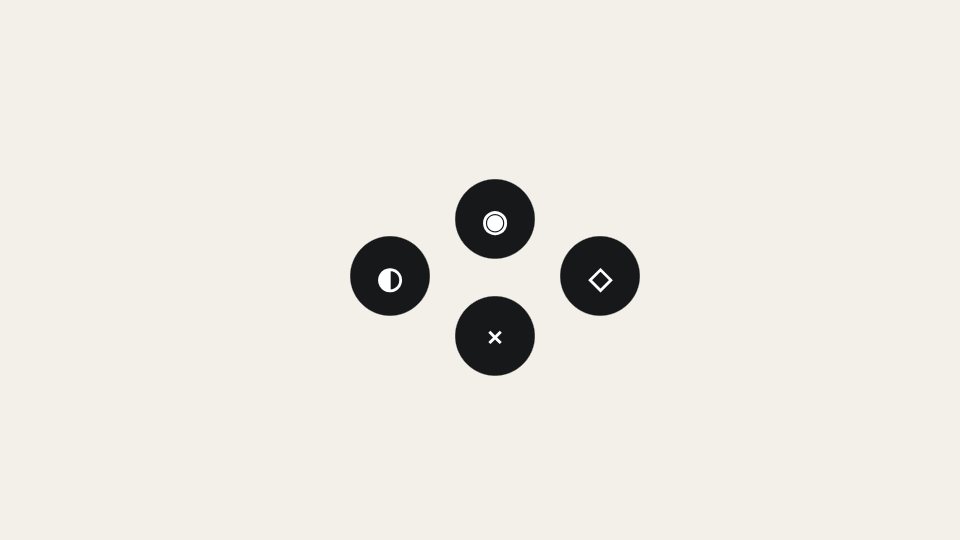
{pos.map(([x, y], k) => <Liquid.Item key={k} x={open ? x : 0} y={open ? y : 0} transition="bouncy" delay={k * 40}><button type="button" style={btn} aria-label={['Image', 'Voice', 'File'][k]}>{['◐', '◉', '◇'][k]}</button></Liquid.Item>)}
<Liquid.Item><button type="button" style={btn} aria-expanded={open} aria-label="Menu" onClick={() => setOpen(o => !o)}>{open ? '×' : '+'}</button></Liquid.Item>
</Liquid></div></div>; });컨트롤 · HTML · CSS · JS
코드를 고치고 컨트롤로 다듬어 보세요. 입력하는 대로 미리보기가 바뀝니다.
이 컴포넌트는 번들된 빌드로 실행되므로 여기서는 스크립트를 읽기만 할 수 있습니다. HTML과 CSS는 수정할 수 있고 전체 소스는 코드 탭에 있습니다.
모든 컴포넌트를 바로 편집하고, 컨트롤로 다듬고, 전체 소스를 내려받고, 고급 프롬프트를 복사하세요.
1회 결제 $49임시 가격
테스트 모드: 실제 결제는 이루어지지 않습니다.
무료: 미리보기, 복사 버튼, 레슨 설명.
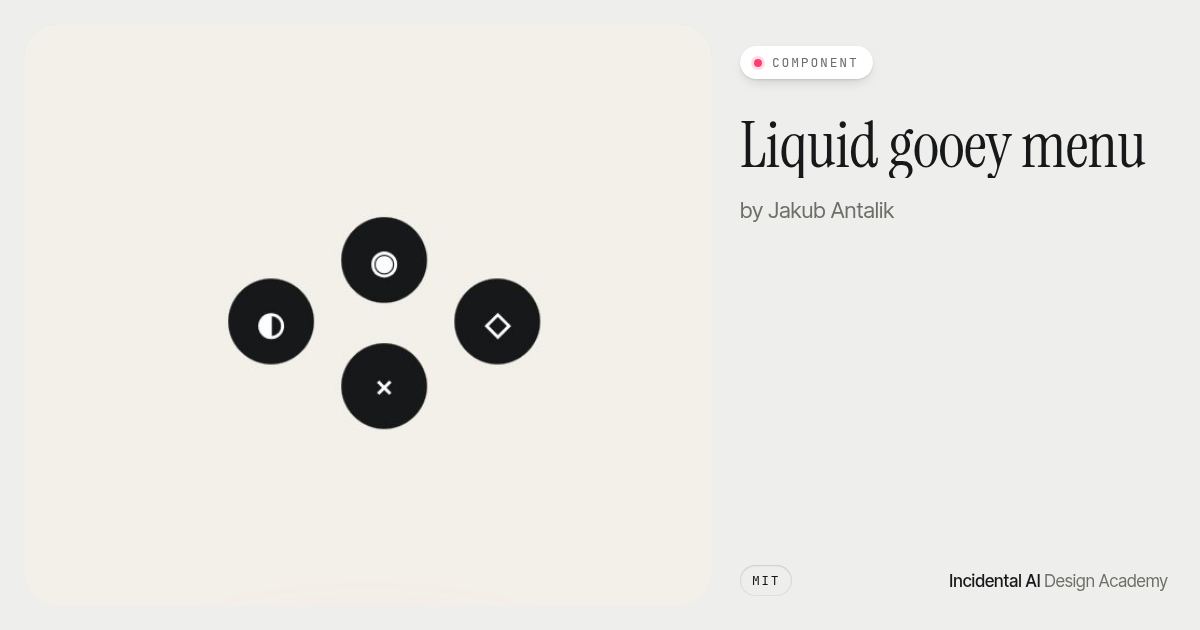
버튼이 물방울처럼 한 덩어리에서 갈라졌다가 다시 녹아 합쳐집니다.
플러스 메뉴, 떠 있는 동작 버튼, 빠른 동작.
blur, contrast, fill, 항목별 x와 y, transition, delay를 설정합니다.
MIT 라이선스 npm 패키지 liquid-gooey로 내 React 앱에 "리퀴드 메뉴" 효과를 넣어 주세요. 버튼이 물방울처럼 한 덩어리에서 갈라졌다가 다시 녹아 합쳐집니다. 쓰는 곳: 플러스 메뉴, 떠 있는 동작 버튼, 빠른 동작. 조정할 설정: blur, contrast, fill, 항목별 x와 y, transition, delay를 설정합니다. 라이트와 다크 테마를 지원하고 prefers-reduced-motion을 지키며, 패키지의 MIT 라이선스 고지를 남겨 주세요.
조정, 접근성, 연동 단계까지 담은 긴 프롬프트입니다.
 Incidental AI
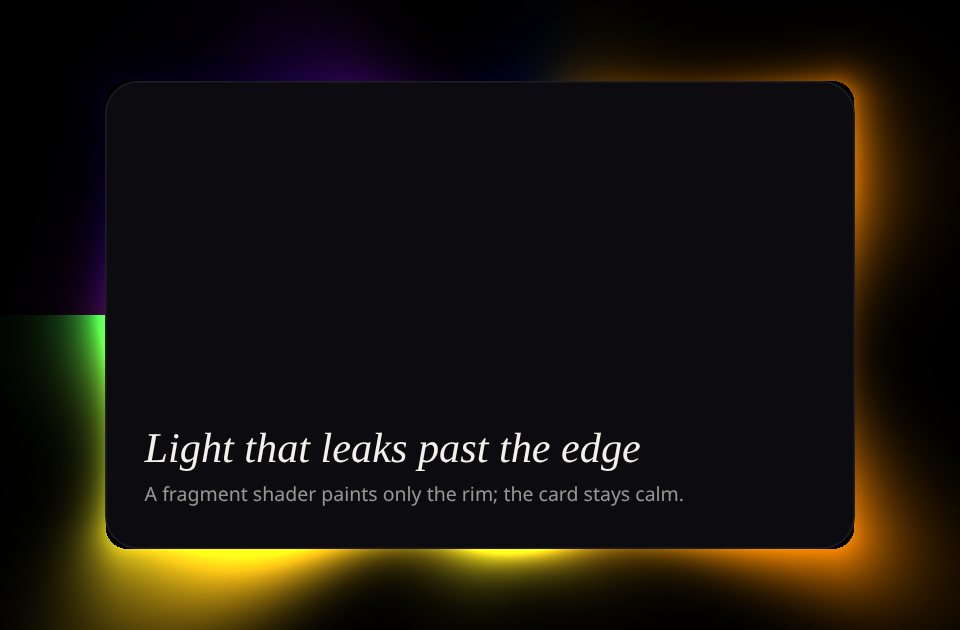 Incidental AI
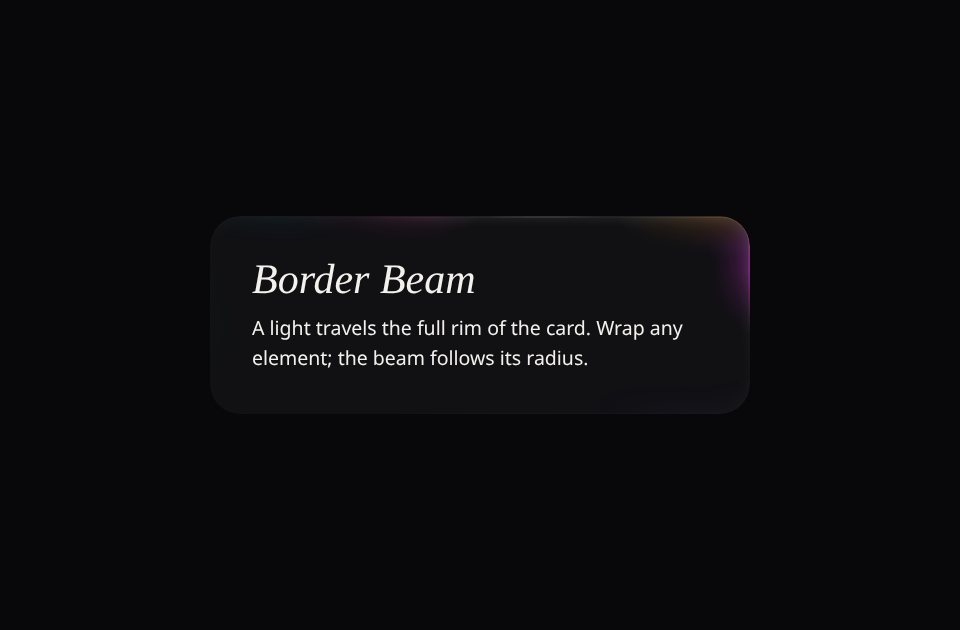 Jakub Antalik
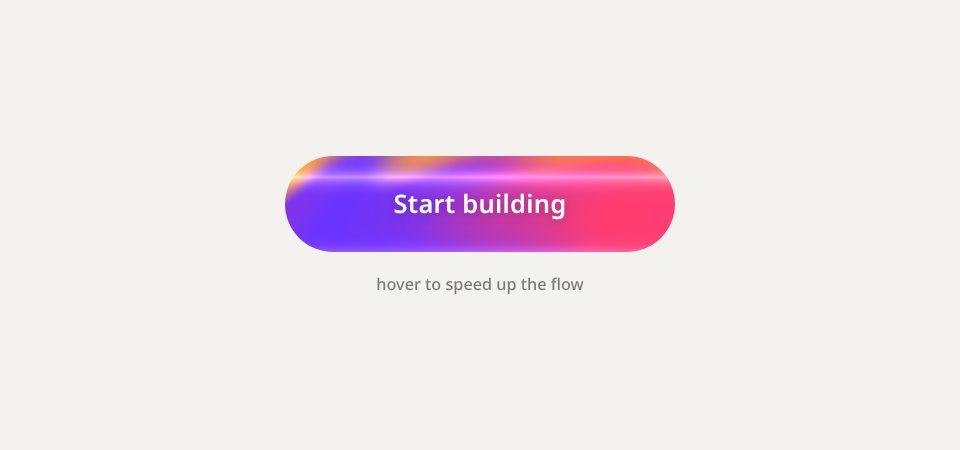 Incidental AI
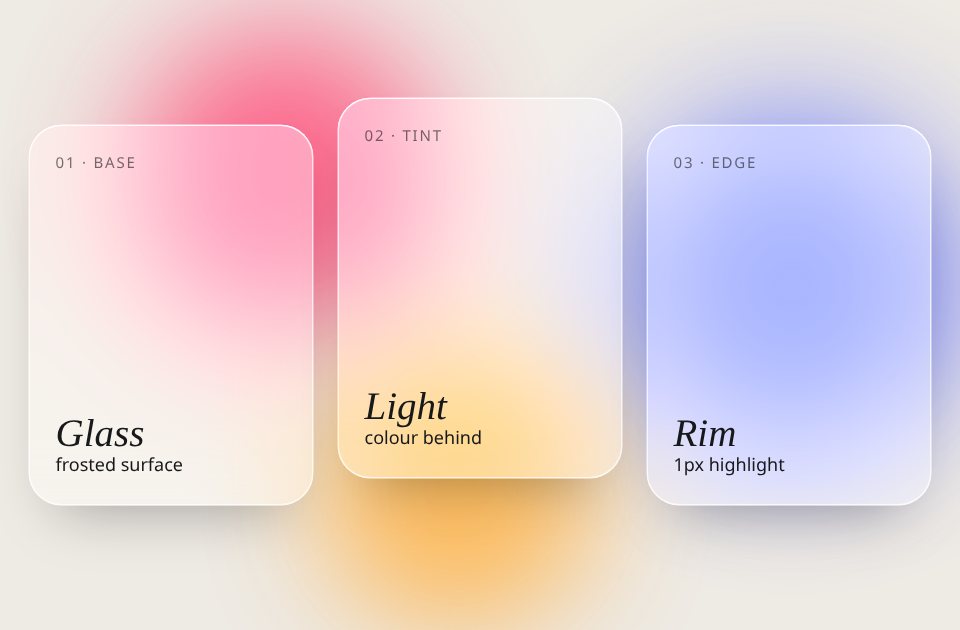 Incidental AI
 Jakub Antalik
 Incidental AI
 Incidental AI