效能
通過幀率: 平均 60 fps,p5 59.5 · 長任務: 0 個,共 0 毫秒,最長 0 毫秒 · 原始碼 gzip 3.1 KB · 執行時 2.5 KB
unlucky-pug-80MIT按鈕Uiverse.io
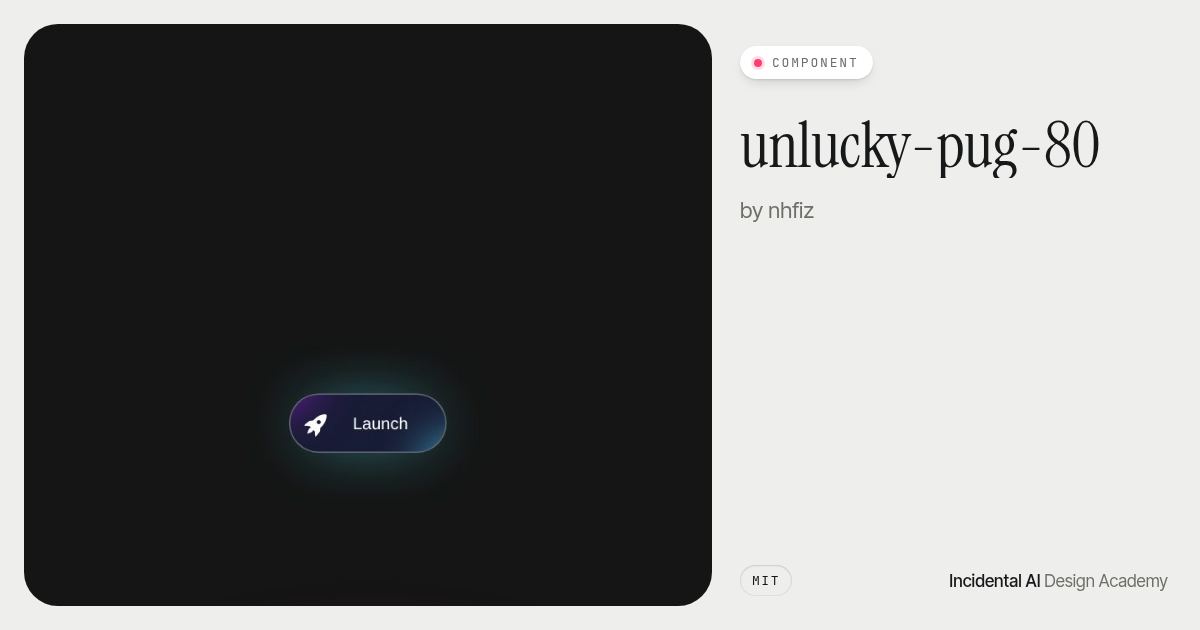
nhfiz 用純 HTML 和 CSS 做的按鈕。依 MIT 授權從 Uiverse.io 收錄,此處為即時預覽。
品質報告
等級和分數來自建置或測試時跑過的自動檢查。沒跑過的項目會標成「未檢測」,不會填假資料。
幀率: 平均 60 fps,p5 59.5 · 長任務: 0 個,共 0 毫秒,最長 0 毫秒 · 原始碼 gzip 3.1 KB · 執行時 2.5 KB
問題 0 · 讀屏: 需注意
沒有持續動效
無溢出
幀率和長任務是在無介面的 Chromium 裡用軟體 WebGL 測的,只適合在本站元件之間比較,不代表實機表現。
不適用:靜止時沒有可見動畫;由懸停觸發的動畫沒有測試。
沒有 axe-core 違規。
檢測於 2026年11月15日 · 資料來自自動腳本,不是手工填寫。
以實際尺寸顯示。
複製內容以授權聲明開頭,使用程式碼時請保留。
<button>
 <span class="icon">

<svg height="303.09363" width="187.41829" version="1.1">
  <path id="path4" stroke-linecap="round" style="stroke:none;stroke-width:2.81;stroke-linecap:butt;stroke-linejoin:miter;stroke-miterlimit:10;stroke-dasharray:none" d="m 105.04479,7.9451197 c -0.54247,-0.518571 -1.09286,-1.029222 -1.64524,-1.54186 -0.61595,-0.572255 -1.22596,-1.146482 -1.85384,-1.710782 -1.25775,-1.134567 -2.537358,-2.259184 -3.844788,-3.36394 -2.09427,-1.77237697 -5.16413,-1.77038997 -7.26039,0 -1.30742,1.104756 -2.58107,2.227394 -3.83882,3.35798 -0.63782,0.574234 -1.25577,1.156416 -1.87769,1.734625 -0.53847,0.502703 -1.0829,1.003419 -1.61143,1.512084 -0.88818,0.848436 -1.75648,1.70482 -2.61684,2.5651783 -0.14306,0.143062 -0.28811,0.288111 -0.42919,0.43316 -17.060123,17.22703 -28.588524,37.172235 -35.801225,61.735159 -0.125179,0.435146 -0.260293,0.860358 -0.387459,1.293517 -0.04371,0.154984 -0.09339,0.300033 -0.137101,0.455017 -0.0099,0.03377 -0.0079,0.07153 -0.01788,0.105302 -5.766187,20.286964 -8.524101,43.53849 -8.524101,70.45796 0,3.05993 0.05365,6.10596 0.13114,9.14403 l -24.167515,28.14543 c -0.707361,0.82261 -1.160391,1.83199 -1.3074264,2.90495 l -9.80369097,72.24621 c -0.311955,2.29892 0.818631,4.55414 2.84931497,5.67479 2.028696,1.12263 4.538239,0.88221 6.320552,-0.60206 L 51.189952,227.47351 h 24.37615 c -3.33215,5.3072 -5.31316,12.12847 -5.31514,19.66505 0.002,4.51638 0.72127,8.8599 2.15983,12.95305 1.93929,5.40854 7.59023,18.67752 13.573,32.72739 l 2.91687,6.85505 c 0.88221,2.07439 2.91687,3.42156 5.17208,3.41957 1.52003,0.002 2.94072,-0.61199 3.97593,-1.6472 0.49873,-0.49873 0.90804,-1.09879 1.19615,-1.77635 l 3.020198,-7.10143 c 5.93309,-13.93661 11.53635,-27.10227 13.48358,-32.51875 1.42267,-4.06137 2.14394,-8.40687 2.14394,-12.91729 0,-7.53459 -1.983,-14.35387 -5.31515,-19.66107 h 23.65289 l 41.9668,35.01637 c 1.78032,1.48626 4.29185,1.72469 6.32055,0.60205 0.46892,-0.2583 0.88817,-0.5782 1.25378,-0.94381 1.22,-1.22 1.83596,-2.96058 1.59553,-4.73097 l -9.80569,-72.24027 c -0.14704,-1.07297 -0.60007,-2.08235 -1.30743,-2.90495 l -23.45419,-27.31289 c 0.0914,-3.31427 0.14107,-6.63847 0.14306,-9.97857 0,-26.93934 -2.75792,-50.202781 -8.53006,-70.499678 -0.006,-0.02183 -0.006,-0.0457 -0.012,-0.06753 -0.0278,-0.09936 -0.0596,-0.190728 -0.0874,-0.290098 -0.26625,-0.929902 -0.5484,-1.843908 -0.83055,-2.761888 -7.23257,-23.950938 -18.64573,-43.486827 -35.37602,-60.391968 -0.16279,-0.16704 -0.32573,-0.329972 -0.49064,-0.49489 -0.84022,-0.8487053 -1.69701,-1.6927643 -2.57114,-2.5274333 z m 12.504,114.1176503 c 0,6.2669 -2.44,12.16423 -6.87492,16.59915 -4.43293,4.43293 -10.32827,6.87491 -16.599138,6.87491 -12.94511,-0.002 -23.47407,-10.53094 -23.47605,-23.47605 v 0 c 0.004,-12.94709 10.53889,-23.47406 23.47406,-23.47406 6.268888,-0.002 12.166218,2.43801 16.601138,6.87293 4.43491,4.43492 6.8769,10.33025 6.87491,16.60312 z"></path>
</svg>

   </span>
<span class="text">
Launch
</span>
<span class="launch">
</span>
</button>/* From Uiverse.io by nhfiz - Tags: button */
button {
padding: 15px 30px 15px 50px;
background: #181c35;
border-radius: 30px;
display: flex;
position: relative;
color: #fff;
font-weight: 400;
overflow: hidden;
transition: all ease-in-out .5s;
border: #ffffff56 solid 1px;
box-shadow: #51eafd 0px 0px 50px -15px;
}
button:before {
content: "";
width: 100%;
height: 100%;
position: absolute;
top: -90%;
left: -90%;
filter: blur(20px);
background: #a11ee3;
}
button:after {
content: "";
width: 100%;
height: 100%;
position: absolute;
bottom: -90%;
right: -90%;
filter: blur(20px);
background: #51eafd;
}
button .icon {
transform: scale(0.07);
width: 20px;
height: 20px;
position: absolute;
left: 14px;
top: 2px;
transition: all ease-in-out .5s;
z-index: 9;
rotate: 45deg
}
button .icon path {
fill: #fff;
}
button .launch {
background: fff;
background: #fff;
width: 300px;
height: 300px;
rotate: 45deg;
position: absolute;
left: -9px;
top: 550%;
z-index: 0;
transform: translateX(-56%);
transition: all ease-in-out 1s;
}
button .text {
z-index: 9;
transition: all ease-in-out .3s;
}
button:hover .icon {
transform: scale(0.07);
animation: shake_341 2s infinite;
top: 5px;
left: 8px;
rotate: 0deg;
}
button:active {
transform: scale(0.7);
}
button:hover {
box-shadow: 0px 0px 0px 10px #00000017;
}
button:focus {
color: #464646;
}
button:focus .icon {
transform: scale(0.07);
animation: launch_341 2s alternate;
}
button:focus .icon path {
animation: fill_341 2s linear;
animation-fill-mode: forwards;
}
button:focus .launch {
top: -90%;
}
@keyframes shake_341 {
10%, 90% {
transform: scale(0.07) translate3d(-6px, 0, 0);
}
20%, 80% {
transform: scale(0.07) translate3d(7px, 0, 0);
}
30%, 50%, 70% {
transform: scale(0.07) translate3d(-9px, 0, 0);
}
40%, 60% {
transform: scale(0.07) translate3d(9px, 0, 0);
}
}
@keyframes launch_341 {
0% {
top: 0px;
opacity: 1;
}
20% {
top: -100%;
opacity: 1;
}
20.5% {
opacity: 0;
}
24% {
opacity: 0;
top: 100%;
}
25% {
opacity: 1;
}
100% {
top: 6px;
}
}
@keyframes fill_341 {
0% {
fill: #fff;
}
20% {
fill: #fff;
}
20.5% {
opacity: 0;
}
100% {
fill: #464646;
}
}控制項 · HTML · CSS · JS
直接改程式碼,再用控制項微調,預覽會隨輸入即時更新。
線上編輯每個元件,用控制項微調,下載完整原始碼,複製進階提示詞。
一次性 $49暫定價格
測試模式:不會真的扣款。
免費:預覽、複製按鈕和課程說明。
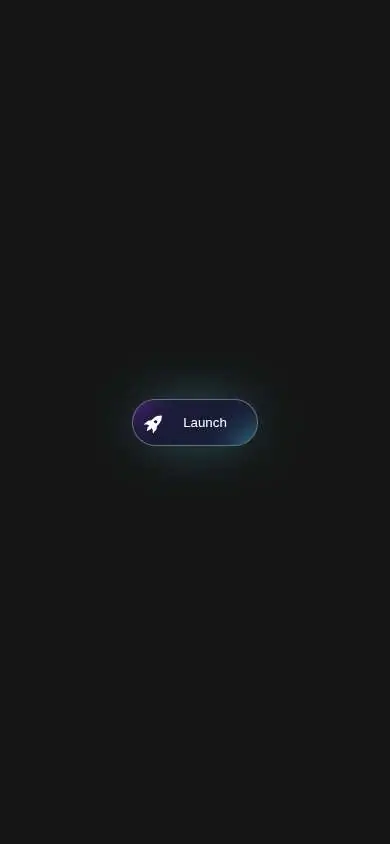
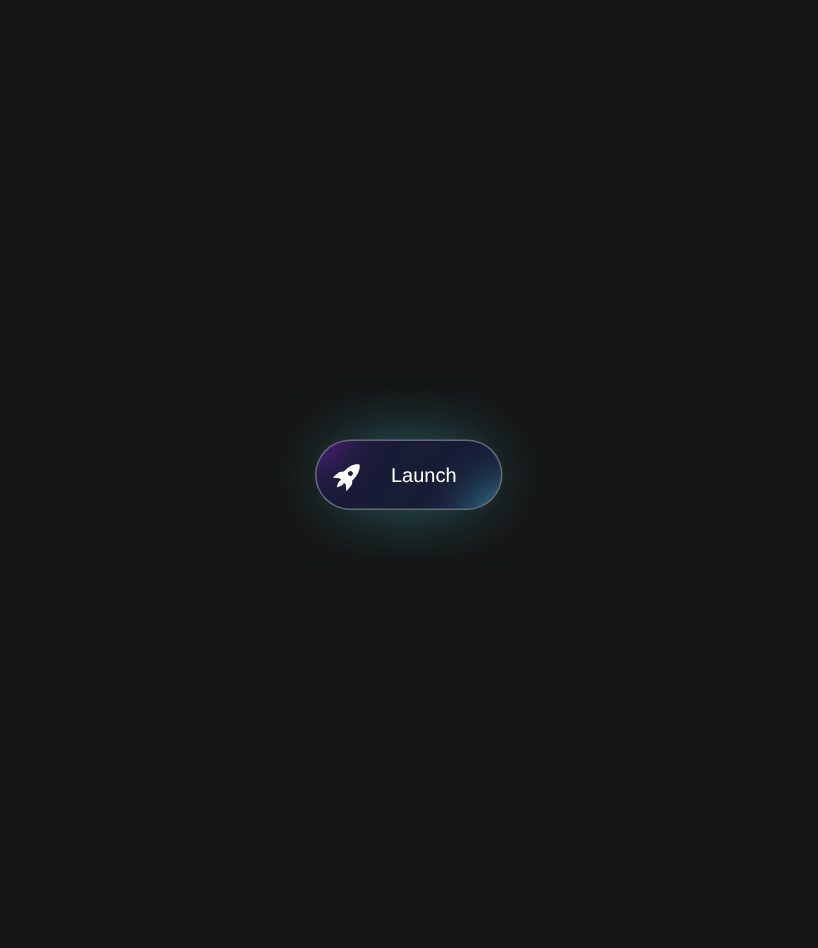
帶火箭圖示的藏藍膠囊,角落裡藏著紫和青兩團模糊光暈,懸停時向中間飄進來。
釋出、部署和上線操作。
改 #181c35 底色、#a11ee3 和 #51eafd 光暈、20px 模糊、30px 圓角和 0.5s 過渡。
用純 HTML、CSS 和 JavaScript(不用框架)做一個「星雲光暈發射按鈕」元件。帶火箭圖示的藏藍膠囊,角落裡藏著紫和青兩團模糊光暈,懸停時向中間飄進來。 適用場景:釋出、部署和上線操作。 開放這些可調項:改 #181c35 底色、#a11ee3 和 #51eafd 光暈、20px 模糊、30px 圓角和 0.5s 過渡。 支援淺色和深色主題,遵守 prefers-reduced-motion 並給出靜止畫面,保證文字清晰、控制元件可用鍵盤操作。請寫原創程式碼,不要從付費或受限的元件庫複製。
更完整的提示詞,包含調參、無障礙和接入步驟。
 ObsidianUI
 Tsiangana
 Animata
 Pradeepsaranbishnoi
 andrew-demchenk0
 tarantino421
 cssbuttons-io
 Lucas Bassetti