性能
通过帧率: 平均 60 fps,p5 59.5 · 长任务: 0 个,共 0 毫秒,最长 0 毫秒 · 源码 gzip 1.5 KB · 运行时 1.6 KB
clever-fly-79MIT卡片Uiverse.io
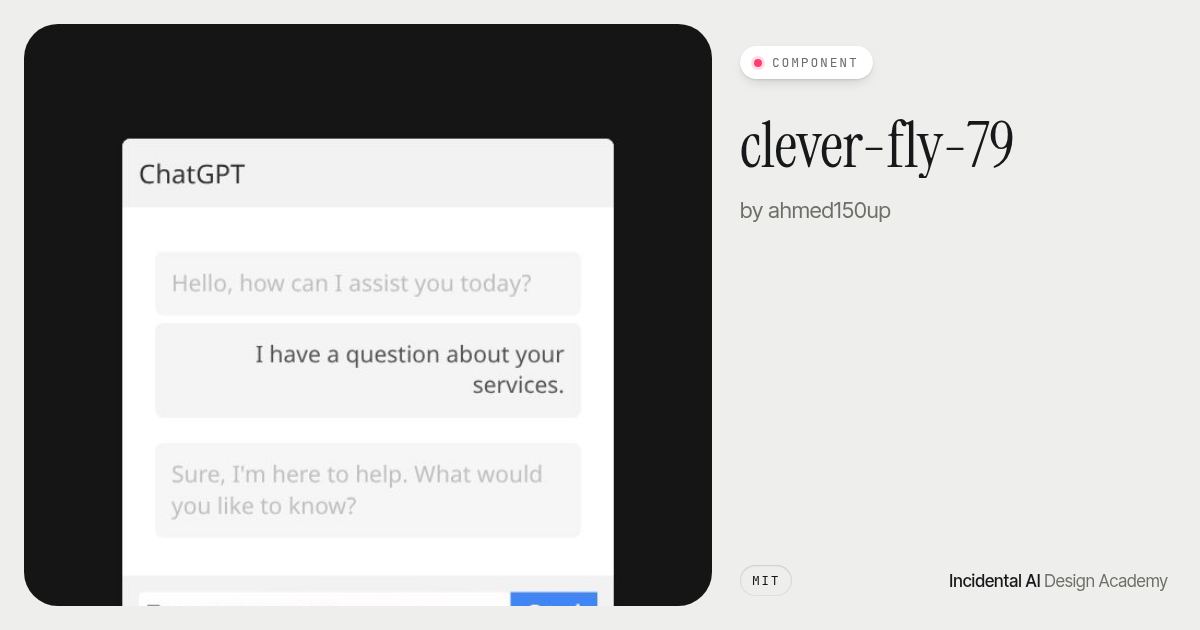
ahmed150up 用纯 HTML 和 CSS 做的卡片。按 MIT 许可从 Uiverse.io 收录,此处为实时预览。
质量报告
等级和分数来自构建或测试时跑过的自动检查。没跑过的项目会标成「未检测」,不会填假数据。
帧率: 平均 60 fps,p5 59.5 · 长任务: 0 个,共 0 毫秒,最长 0 毫秒 · 源码 gzip 1.5 KB · 运行时 1.6 KB
问题 1 · 读屏: 通过
没有持续动效
无溢出
帧率和长任务是在无界面的 Chromium 里用软件 WebGL 测的,只适合在本站组件之间比较,不代表真机表现。
不适用:静止时没有可见动画;由悬停触发的动画没有测试。
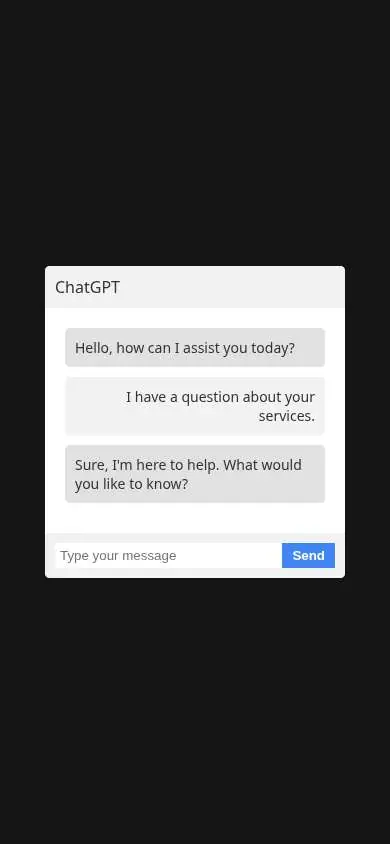
检测于 2026年11月15日 · 数据来自自动脚本,不是手工填写。
按实际尺寸显示。
复制内容以许可声明开头,使用代码时请保留。
<div class="chat-card">
  <div class="chat-header">
   <div class="h2">ChatGPT</div>
  </div>
  <div class="chat-body">
    <div class="message incoming">
      <p>Hello, how can I assist you today?</p>
    </div>
    <div class="message outgoing">
      <p>I have a question about your services.</p>
    </div>
    <div class="message incoming">
      <p>Sure, I'm here to help. What would you like to know?</p>
    </div>

  </div>
  <div class="chat-footer">
    <input placeholder="Type your message" type="text">
    <button>Send</button>
  </div>
</div>/* From Uiverse.io by ahmed150up - Tags: card, chat, chatgpt */
.chat-card {
width: 300px;
background-color: #fff;
border-radius: 5px;
box-shadow: 0 2px 5px rgba(0, 0, 0, 0.1);
overflow: hidden;
}
.chat-header {
padding: 10px;
background-color: #f2f2f2;
display: flex;
align-items: center;
}
.chat-header .h2 {
font-size: 16px;
color: #333;
}
.chat-body {
padding: 20px;
}
.message {
margin-bottom: 10px;
padding: 10px;
border-radius: 5px;
}
.incoming {
background-color: #e1e1e1;
}
.outgoing {
background-color: #f2f2f2;
text-align: right;
}
.message p {
font-size: 14px;
color: #333;
margin: 0;
}
.chat-footer {
padding: 10px;
background-color: #f2f2f2;
display: flex;
}
.chat-footer input[type="text"] {
flex-grow: 1;
padding: 5px;
border: none;
border-radius: 3px;
}
.chat-footer button {
padding: 5px 10px;
border: none;
background-color: #4285f4;
color: #fff;
font-weight: bold;
cursor: pointer;
transition: background-color 0.3s;
}
.chat-footer button:hover {
background-color: #0f9d58;
}
@keyframes chatAnimation {
0% {
opacity: 0;
transform: translateY(10px);
}
100% {
opacity: 1;
transform: translateY(0);
}
}
.chat-card .message {
animation: chatAnimation 0.3s ease-in-out;
animation-fill-mode: both;
animation-delay: 0.1s;
}
.chat-card .message:nth-child(even) {
animation-delay: 0.2s;
}
.chat-card .message:nth-child(odd) {
animation-delay: 0.3s;
}控件 · HTML · CSS · JS
直接改代码,再用控件微调,预览会随输入实时更新。
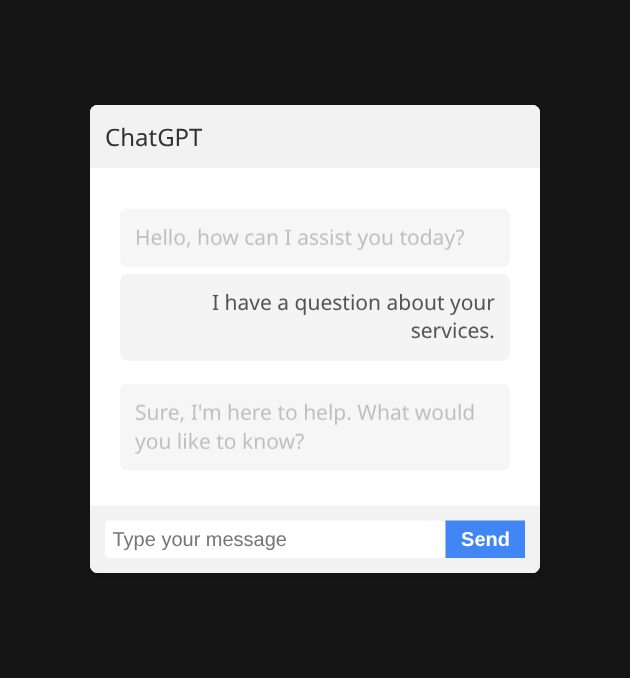
在线编辑每个组件,用控件微调,下载完整源码,复制进阶提示词。
一次性 $49占位价格
测试模式:不会真实扣款。
免费:预览、复制按钮和课程说明。
白色聊天窗口配灰色标题栏,收发气泡交替排列,现成的客服聊天样稿。
客服小组件、AI 助手演示和应用截图。
改 300px 宽度、#f2f2f2 标题栏、气泡颜色和 5px 圆角。
用纯 HTML、CSS 和 JavaScript(不用框架)做一个「聊天对话卡」组件。白色聊天窗口配灰色标题栏,收发气泡交替排列,现成的客服聊天样稿。 适用场景:客服小组件、AI 助手演示和应用截图。 开放这些可调项:改 300px 宽度、#f2f2f2 标题栏、气泡颜色和 5px 圆角。 支持浅色和深色主题,遵守 prefers-reduced-motion 并给出静止画面,保证文字清晰、控件可用键盘操作。请写原创代码,不要从付费或受限的组件库复制。
更完整的提示词,包含调参、无障碍和接入步骤。
 Yaya12085
 Lucas Bassetti
 Lucas Bassetti
 Lucas Bassetti
 Lucas Bassetti
 shadowmurphy
 DellBee
 Aryan-81