性能
通过帧率: 平均 60 fps,p5 59.9 · 长任务: 0 个,共 0 毫秒,最长 0 毫秒 · 源码 gzip 1.7 KB · 运行时 2.1 KB
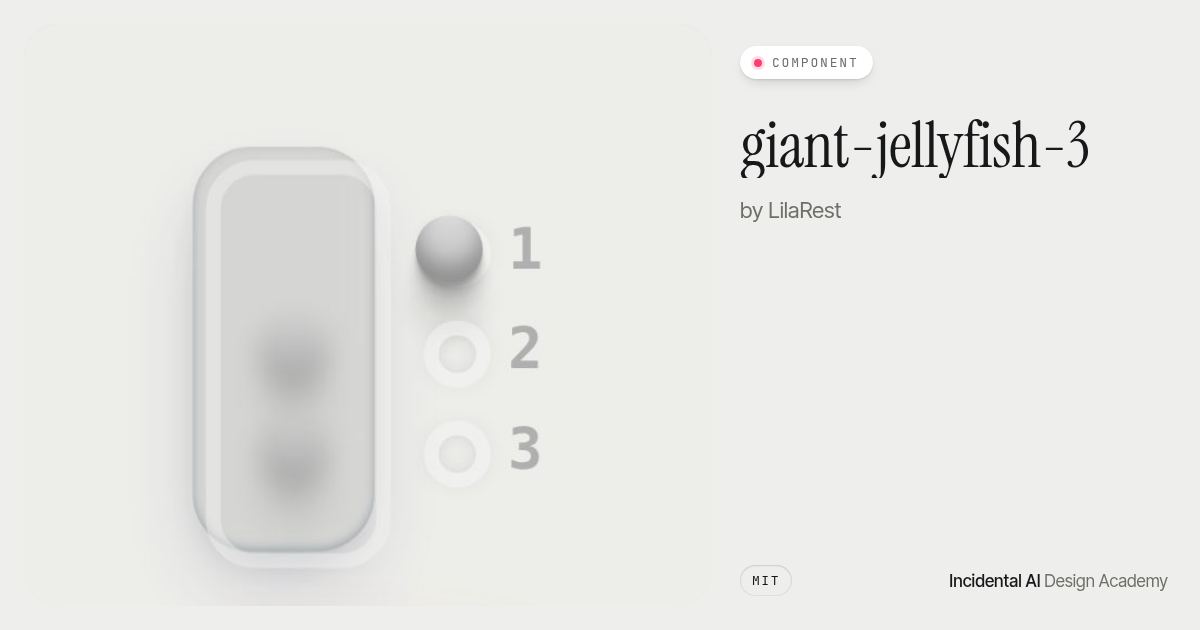
giant-jellyfish-3MIT单选组Uiverse.io
LilaRest 用纯 HTML 和 CSS 做的单选组。按 MIT 许可从 Uiverse.io 收录,此处为实时预览。
质量报告
等级和分数来自构建或测试时跑过的自动检查。没跑过的项目会标成「未检测」,不会填假数据。
帧率: 平均 60 fps,p5 59.9 · 长任务: 0 个,共 0 毫秒,最长 0 毫秒 · 源码 gzip 1.7 KB · 运行时 2.1 KB
问题 0 · 读屏: 通过
没有持续动效
无溢出
帧率和长任务是在无界面的 Chromium 里用软件 WebGL 测的,只适合在本站组件之间比较,不代表真机表现。
不适用:静止时没有可见动画;由悬停触发的动画没有测试。
没有 axe-core 违规。
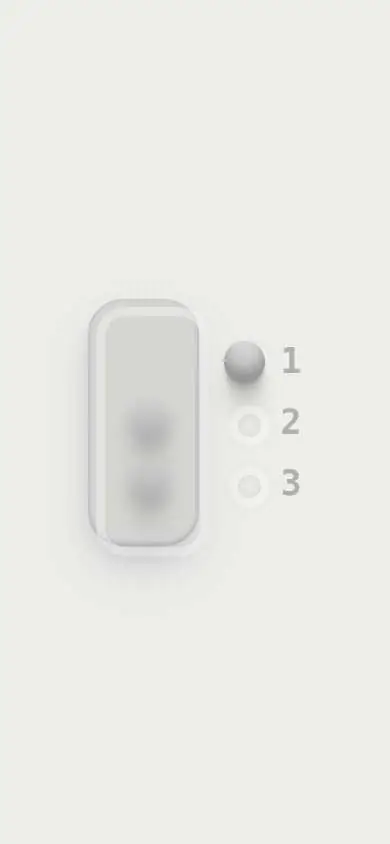
检测于 2026年11月15日 · 数据来自自动脚本,不是手工填写。
按实际尺寸显示。
复制内容以许可声明开头,使用代码时请保留。
<div class="radio-input">
  <div class="glass">
    <div class="glass-inner">
    </div>
  </div>
  <div class="selector">
    <div class="choice">
      <div>
        <input class="choice-circle" checked="true" value="one" name="number-selector" id="one" type="radio">
        <div class="ball"></div>
      </div>
      <label for="one" class="choice-name">1</label>
    </div>
    <div class="choice">
      <div>
        <input class="choice-circle" value="two" name="number-selector" id="two" type="radio">
        <div class="ball"></div>
      </div>
      <label class="choice-name">2</label>
    </div>
    <div class="choice">
      <div>
        <input class="choice-circle" value="three" name="number-selector" id="three" type="radio">
        <div class="ball"></div>
      </div>
      <label for="three" class="choice-name">3</label>
    </div>
  </div>
</div>/* From Uiverse.io by LilaRest - Tags: */
.radio-input {
display: flex;
height: 210px;
align-items: center;
}
.glass {
z-index: 2;
height: 110%;
width: 95px;
margin-right: 25px;
padding: 8px;
background-color: rgba(190, 189, 189, 0.5);
border-radius: 35px;
box-shadow: rgba(50, 50, 93, 0.2) 0px 25px 50px -10px,
rgba(0, 0, 0, 0.25) 0px 10px 30px -15px,
rgba(10, 37, 64, 0.26) 0px -2px 6px 0px inset;
backdrop-filter: blur(8px);
}
.glass-inner {
width: 100%;
height: 100%;
border-color: rgba(245, 245, 245, 0.45);
border-width: 9px;
border-style: solid;
border-radius: 30px
}
.selector {
display: flex;
flex-direction: column;
}
.choice {
margin: 10px 0 10px 0;
display: flex;
align-items: center;
}
.choice > div {
position: relative;
width: 41px;
height: 41px;
margin-right: 15px;
z-index: 0;
}
.choice-circle {
appearance: none;
height: 100%;
width: 100%;
border-radius: 100%;
border-width: 9px;
border-style: solid;
border-color: rgba(245, 245, 245, 0.45);
cursor: pointer;
box-shadow: 0px 0px 20px -13px gray,
0px 0px 20px -14px gray inset;
}
.ball {
z-index: 1;
position: absolute;
inset: 0px;
transform: translateX(-95px);
box-shadow: rgba(0, 0, 0, 0.17) 0px -10px 10px 0px inset,
rgba(0, 0, 0, 0.15) 0px -15px 15px 0px inset,
rgba(0, 0, 0, 0.1) 0px -40px 20px 0px inset,
rgba(0, 0, 0, 0.06) 0px 2px 1px,
rgba(0, 0, 0, 0.09) 0px 4px 2px,
rgba(0, 0, 0, 0.09) 0px 8px 4px,
rgba(0, 0, 0, 0.09) 0px 16px 8px,
rgba(0, 0, 0, 0.09) 0px 32px 16px,
0px -1px 15px -8px rgba(0, 0, 0, 0.09);
border-radius: 100%;
transition: transform 800ms cubic-bezier(1,-0.4,0,1.4);
background-color: rgb(232, 232, 232, 1);
}
.choice-circle:checked + .ball {
transform: translateX(0px);
}
.choice-name {
color: rgb(177, 176, 176);
font-size: 35px;
font-weight: 900;
font-family: monospace;
cursor: pointer;
}控件 · HTML · CSS · JS
直接改代码,再用控件微调,预览会随输入实时更新。
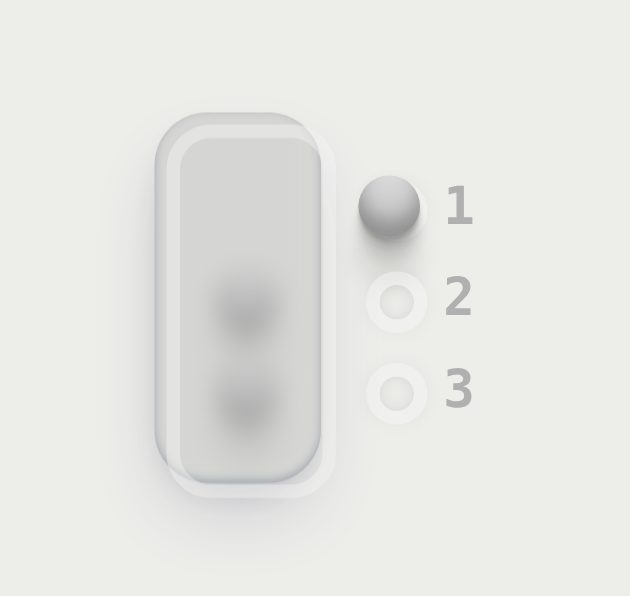
在线编辑每个组件,用控件微调,下载完整源码,复制进阶提示词。
一次性 $49占位价格
测试模式:不会真实扣款。
免费:预览、复制按钮和课程说明。
一根毛玻璃管立在数字选项旁,小球移到选中的那一项,像一个液位计。
评分、数量选择和少量选项的趣味单选。
调 blur(8px) 玻璃模糊、95px 管宽、35px 圆角,以及小球的颜色和移动距离。
用纯 HTML、CSS 和 JavaScript(不用框架)做一个「玻璃管数字选择器」组件。一根毛玻璃管立在数字选项旁,小球移到选中的那一项,像一个液位计。 适用场景:评分、数量选择和少量选项的趣味单选。 开放这些可调项:调 blur(8px) 玻璃模糊、95px 管宽、35px 圆角,以及小球的颜色和移动距离。 支持浅色和深色主题,遵守 prefers-reduced-motion 并给出静止画面,保证文字清晰、控件可用键盘操作。请写原创代码,不要从付费或受限的组件库复制。
更完整的提示词,包含调参、无障碍和接入步骤。
 gharsh11032000
 3bdel3ziz-T
 watchakorn-18k
 NlghtM4re
 aadium
 aguerquin
 Saiyed-Tanvir
 Pradeepsaranbishnoi