性能
通过帧率: 平均 60 fps,p5 59.9 · 长任务: 0 个,共 0 毫秒,最长 0 毫秒 · 源码 gzip 1.7 KB · 运行时 2.0 KB
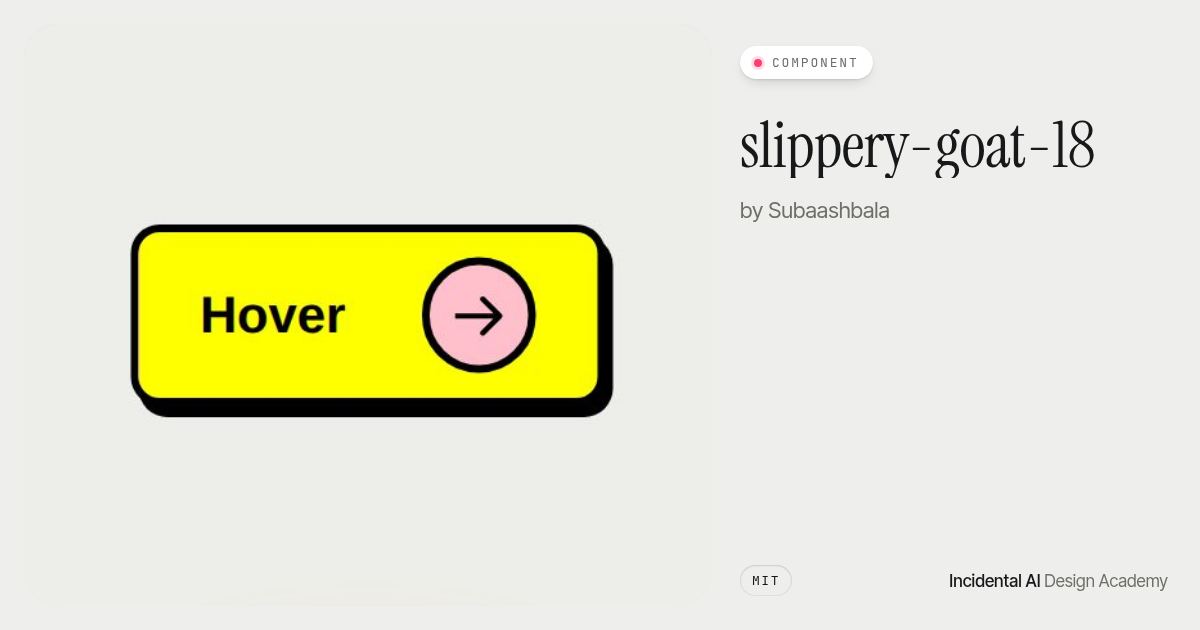
slippery-goat-18MIT按钮Uiverse.io
Subaashbala 用纯 HTML 和 CSS 做的按钮。按 MIT 许可从 Uiverse.io 收录,此处为实时预览。
质量报告
等级和分数来自构建或测试时跑过的自动检查。没跑过的项目会标成「未检测」,不会填假数据。
帧率: 平均 60 fps,p5 59.9 · 长任务: 0 个,共 0 毫秒,最长 0 毫秒 · 源码 gzip 1.7 KB · 运行时 2.0 KB
问题 0 · 读屏: 需注意
没有持续动效
无溢出
帧率和长任务是在无界面的 Chromium 里用软件 WebGL 测的,只适合在本站组件之间比较,不代表真机表现。
不适用:静止时没有可见动画;由悬停触发的动画没有测试。
没有 axe-core 违规。
检测于 2026年11月15日 · 数据来自自动脚本,不是手工填写。
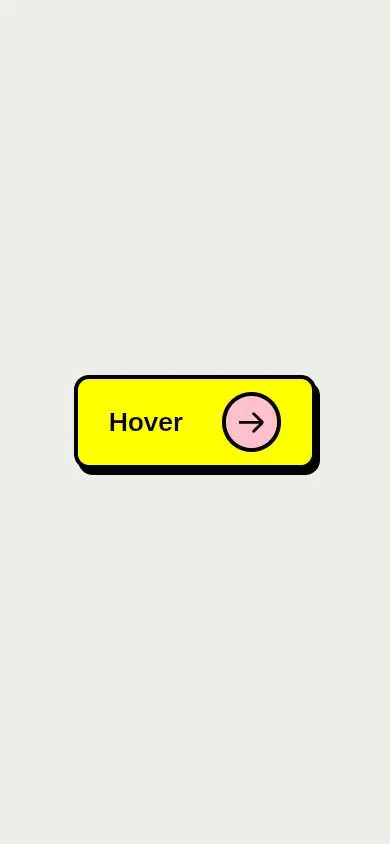
按实际尺寸显示。
复制内容以许可声明开头,使用代码时请保留。
<button class="button">
  <div class="bgContainer">
    <span>Hover</span>
    <span>Hover</span>
  </div>
  <div class="arrowContainer">
    <svg
      xmlns="http://www.w3.org/2000/svg"
      fill="none"
      viewBox="0 0 45 38"
      height="25"
      width="25"
    >
      <path
        fill="black"
        d="M43.7678 20.7678C44.7441 19.7915 44.7441 18.2085 43.7678 17.2322L27.8579 1.32233C26.8816 0.34602 25.2986 0.34602 24.3223 1.32233C23.346 2.29864 23.346 3.88155 24.3223 4.85786L38.4645 19L24.3223 33.1421C23.346 34.1184 23.346 35.7014 24.3223 36.6777C25.2986 37.654 26.8816 37.654 27.8579 36.6777L43.7678 20.7678ZM0 21.5L42 21.5V16.5L0 16.5L0 21.5Z"
      ></path>
    </svg>
  </div>
</button>/* From Uiverse.io by Subaashbala - Tags: login, button, transition, hover button */
button {
display: flex;
justify-content: space-around;
align-items: center;
padding: 1em 0em 1em 1em;
background-color: yellow;
box-shadow: 4px 6px 0px black;
border: 4px solid;
border-radius: 15px;
position: relative;
overflow: hidden;
z-index: 100;
transition: box-shadow 250ms, transform 250ms, filter 50ms;
}
button:hover {
transform: translate(2px, 2px);
box-shadow: 2px 3px 0px black;
}
button:active {
filter: saturate(0.75);
}
button::after {
content: "";
position: absolute;
inset: 0;
background-color: pink;
z-index: -1;
transform: translateX(-100%);
transition: transform 250ms;
}
button:hover::after {
transform: translateX(0);
}
.bgContainer {
position: relative;
display: flex;
justify-content: start;
align-items: center;
overflow: hidden;
max-width: 35%; /* adjust this if the button text is not proper */
font-size: 2em;
font-weight: 600;
}
.bgContainer span {
position: relative;
transform: translateX(-100%);
transition: all 250ms;
}
.button:hover .bgContainer > span {
transform: translateX(0);
}
.arrowContainer {
padding: 1em;
margin-inline-end: 1em;
border: 4px solid;
border-radius: 50%;
background-color: pink;
position: relative;
overflow: hidden;
transition: transform 250ms, background-color 250ms;
z-index: 100;
}
.arrowContainer::after {
content: "";
position: absolute;
inset: 0;
border-radius: inherit;
background-color: yellow;
transform: translateX(-100%);
z-index: -1;
transition: transform 250ms ease-in-out;
}
button:hover .arrowContainer::after {
transform: translateX(0);
}
button:hover .arrowContainer {
transform: translateX(5px);
}
button:active .arrowContainer {
transform: translateX(8px);
}
.arrowContainer svg {
vertical-align: middle;
}控件 · HTML · CSS · JS
直接改代码,再用控件微调,预览会随输入实时更新。
在线编辑每个组件,用控件微调,下载完整源码,复制进阶提示词。
一次性 $49占位价格
测试模式:不会真实扣款。
免费:预览、复制按钮和课程说明。
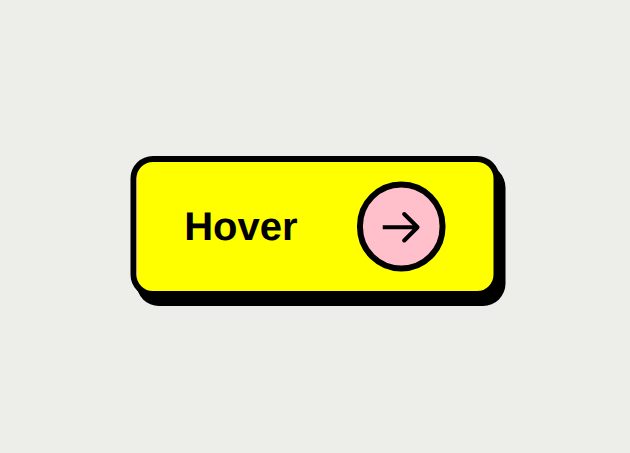
亮黄色按钮配粗边框和黑色硬阴影,悬停时文字和箭头滚动,按下沉 2px。
俏皮和粗野风网站上的醒目行动按钮。
改黄色填充、4px 边框、4px 6px 的阴影、15px 圆角和 250ms 时长。
用纯 HTML、CSS 和 JavaScript(不用框架)做一个「黄色箭头悬停按钮」组件。亮黄色按钮配粗边框和黑色硬阴影,悬停时文字和箭头滚动,按下沉 2px。 适用场景:俏皮和粗野风网站上的醒目行动按钮。 开放这些可调项:改黄色填充、4px 边框、4px 6px 的阴影、15px 圆角和 250ms 时长。 支持浅色和深色主题,遵守 prefers-reduced-motion 并给出静止画面,保证文字清晰、控件可用键盘操作。请写原创代码,不要从付费或受限的组件库复制。
更完整的提示词,包含调参、无障碍和接入步骤。
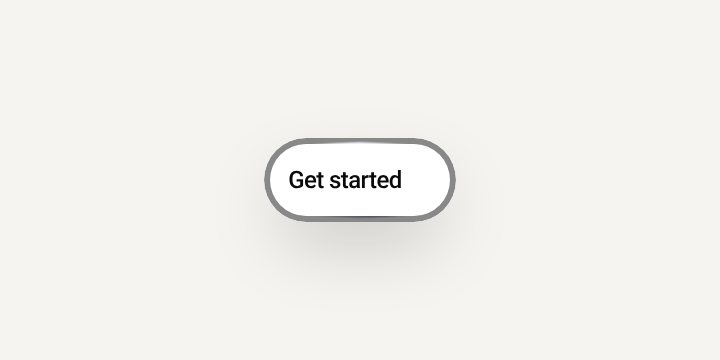 ObsidianUI
 Tsiangana
 Animata
 Pradeepsaranbishnoi
 andrew-demchenk0
 tarantino421
 cssbuttons-io
 Lucas Bassetti