性能
通过帧率: 平均 60 fps,p5 59.9 · 长任务: 0 个,共 0 毫秒,最长 0 毫秒 · 源码 gzip 2.3 KB · 运行时 2.0 KB
quick-horse-75MIT卡片Uiverse.io
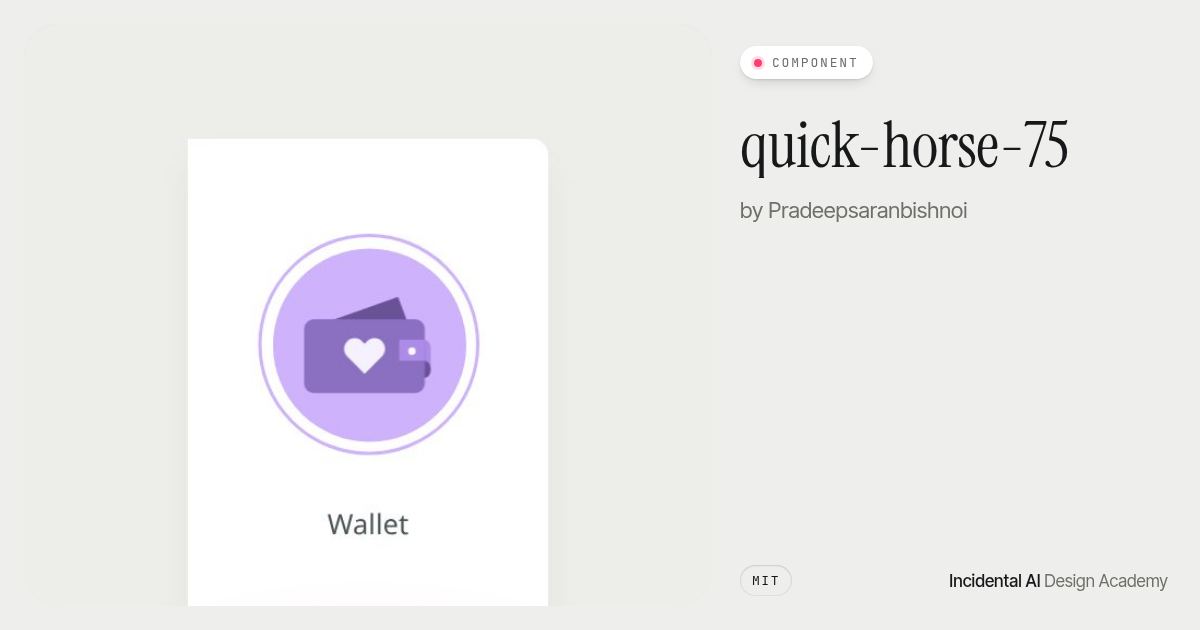
Pradeepsaranbishnoi 用纯 HTML 和 CSS 做的卡片。按 MIT 许可从 Uiverse.io 收录,此处为实时预览。
质量报告
等级和分数来自构建或测试时跑过的自动检查。没跑过的项目会标成「未检测」,不会填假数据。
帧率: 平均 60 fps,p5 59.9 · 长任务: 0 个,共 0 毫秒,最长 0 毫秒 · 源码 gzip 2.3 KB · 运行时 2.0 KB
问题 0 · 读屏: 需注意
没有持续动效
无溢出
帧率和长任务是在无界面的 Chromium 里用软件 WebGL 测的,只适合在本站组件之间比较,不代表真机表现。
不适用:静止时没有可见动画;由悬停触发的动画没有测试。
没有 axe-core 违规。

检测于 2026年11月15日 · 数据来自自动脚本,不是手工填写。
按实际尺寸显示。
复制内容以许可声明开头,使用代码时请保留。
<div class="card wallet">
    <div class="overlay"></div>
    <div class="circle">


        <svg xmlns:xlink="http://www.w3.org/1999/xlink" xmlns="http://www.w3.org/2000/svg" version="1.1" viewBox="23 29 78 60" height="60px" width="78px">

            <defs></defs>
            <g transform="translate(23.000000, 29.500000)" fill-rule="evenodd" fill="none" stroke-width="1" stroke="none" id="icon">
                <rect rx="4.70247832" height="21.8788565" width="9.40495664" y="26.0333433" x="67.8357511" fill="#AC8BE9" id="Rectangle-3"></rect>
                <rect rx="4.70247832" height="10.962961" width="9.40495664" y="38.776399" x="67.8357511" fill="#6A5297" id="Rectangle-3"></rect>
                <polygon points="57.3086772 0 67.1649301 26.3776902 14.4413177 45.0699507 4.58506484 18.6922605" fill="#6A5297" id="Rectangle-2">
                </polygon>
                <path fill="#8B6FC0" id="Rectangle" d="M0,19.6104296 C0,16.2921718 2.68622235,13.6021923 5.99495032,13.6021923 L67.6438591,13.6021923 C70.9547788,13.6021923 73.6388095,16.2865506 73.6388095,19.6104296 L73.6388095,52.6639057 C73.6388095,55.9821635 70.9525871,58.672143 67.6438591,58.672143 L5.99495032,58.672143 C2.68403068,58.672143 0,55.9877847 0,52.6639057 L0,19.6104296 Z"></path>
                <path fill="#F6F1FF" id="Fill-12" d="M47.5173769,27.0835169 C45.0052827,24.5377699 40.9347162,24.5377699 38.422622,27.0835169 L36.9065677,28.6198808 L35.3905134,27.0835169 C32.8799903,24.5377699 28.8078527,24.5377699 26.2957585,27.0835169 C23.7852354,29.6292639 23.7852354,33.7559532 26.2957585,36.3001081 L36.9065677,47.0530632 L47.5173769,36.3001081 C50.029471,33.7559532 50.029471,29.6292639 47.5173769,27.0835169"></path>
                <rect height="12.863158" width="15.6082259" y="26.1162588" x="58.0305835" fill="#AC8BE9" id="Rectangle-4"></rect>
                <ellipse ry="2.23319575" rx="2.20116007" cy="33.0919007" cx="65.8346965" fill="#FFFFFF" id="Oval">
                </ellipse>
            </g>
        </svg>

    </div>
    <p>Wallet</p>
</div>/* From Uiverse.io by Pradeepsaranbishnoi - Tags: card */
.wallet {
--bg-color: #ceb2fc;
--bg-color-light: #f0e7ff;
--text-color-hover: #fff;
--box-shadow-color: rgba(206, 178, 252, 0.48);
}
.card {
width: 220px;
height: 321px;
background: #fff;
border-top-right-radius: 10px;
overflow: hidden;
display: flex;
flex-direction: column;
justify-content: center;
align-items: center;
position: relative;
box-shadow: 0 14px 26px rgba(0, 0, 0, 0.04);
transition: all 0.3s ease-out;
text-decoration: none;
}
.card:hover {
transform: translateY(-5px) scale(1.005) translateZ(0);
box-shadow: 0 24px 36px rgba(0, 0, 0, 0.11),
0 24px 46px var(--box-shadow-color);
}
.card:hover .overlay {
transform: scale(4) translateZ(0);
}
.card:hover .circle {
border-color: var(--bg-color-light);
background: var(--bg-color);
}
.card:hover .circle:after {
background: var(--bg-color-light);
}
.card:hover p {
color: var(--text-color-hover);
}
.card p {
font-size: 17px;
color: #4c5656;
margin-top: 30px;
z-index: 1000;
transition: color 0.3s ease-out;
}
.circle {
width: 131px;
height: 131px;
border-radius: 50%;
background: #fff;
border: 2px solid var(--bg-color);
display: flex;
justify-content: center;
align-items: center;
position: relative;
z-index: 1;
transition: all 0.3s ease-out;
}
.circle:after {
content: "";
width: 118px;
height: 118px;
display: block;
position: absolute;
background: var(--bg-color);
border-radius: 50%;
top: 7px;
left: 7px;
transition: opacity 0.3s ease-out;
}
.circle svg {
z-index: 10000;
transform: translateZ(0);
}
.overlay {
width: 118px;
position: absolute;
height: 118px;
border-radius: 50%;
background: var(--bg-color);
top: 70px;
left: 50px;
z-index: 0;
transition: transform 0.3s ease-out;
}控件 · HTML · CSS · JS
直接改代码,再用控件微调,预览会随输入实时更新。
在线编辑每个组件,用控件微调,下载完整源码,复制进阶提示词。
一次性 $49占位价格
测试模式:不会真实扣款。
免费:预览、复制按钮和课程说明。
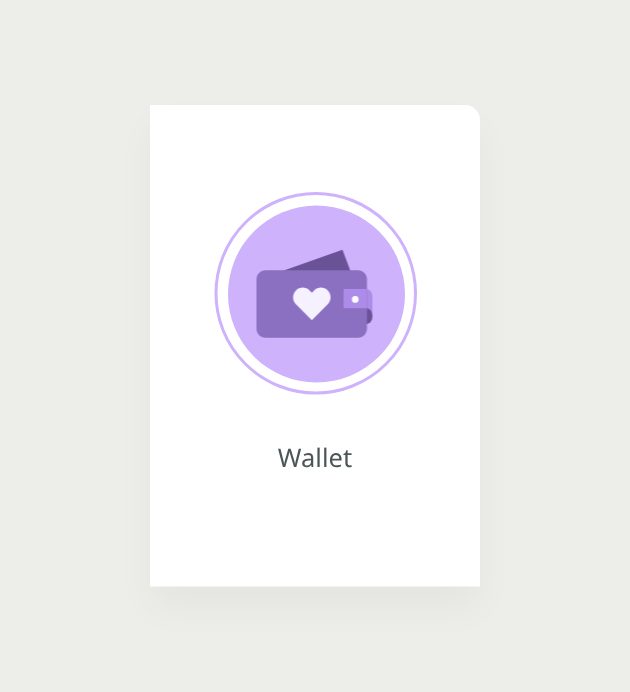
高高的白卡片带圆形淡紫图标,悬停时上浮 5px,淡紫色铺满卡片,文字变白。
分类方块、理财应用菜单和仪表盘快捷入口。
设置 --bg-color(#ceb2fc)、--bg-color-light、--text-color-hover 和 --box-shadow-color,以及 220px × 321px 尺寸。
用纯 HTML、CSS 和 JavaScript(不用框架)做一个「淡紫钱包分类卡」组件。高高的白卡片带圆形淡紫图标,悬停时上浮 5px,淡紫色铺满卡片,文字变白。 适用场景:分类方块、理财应用菜单和仪表盘快捷入口。 开放这些可调项:设置 --bg-color(#ceb2fc)、--bg-color-light、--text-color-hover 和 --box-shadow-color,以及 220px × 321px 尺寸。 支持浅色和深色主题,遵守 prefers-reduced-motion 并给出静止画面,保证文字清晰、控件可用键盘操作。请写原创代码,不要从付费或受限的组件库复制。
更完整的提示词,包含调参、无障碍和接入步骤。
 Yaya12085
 Lucas Bassetti
 Lucas Bassetti
 Lucas Bassetti
 Lucas Bassetti
 shadowmurphy
 DellBee
 Aryan-81